
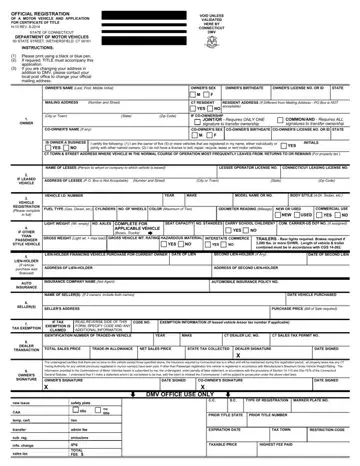
Navigating through the intricacies of vehicle registration and title application in Connecticut can be a challenging process, but understanding the DMV H-13 form is a crucial step in this journey. Officially known as the "Official Registration of a Motor Vehicle and Application for Certificate of Title," this form, last revised in August 2014, serves as the gateway for vehicle owners in Connecticut to officially declare ownership and obtain the necessary documentation for their vehicles. It's imperative for both new and seasoned vehicle owners to accurately fill out this form, as it collects vital information such as owner's details, vehicle identification, and addresses. Additionally, the form caters to various circumstances, including changes of address, co-ownership specifics, and details concerning leased vehicles. It also includes sections for vehicle specification, lien-holder information, and a declaration section for tax exemption status, ensuring a well-rounded documentation process. The importance of legibility using a black or blue pen, the requirement of accompanying title documentation, and the need to ensure all taxation and lien information is accurate cannot be overstressed, highlighting the form’s comprehensive nature in vehicle registration and titling in Connecticut.
| Question | Answer |
|---|---|
| Form Name | Dmv Form H 13 |
| Form Length | 2 pages |
| Fillable? | No |
| Fillable fields | 0 |
| Avg. time to fill out | 30 sec |
| Other names | registration motor certificate, ct vehicle form, ct dmv h13b form, registration motor vehicle application |
