
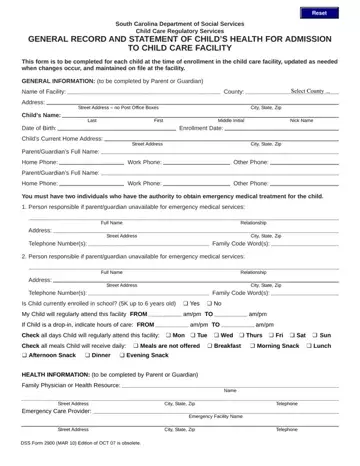
DSS Form 2900 at a glance
What it is: The South Carolina Department of Social Services Child Care Regulatory Services General Record and Statement of Child's Health for Admission to Child Care Facility.
Who signs: Parent or Guardian: Signature and Date. Director/Operator/Staff Designee: Signature and Date.
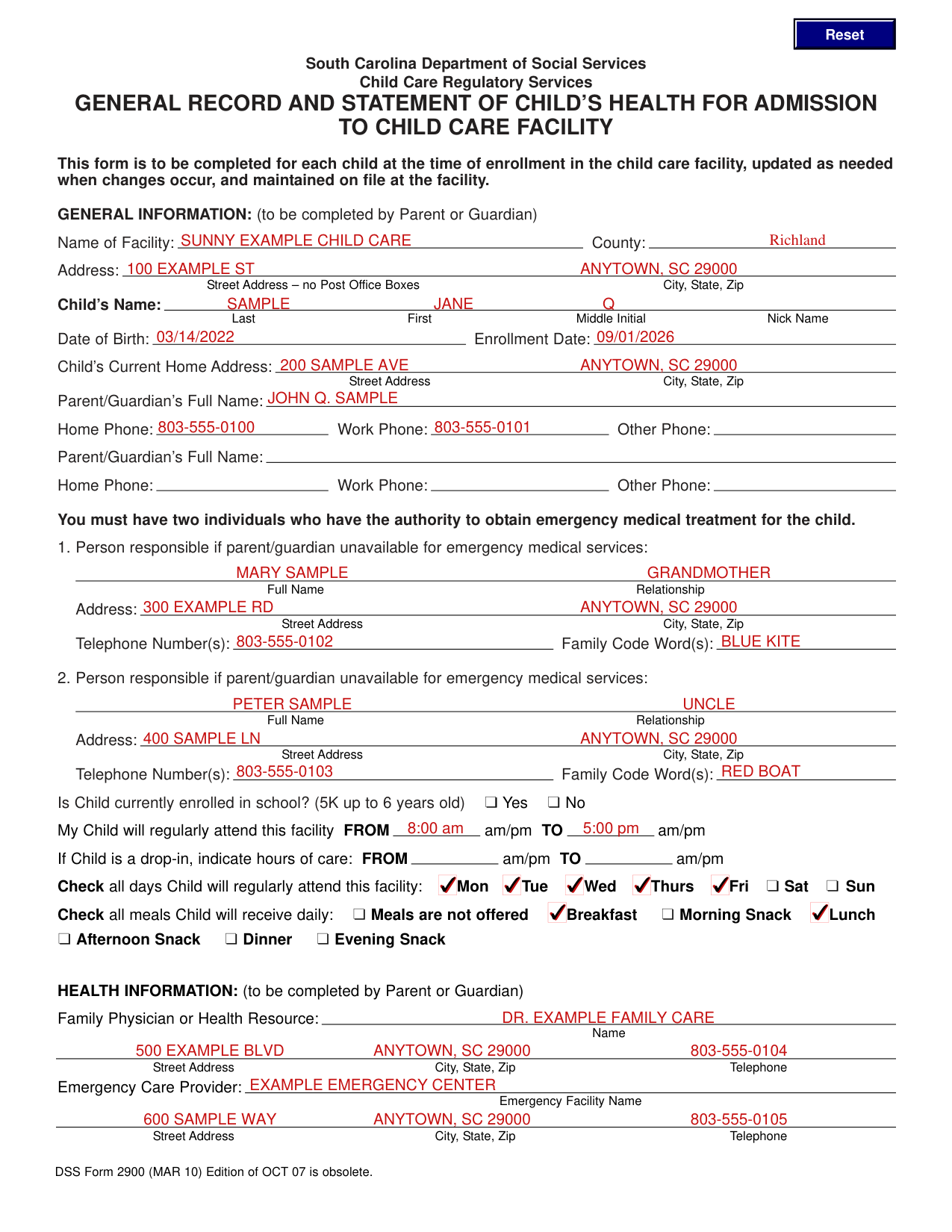
A filled-in DSS Form 2900 example: a parent enrolls a child
How to fill out DSS Form 2900, box by box
Name of Facility and its address

Enter the Name of Facility and the County.
Under Address, enter the Street Address, with no Post Office Boxes, and the City, State, Zip.
Child's Name and Child's Current Home Address

Under Child's Name, enter the Last, First, Middle Initial and Nick Name.
Enter the Date of Birth and the Enrollment Date.
Under Child's Current Home Address, enter the Street Address and the City, State, Zip.
Parent/Guardian's Full Name

Enter the Parent/Guardian's Full Name, then the Home Phone, Work Phone and Other Phone.
For a second Parent/Guardian, enter the Parent/Guardian's Full Name, then the Home Phone, Work Phone and Other Phone.
Person responsible if parent/guardian unavailable for emergency medical services
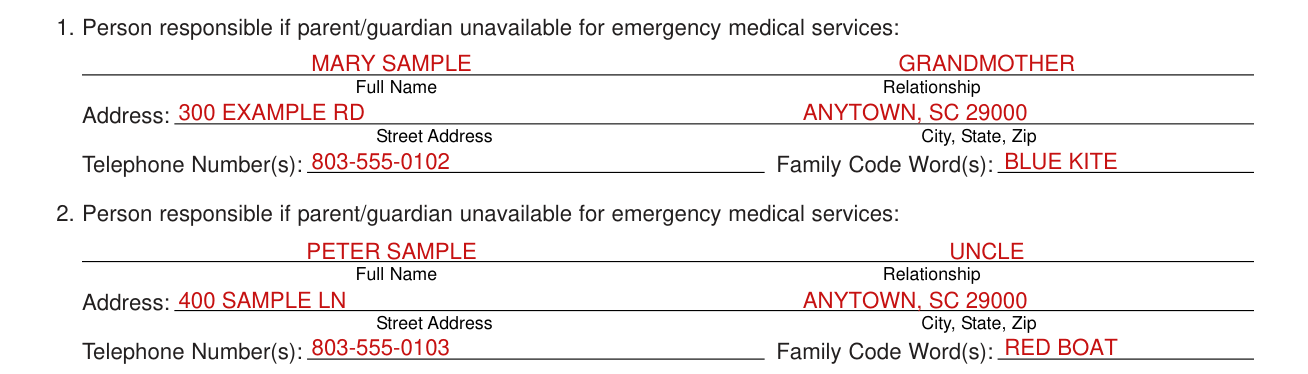
You must have two individuals who have the authority to obtain emergency medical treatment for the child.
For each of 1. and 2., the Person responsible if parent/guardian unavailable for emergency medical services, enter the Full Name, the Relationship, the Address (Street Address, City, State, Zip), the Telephone Number(s) and the Family Code Word(s).
Hours of care and days

Under My Child will regularly attend this facility, enter FROM and TO with am/pm.
If Child is a drop-in, indicate hours of care: FROM and TO with am/pm.
Check all days Child will regularly attend this facility: Mon, Tue, Wed, Thurs, Fri, Sat, Sun.
Meals

Check all meals Child will receive daily: Meals are not offered, Breakfast, Morning Snack, Lunch, Afternoon Snack, Dinner, Evening Snack.
Family Physician or Health Resource and Emergency Care Provider

Under Family Physician or Health Resource, enter the Name, Street Address, City, State, Zip and Telephone.
Under Emergency Care Provider, enter the Emergency Facility Name, Street Address, City, State, Zip and Telephone.
Dental Care Provider and Health Insurance Provider

Under Dental Care Provider, enter the Name, Street Address, City, State, Zip and Telephone.
Enter the Health Insurance Provider.
Certificate of Immunization, health conditions and comments
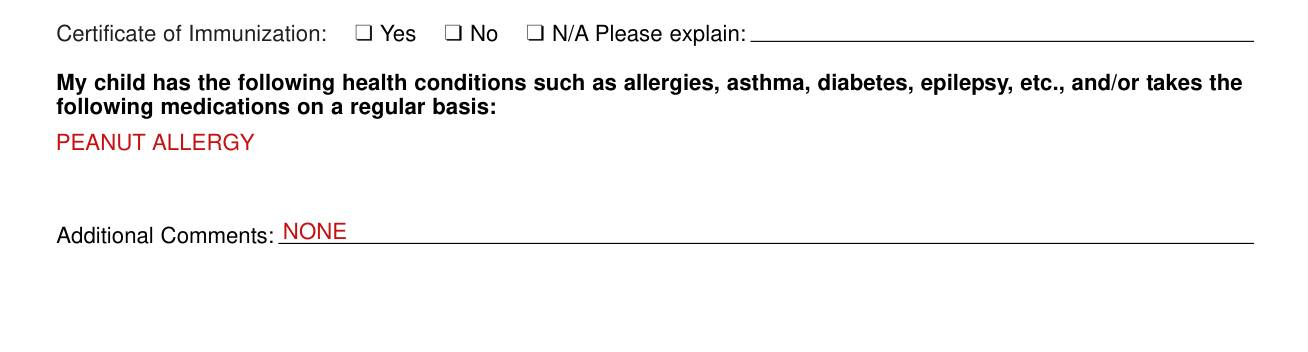
For Certificate of Immunization, mark Yes, No or N/A, and enter Please explain.
Enter the health conditions such as allergies, asthma, diabetes, epilepsy, etc., and/or the medications the child takes on a regular basis.
Enter Additional Comments.
I certify that to the best of my knowledge
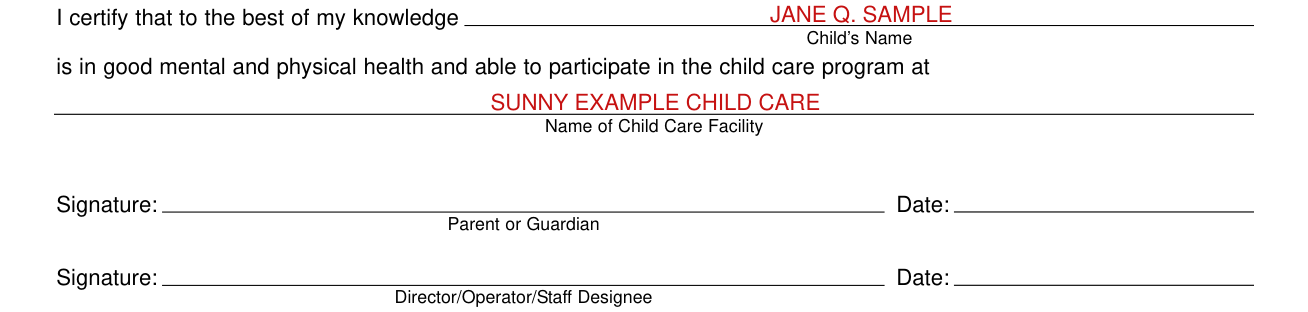
"I certify that to the best of my knowledge Child's Name is in good mental and physical health and able to participate in the child care program at Name of Child Care Facility."
Parent or Guardian: Signature and Date.
Director/Operator/Staff Designee: Signature and Date.
More rules for DSS Form 2900
GENERAL INFORMATION: to be completed by Parent or Guardian.
Mark Yes or No for: Is Child currently enrolled in school? (5K up to 6 years old).
HEALTH INFORMATION: to be completed by Parent or Guardian.
DSS Form 2900 (MAR 10): the Edition of OCT 07 is obsolete.
Common questions about DSS Form 2900
What is a DSS 2900 form?
The South Carolina Department of Social Services Child Care Regulatory Services General Record and Statement of Child's Health for Admission to Child Care Facility. This form is to be completed for each child at the time of enrollment in the child care facility, updated as needed when changes occur, and maintained on file at the facility.
Sources
[1] DSS Form 2900 (MAR 10), General Record and Statement of Child's Health for Admission to Child Care Facility, South Carolina Department of Social Services (the Official source link on this page).
