



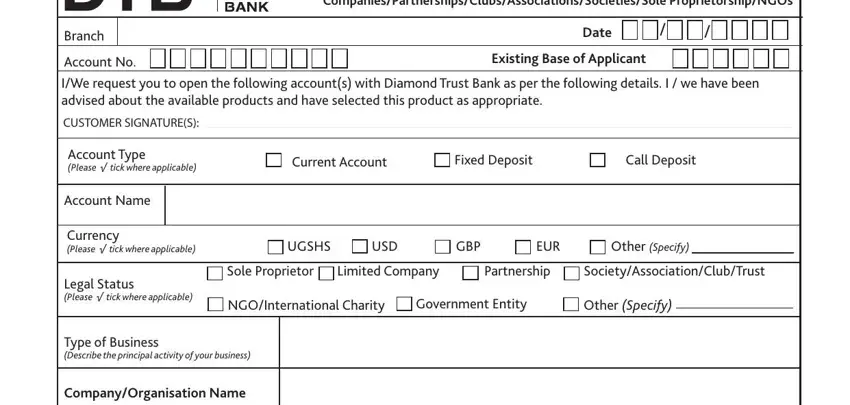
 Latest Annual Return on Particulars or Directors and
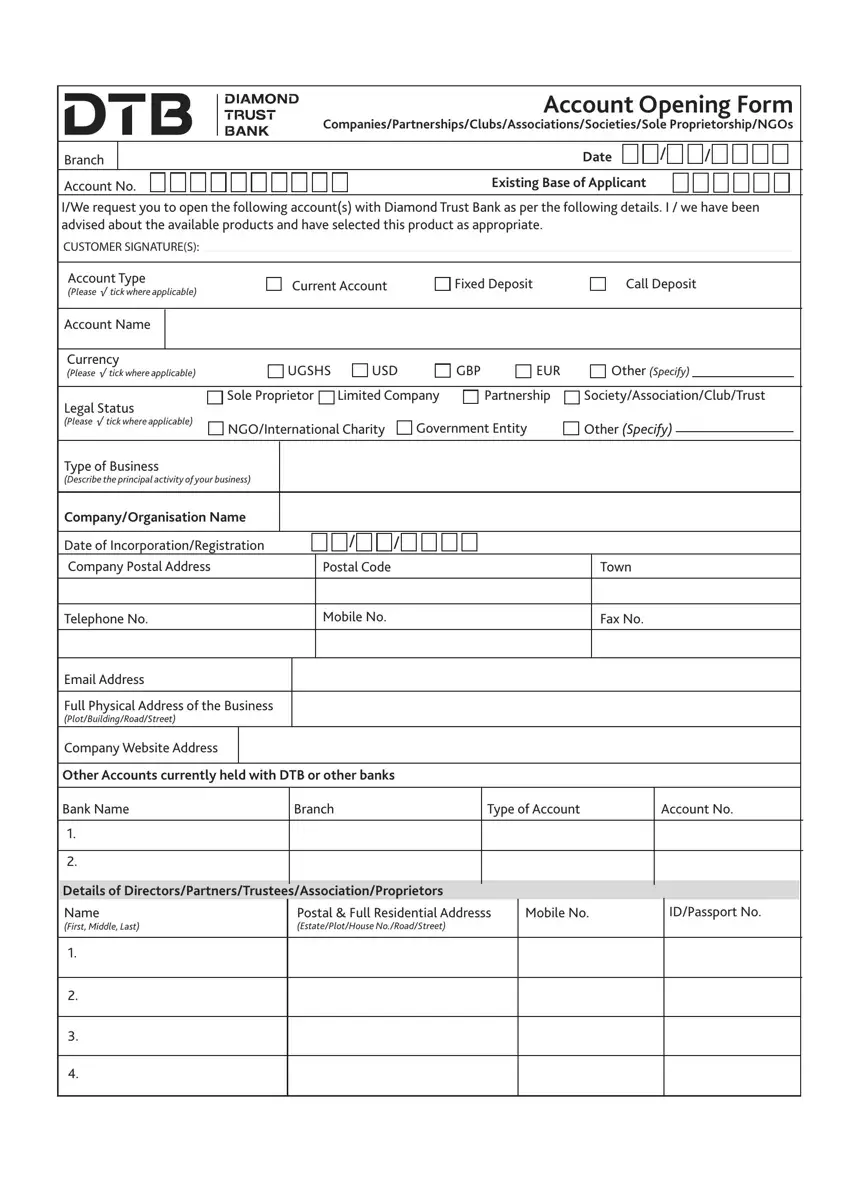
The PDF editor works to make filling in forms effortless. It is very easy to edit the [FORMNAME] form. Check out the following actions if you want to accomplish this:
Step 1: You can hit the orange "Get Form Now" button at the top of the following website page.
Step 2: So you are going to be within the file edit page. You'll be able to add, update, highlight, check, cross, insert or delete fields or phrases.
Make sure you provide the following details to prepare the dtb internet banking tanzania PDF:
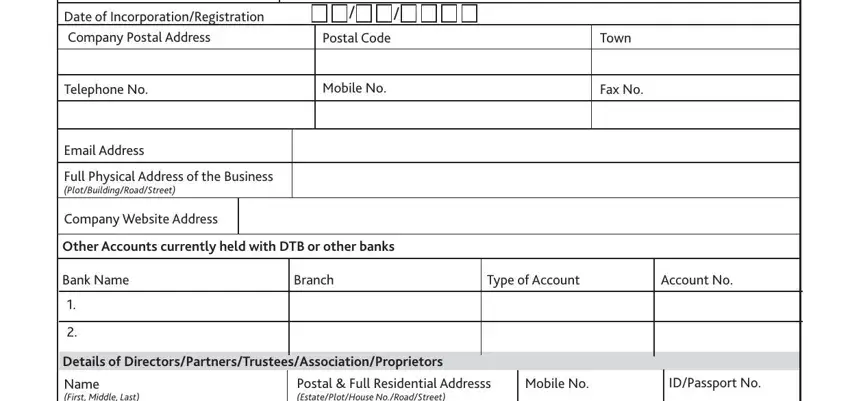
Write the appropriate data in the Date of IncorporationRegistration, Telephone No, Email Address, Postal Code, Mobile No, Town, Fax No, Full Physical Address of the, Company Website Address, Other Accounts currently held with, Bank Name, Branch, Type of Account, Account No, and Details of section.
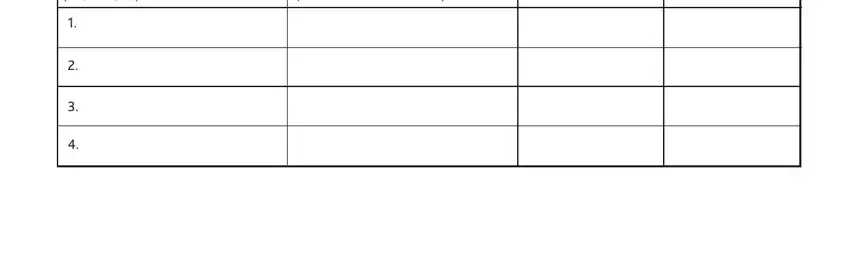
Within the area referring to Name First Middle Last, and Postal Full Residential Addresss, you will need to write down some significant data.
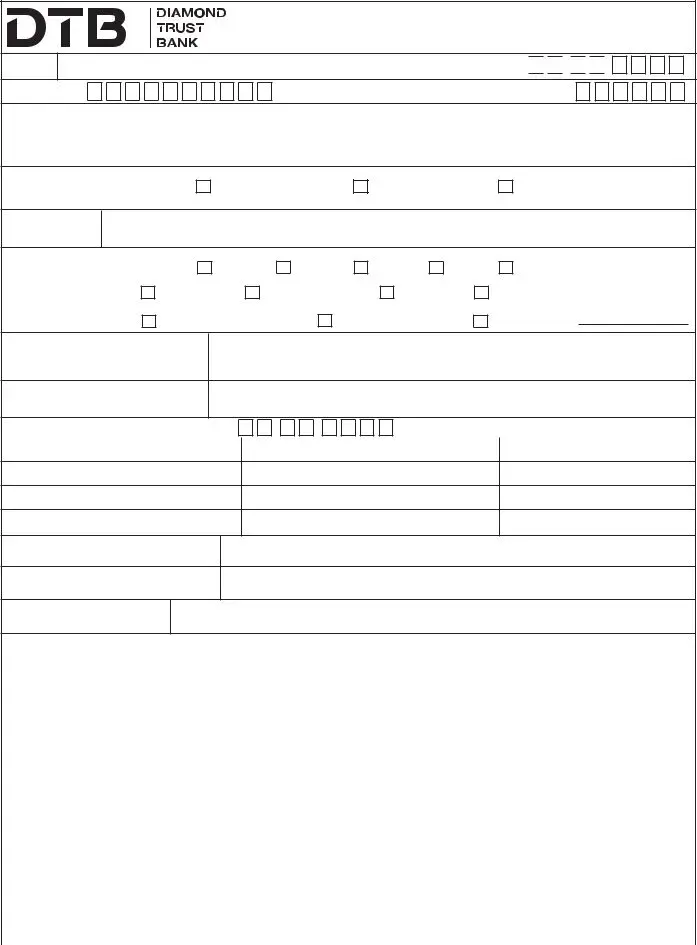
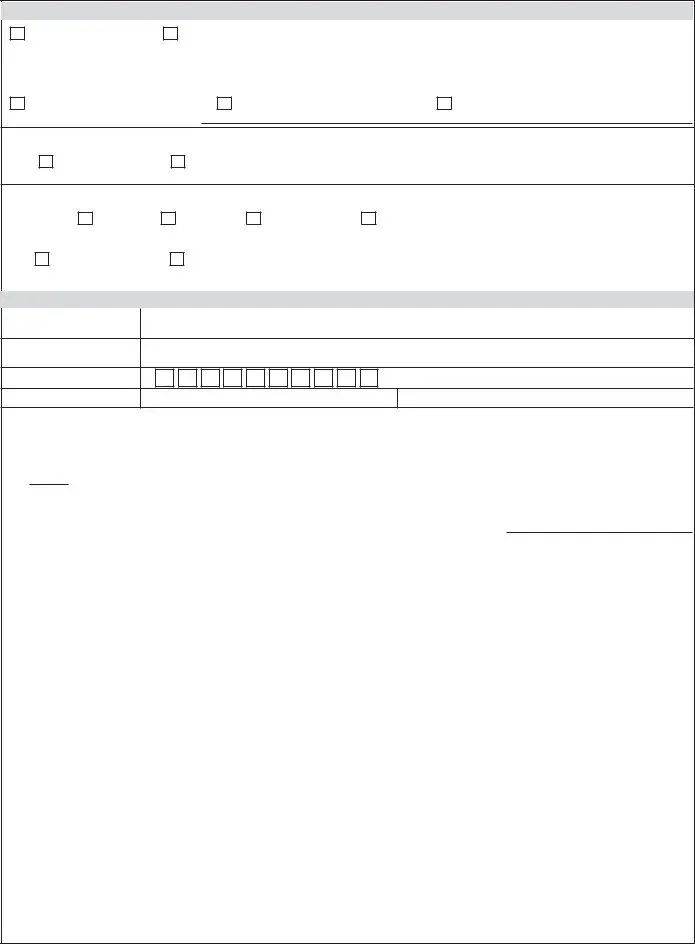
Indicate the rights and obligations of the sides inside the part Account Facilities Tick where, Check Book, Third Party Operation Please sign, For myour current account I, cheque books and debit myour, Leaf Cheque Book, leaf Cheque Book, Leaf Cheque Book, Cheque Book to be collected form, Postal Address, Hold Mail for collection, Statements, Frequency, Monthly, and Quarterly.
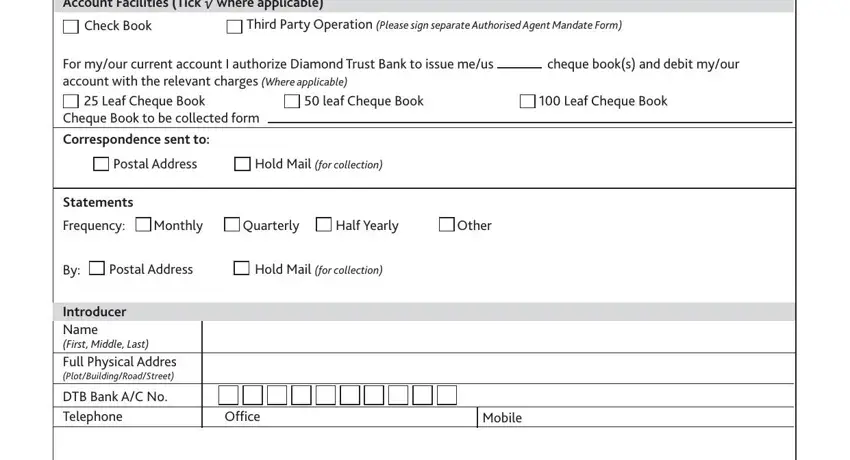
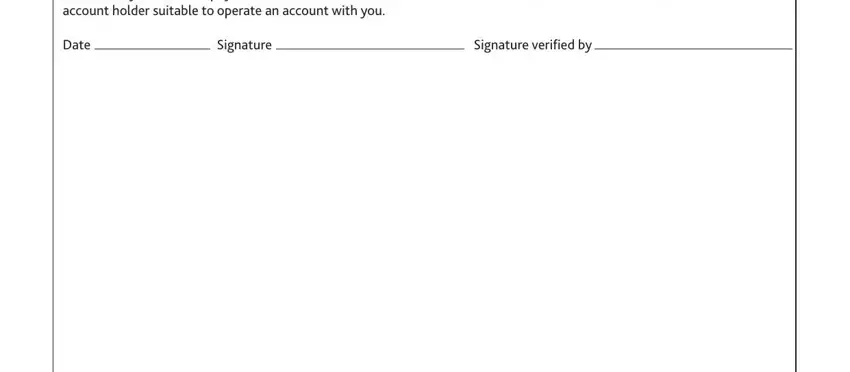
Finish the file by taking a look at these areas: Certificate By Introducer I would, years and the physical location, Date, Signature, and Signature verified by.
Step 3: Choose the "Done" button. Then, it is possible to export the PDF document - upload it to your device or forward it by means of electronic mail.
Step 4: Make copies of your file - it may help you remain away from potential future concerns. And don't get worried - we cannot distribute or read your details.
