Please rate Food Stamp Form Nc Rev. 10-2026

You may complete your recertification online if you have an NCID and Linked Account.
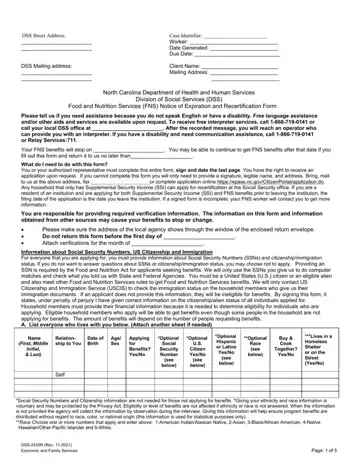
Who completes it: you or your authorized representative must complete this entire form, sign and date the last page.
If you cannot complete it: you will only need to provide a signature, legible name, and address.
Where to return it: bring, mail to us at the above address, or fax your completed form.
Income: attach proof of all income received during the last 30 days.
SSI: any household that only has Supplemental Security Income (SSI) can apply for recertification at the Social Security office.
| Question | Answer |
|---|---|
| Form Name | Form DSS-2435R |
| Form Length | 6 pages |
| Fillable? | Yes |
| Fillable fields | 330 |
| Avg. time to fill out | 55 min |
| Edition | Rev 10-2026 |
| Issuing agency | North Carolina Department of Health and Human Services, Division of Social Services |
| Matches the agency's file | Yes, checked October 4, 2026 |
| Other names | DSS-2435R, DSS 2435R, NC FNS recertification, Food and Nutrition Services Notice of Expiration and Recertification Form |
| Official source | Form DSS-2435R (Rev 10-2026), North Carolina Department of Health and Human Services, Division of Social Services |
Food Stamp Form Nc isn’t the one you’re looking for?
Please rate Food Stamp Form Nc Rev. 10-2026
