
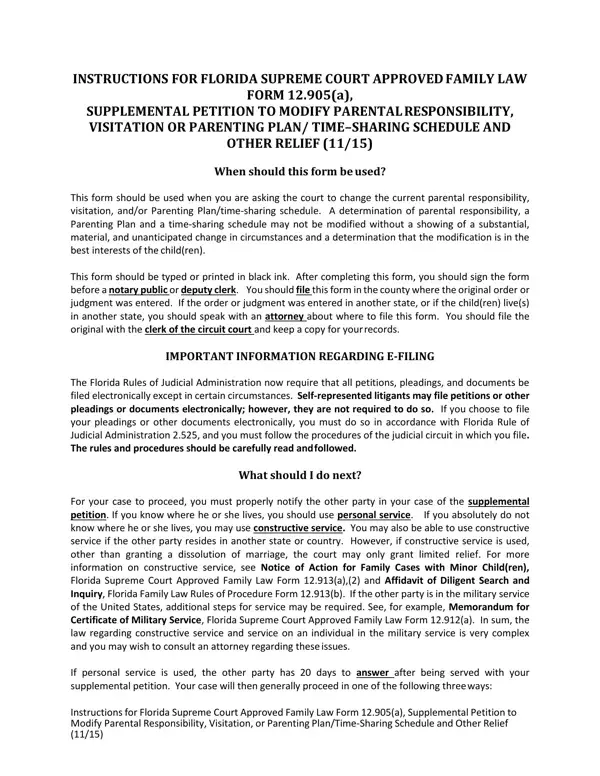
Navigating family dynamics and legal agreements can often lead to the need for adjustments based on changes in circumstances. The Florida Supreme Court Approved Family Law Form 12.905(a), known as the Supplemental Petition to Modify Parental Responsibility, Visitation, or Parenting Plan/Time-Sharing Schedule and Other Relief, is a critical tool for those seeking to alter the current arrangements concerning their children. Designed for use when substantial, material, and unanticipated shifts occur, this form enables a parent to petition for modifications in the interests of the child's well-being. Rigorous in its requirements, the form mandates a detailed exposition of the changes prompting the modification request, alongside proposals for the new arrangements. It is essential that this document is completed with care, printed in black ink, and duly signed before a notary public or deputy clerk. Upon filing with the clerk of the circuit court in the county of the original order, the petitioner must embark on the careful task of notifying the other party, adhering to strict rules on electronic filing as per the Florida Rules of Judicial Administration and considering various service methods to ensure proper delivery. As the legal landscape navigates through defaults, uncontested, and contested cases, litigants find themselves confronting a host of subsequent steps including, but not limited to, financial disclosures, parenting courses, and potentially, temporary relief motions or settlement agreements, all aimed at securing the best outcomes for the involved children under the mantle of judicial discretion.
| Question | Answer |
|---|---|
| Form Name | Form 12 905A |
| Form Length | 7 pages |
| Fillable? | No |
| Fillable fields | 0 |
| Avg. time to fill out | 1 min 45 sec |
| Other names | florida supplemental petition modification, child time sharing form, child custody modification forms florida, child custody modification florida |