Please rate Form Dc 4212 1211

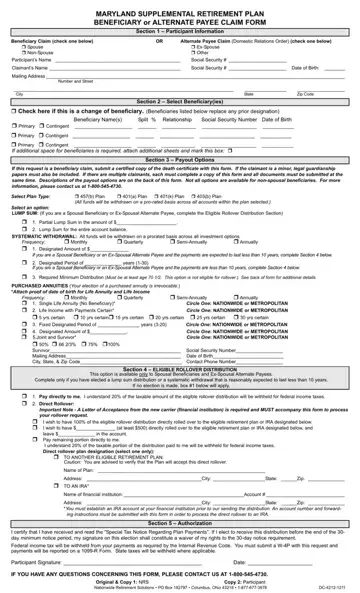
The Maryland Supplemental Retirement Plan Beneficiary or Alternate Payee Claim Form, designated as DC 4212 1211, serves a crucial role in managing and directing benefits after a participant's death or in cases involving domestic relations orders. It commences with a comprehensive section for participant information, guiding claimants—whether spouse, ex-spouse, non-spouse, or other—in indicating their relationship to the deceased or affected individual. An essential part of the form involves the selection of beneficiaries, allowing for a change in previously designated beneficiaries with specified percentage splits and requiring detailed information on each. Furthermore, the form outlines an array of payout options, each with its specific conditions and applicability based on the claimant's status and desires, including lump-sum payments, systematic withdrawals, purchased annuities, and rollover distributions for spousal beneficiaries and ex-spousal alternate payees. Required attachments, such as a certified death certificate or legal guardianship papers for minor claimants, underscore the form's role in ensuring that the necessary legal documentation supports the beneficiary or alternate payee claims. This meticulous procedure ensures that the Maryland Supplemental Retirement Plan's distribution of benefits is executed according to the participant’s wishes or legal obligations, providing a structured path for claimants to follow during what can often be a challenging time.
| Question | Answer |
|---|---|
| Form Name | Form Dc 4212 1211 |
| Form Length | 2 pages |
| Fillable? | No |
| Fillable fields | 0 |
| Avg. time to fill out | 30 sec |
| Other names | Form_MSRPBenefi ciaryClaim maryland supplemental retirement plan beneficiary or alternate payee claim form |
Form Dc 4212 1211 isn’t the one you’re looking for?
Please rate Form Dc 4212 1211
