
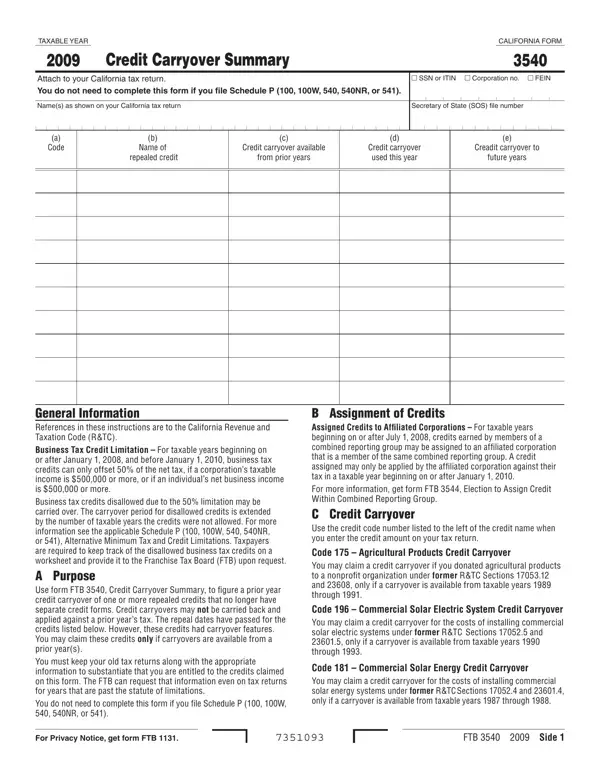
Part I is the credit carryover and Part II is the credit recapture.
Refundable credits: to make an election for refundable credits, you must complete form FTB 3870.
Part I: name of repealed credit; credit carryover available from prior years; credit carryover used this year; total credit assigned this year.
Part II: credit recapture: total credit claimed for all years, proration percentage and credit recapture amount.
Privacy: for the Privacy Notice, get FTB 1131 EN-SP.
| Question | Answer |
|---|---|
| Form Name | Form 3540 |
| Form Length | 1 page |
| Fillable? | Yes |
| Fillable fields | 54 |
| Avg. time to fill out | 9 min |
| Edition | 2025 |
| Matches the agency's file | Yes, checked October 4, 2026 |
| Other names | 3540, FTB 3540, Form 3540, California Form 3540, Credit Carryover and Recapture Summary |
| Official source | Form 3540 (Rev 2025), Franchise Tax Board |
Form Ftb 3540 isn’t the one you’re looking for?