



It is possible to work with extra help application pdf instantly with the help of our online tool for PDF editing. We at FormsPal are aimed at providing you the perfect experience with our tool by continuously adding new features and upgrades. Our tool is now even more useful thanks to the newest updates! Currently, filling out documents is easier and faster than ever before. To get the ball rolling, go through these simple steps:
Step 1: Hit the orange "Get Form" button above. It'll open our pdf tool so that you could begin completing your form.
Step 2: When you start the online editor, you will notice the document made ready to be filled in. Besides filling out various blanks, you may also perform many other actions with the form, specifically writing any text, editing the original text, adding illustrations or photos, placing your signature to the PDF, and more.
With regards to the blanks of this precise document, this is what you should do:
1. Whenever submitting the extra help application pdf, be sure to incorporate all important blanks within the relevant form section. It will help to expedite the process, making it possible for your information to be handled quickly and accurately.
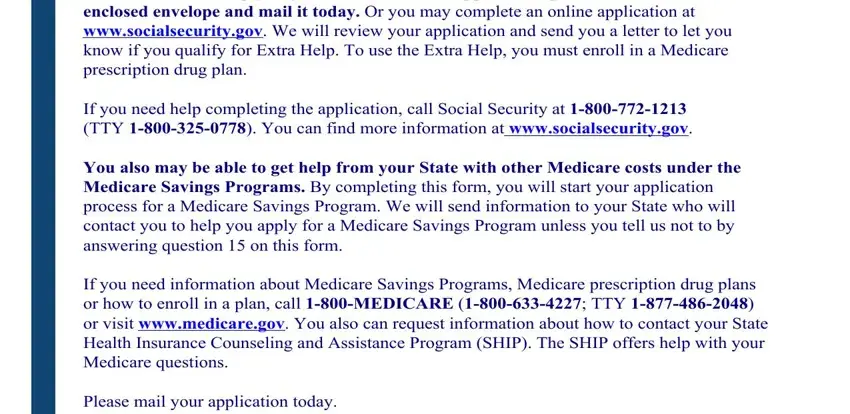
2. Right after this part is completed, go on to enter the applicable information in these: General Instructions for, and If You Are Assisting Someone Else.
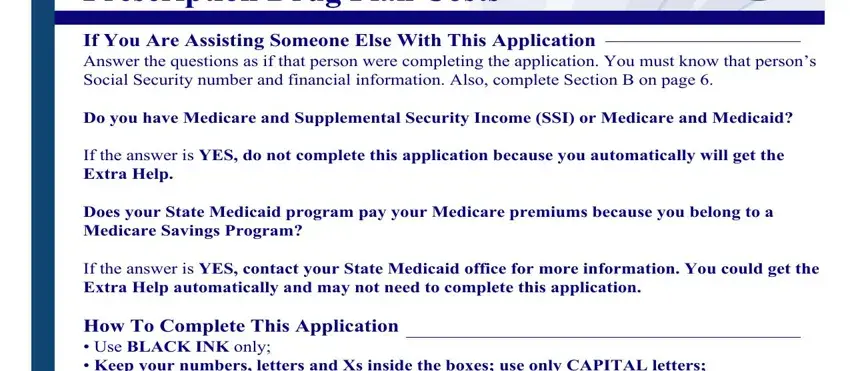
3. The following portion is about Completing Your Application You, Social Security Administration, Return this application package in, Form SSABOCRSMINST, and Page - fill in each of these fields.
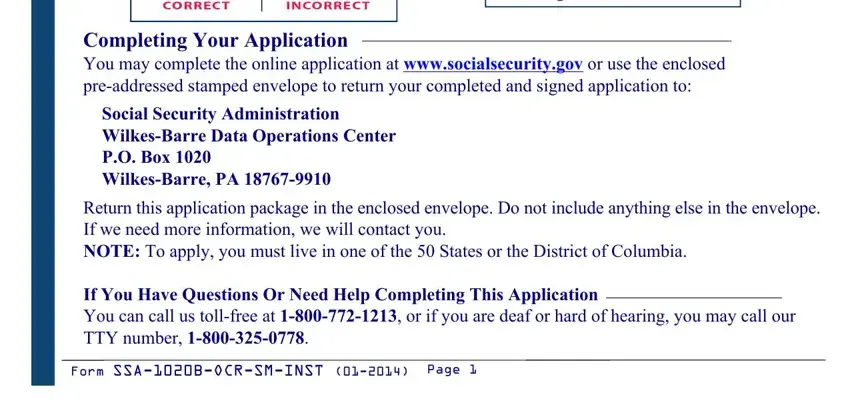
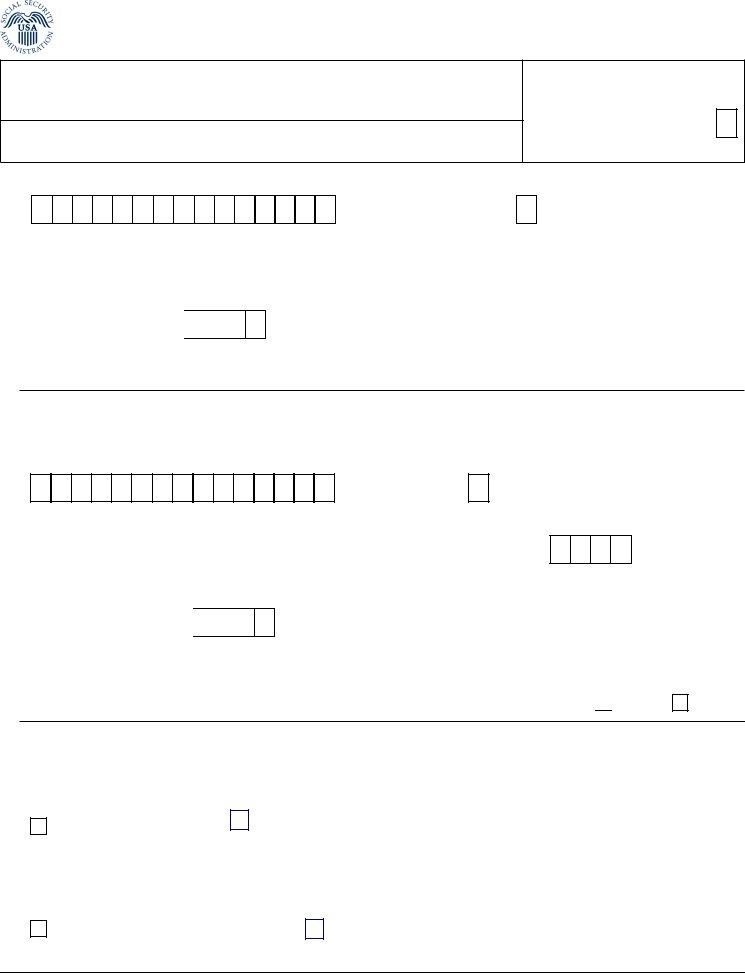
4. The subsequent part requires your details in the subsequent areas: Application for Extra Help with, WBDOC Exception, State Code, FIRST NAME, LAST NAME, SUFFIX Jr Sr etc, APPLICANTS SOCIAL SECURITY NUMBER, APPLICANTS DATE OF BIRTH, MMDDYYYY, and If you are married and living. Always give all of the needed information to move onward.
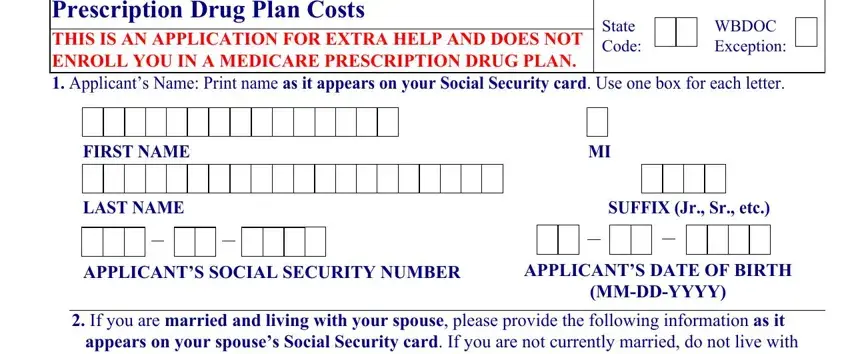
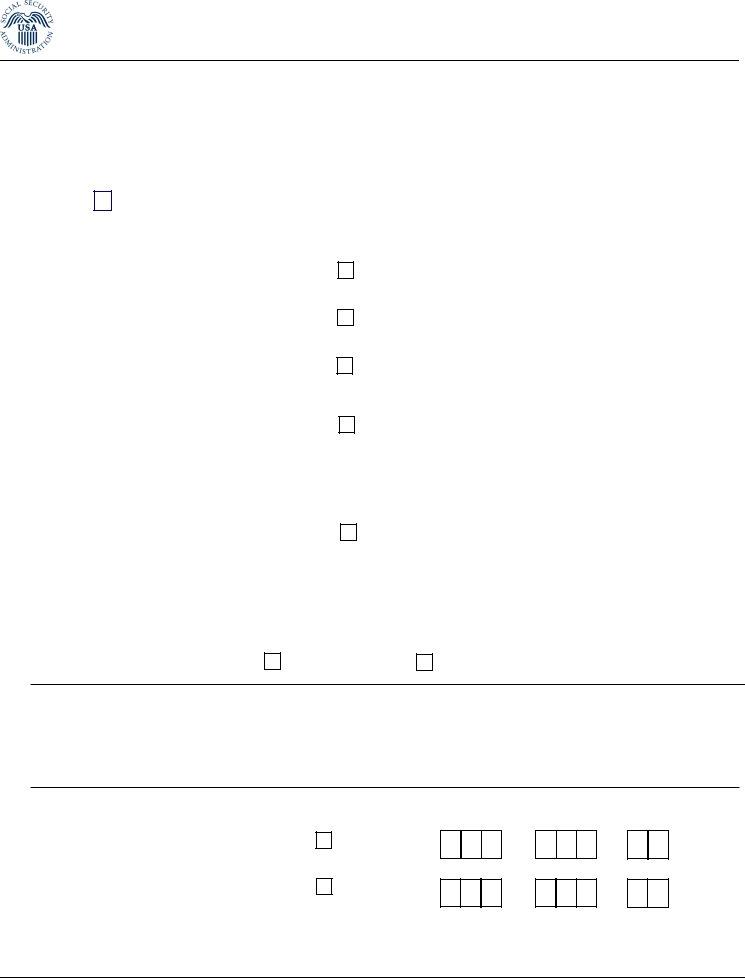
5. When you draw near to the conclusion of your document, you'll find several more things to complete. Specifically, If you are married and living, FIRST NAME, LAST NAME, SUFFIX Jr Sr etc, SPOUSES SOCIAL SECURITY NUMBER, SPOUSES DATE OF BIRTH, MMDDYYYY, If your spouse has Medicare does, YES, If you are married and live with, YES, and If you place an X in the YES box must be filled out.
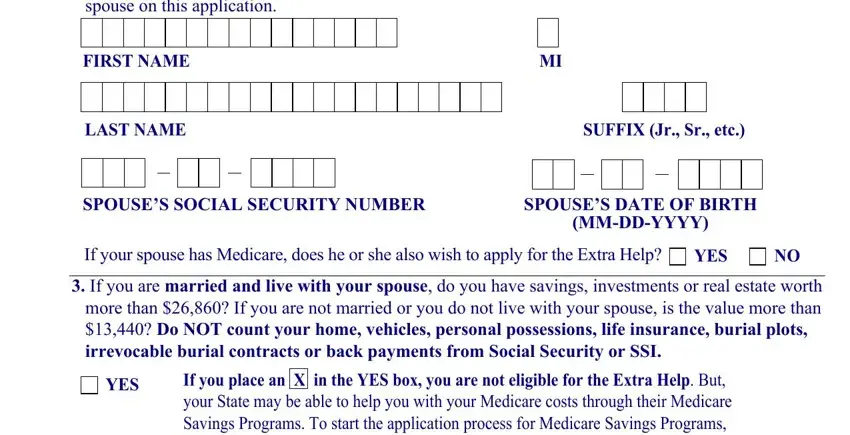
In terms of SPOUSES DATE OF BIRTH and YES, make sure that you do everything correctly here. The two of these could be the most significant ones in this PDF.
Step 3: Right after you've looked over the information entered, click "Done" to finalize your form. Create a 7-day free trial account at FormsPal and gain direct access to extra help application pdf - download, email, or edit in your FormsPal account. FormsPal ensures your data confidentiality via a secure system that never records or distributes any private information provided. Feel safe knowing your docs are kept protected each time you work with our service!