
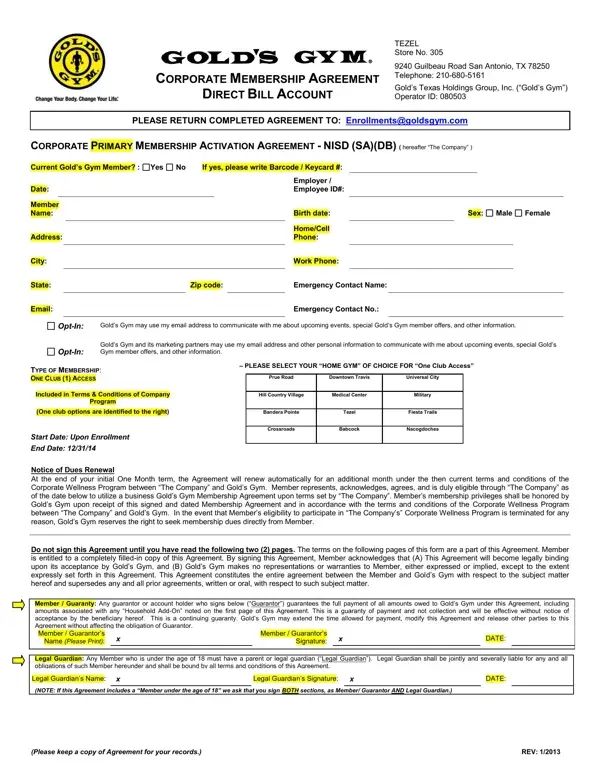
Member is entitled to a completely filled-in copy of this Agreement.
Eligibility: Member is duly eligible through “The Company” to use a business Gold's Gym Membership Agreement upon terms set by “The Company”.
Privileges: Member's membership privileges shall be honored by Gold's Gym upon receipt of this signed and dated Membership Agreement.
Guarantor: Any guarantor or account holder who signs below guarantees the full payment of all amounts owed to Gold's Gym under this Agreement.
Legal Guardian: Any Member who is under the age of 18 must have a parent or legal guardian.
| Question | Answer |
|---|---|
| Form Name | Gold's Gym Corporate Membership Activation Agreement |
| Form Length | 3 pages |
| Fillable? | No |
| Fillable fields | 0 |
| Avg. time to fill out | 9 min |
| Edition | 1/2013 |
| Where to send | Enrollments@goldsgym.com |
| Other names | Gold's Gym Corporate Membership Activation Agreement, Gold's Gym corporate membership agreement, direct bill account |
Golds Gym Application Form isn’t the one you’re looking for?