
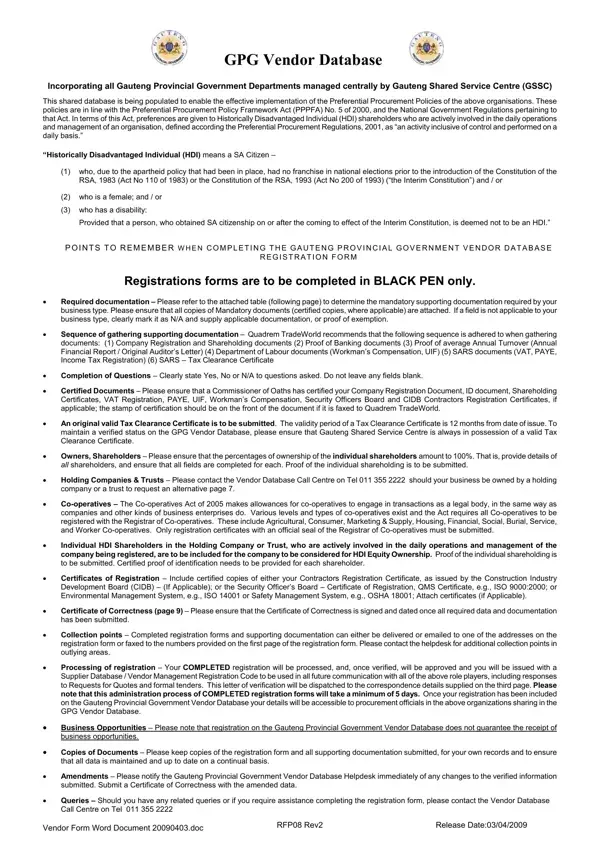
In the heart of Gauteng, a transformative initiative is uniting all provincial government departments under one umbrella through the Gauteng Shared Service Centre (GSSC), facilitated by the GPG Vendor Database. This centralized database heralds a new era in procurement, streamlining interactions and fostering a transparent environment for business engagements. It stands as a beacon for the implementation of the Preferential Procurement Policies, aligned with the Preferential Procurement Policy Framework Act (PPPFA) No. 5 of 2000, alongside the National Government Regulations that support this Act. Through this initiative, a significant emphasis is placed on uplifting Historically Disadvantaged Individuals (HDIs), ensuring they receive a preference in procurement activities, mirroring the commitment to rectify past inequalities. The comprehensive process for vendor registration, detailed in the GPG Vendor Form, encompasses the submission of a plethora of documents – from company registration and shareholder documents to proof of banking and annual turnover – all aimed at ensuring a thorough evaluation. The form mandates the completion in black pen and the certification of documents, underscoring the importance of authenticity. Despite the rigorous registration process, the GSSC clarifies that inclusion in the database does not guarantee business opportunities but serves as a vital stepping stone. It encourages vendors to meticulously maintain their documentation and keep the database updated with any changes, ensuring readiness for any procurement opportunity that may arise. This initiative not only simplifies procurement processes but also aims at fostering inclusivity and economic growth within the Gauteng region.
| Question | Answer |
|---|---|
| Form Name | Gpg Vendor Form |
| Form Length | 13 pages |
| Fillable? | No |
| Fillable fields | 0 |
| Avg. time to fill out | 3 min 15 sec |
| Other names | gssc website, gauteng shared service centre vendor registration, gssc registration, gpg vendor database forms |