
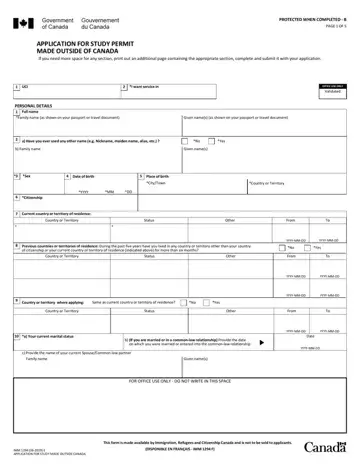
The official title of IMM 1294 is Application for Study Permit Made Outside of Canada. It is the form international students use to request legal permission to study in Canada.
The form confirms your intention to study and your eligibility. It collects personal details, passport information, contact data, education plans, and background responses, which allow Canadian immigration authorities to assess your application and decide whether to issue a study permit. It also helps determine whether a temporary resident visa or an eTA is required.
Most applicants submit IMM 1294 online through an IRCC account, along with a letter of acceptance, proof of funds, and other supporting documents. Paper applications still exist, but online submission is generally faster and easier to track.
The form also includes health and security questions. These help officers assess whether you meet Canada’s entry requirements. The contact details in the form and the study plans make follow-up easier if officials need clarification.
Because of its importance in the review process, every answer should be accurate and complete. The applicant must sign a declaration confirming the information is truthful, or a legal guardian must sign if the student is under 18. Once submitted, IMM 1294 officially begins the Canadian study permit application process.
| Question | Answer |
|---|---|
| Form Name | IMM 1294 Form |
| Form Length | 5 pages |
| Fillable? | Yes |
| Fillable fields | 198 |
| Avg. time to fill out | 20 min |
| Other names | imm1294 form, imm1294 form Canada, formulaire imm1294, imm1294 form PDF, imm1294e |
