
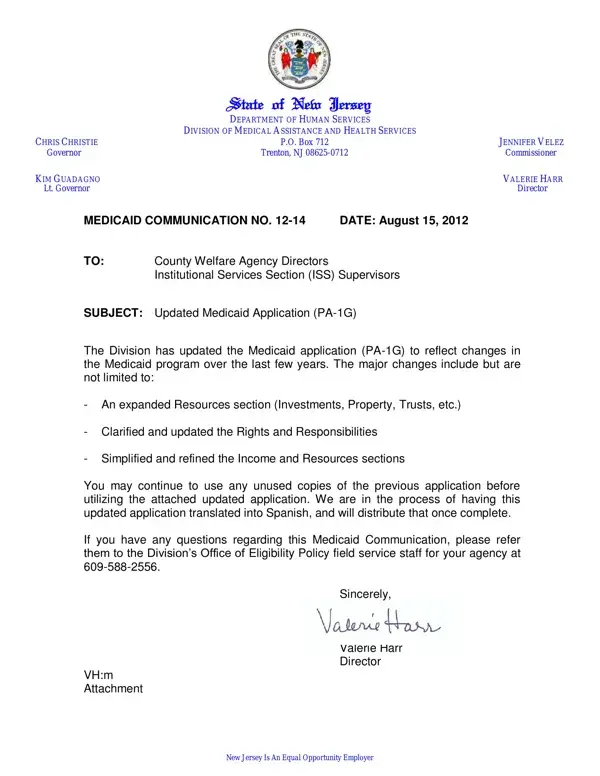
In a notable development within the healthcare sector, the State of New Jersey's Department of Human Services, specifically the Division of Medical Assistance and Health Services, has announced an important update to the Medicaid application process, pivotal for entities such as County Welfare Agency Directors and Institutional Services Section (ISS) Supervisors. This update, encapsulated in the revised Medicaid application form, PA-1G, dated August 15, 2012, represents a significant step towards accommodating the evolving landscape of Medicaid provisions. The modifications introduced in the updated form encompass a broad spectrum of areas, aiming to streamline and simplify the process for applicants. These changes include an expanded Resources section, addressing components like investments, property, and trusts, alongside a clarified depiction of Rights and Responsibilities and a refined articulation of the Income and Resources sections. This effort demonstrates New Jersey's commitment to ensuring that the application process is both inclusive and accessible, reflecting changes in the Medicaid program in recent years. Additionally, the anticipation of the form's translation into Spanish highlights a sensitivity towards linguistic inclusivity, aiming to widen the form's accessibility. This update is not just a procedural change; it signifies a broader intent to evolve with the healthcare needs and circumstances of the state's residents.
| Question | Answer |
|---|---|
| Form Name | Nj Pa 1G Form |
| Form Length | 10 pages |
| Fillable? | No |
| Fillable fields | 0 |
| Avg. time to fill out | 2 min 30 sec |
| Other names | nj medicaid application form, medicaid application form nj, medicaid nj application forms, nj medicaid forms |