
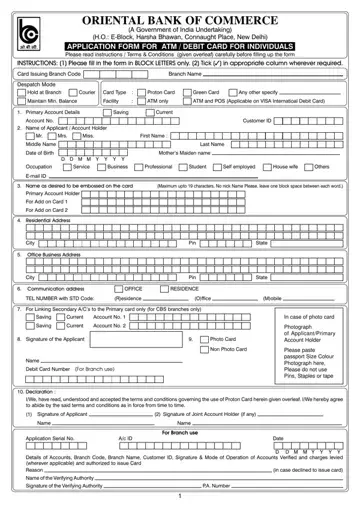
In an era where financial transactions are increasingly becoming digital, the application process for ATM or debit cards has become an essential aspect of banking services. The Oriental Bank of Commerce, a significant entity under the Government of India, offers a comprehensive application form catering to individuals wishing to avail themselves of ATM or debit card facilities. This form, an essential document, outlines the necessary instructions, terms, and conditions that applicants are urged to read thoroughly before proceeding. It demands detailed information from applicants, including primary account details, personal information, and desired names to be embossed on the card. Furthermore, it specifies the documents needed for identity verification and the types of cards available, such as Proton and Green cards, alongside services like maintaining a minimum balance and access to ATM and POS facilities. Additionally, it introduces the concept of linking secondary accounts to the primary card, exclusively for branches under Core Banking Solutions (CBS), thereby offering a layer of financial flexibility. Completing the application involves acknowledging the bank's stipulated terms and agreeing to adhere to them, ensuring applicants are well-informed about their rights and responsibilities. This process underscores the bank's commitment to providing secure and customizable banking solutions to its customers while emphasizing the importance of informed consent and compliance with regulatory requirements.
| Question | Answer |
|---|---|
| Form Name | Obc Atm Form |
| Form Length | 4 pages |
| Fillable? | No |
| Fillable fields | 0 |
| Avg. time to fill out | 1 min |
| Other names | atm form online, obc online, obc bank atm card apply online, obc atm apply online |
