
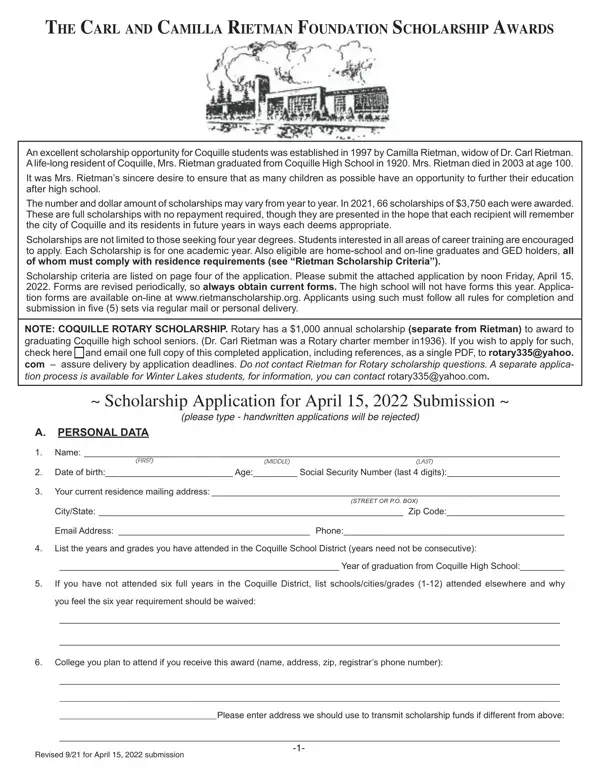
In 1997, the academic landscape for students in Coquille, Oregon, was significantly enriched by the establishment of The Carl and Camilla Rietman Foundation Scholarship Awards. This philanthropic gesture, initiated by Camilla Rietman, aimed to honor the memory of her husband, Dr. Carl Rietman, while providing substantial support to the youth of Coquille, where she had been a lifelong resident and an alumna of Coquille High School until her passing in 2003 at the age of 100. The foundation's underlying mission is to make higher education more accessible to Coquille students, irrespective of their academic interests, thereby including prospective students of four-year degrees, career training programs, as well as home-school, online graduates, and GED holders. The scholarship offers full awards that cover the entirety of tuition costs without necessitating repayment, fostering a hope among recipients to contribute back to their community in meaningful ways in the future. Over the years, the scholarship awards have varied in number and amount, with an example being in 2019, where 61 scholarships of $2,700 each were awarded. Eligibility criteria, alongside the need for applications to be submitted in a specific format and within set deadlines, outline the foundation's commitment to a structured and fair selection process, governed by a Scholarship Selection Committee. The comprehensive nature of the Rietman Form not only encapsulates the formal requirements for application but also reflects the benevolent intent to support the educational aspirations of Coquille's youth through financial assistance.
| Question | Answer |
|---|---|
| Form Name | Rietman Form |
| Form Length | 3 pages |
| Fillable? | No |
| Fillable fields | 0 |
| Avg. time to fill out | 45 sec |
| Other names | rietman, rietman template, the rietman form, artist ga rietman windmill scien |