
SBA Form 147 at a glance
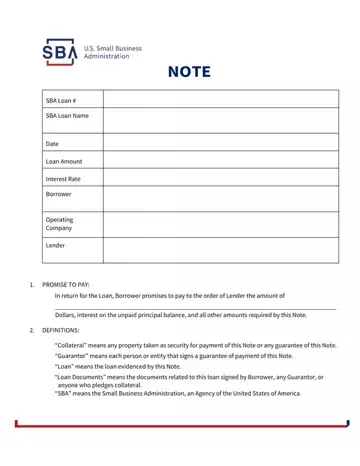
What it is: NOTE: In return for the Loan, Borrower promises to pay to the order of Lender the amount of Dollars, interest on the unpaid principal balance, and all other amounts required by this Note.
Who signs: By signing, each individual or entity becomes obligated under this Note as Borrower.
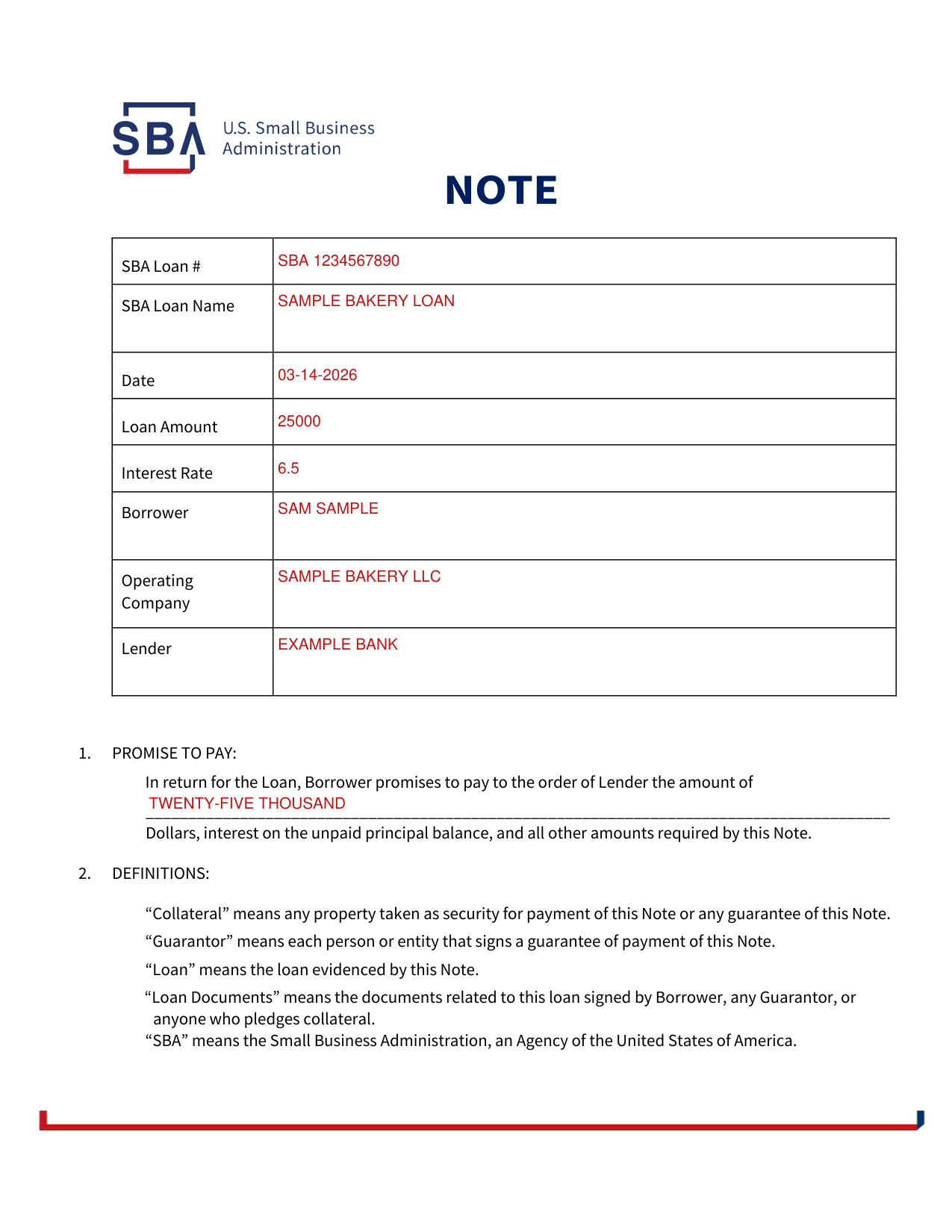
A filled-in SBA Form 147 example: a sole borrower signs the note
How to fill out SBA Form 147, box by box
SBA Loan #, Date, Loan Amount and Interest Rate
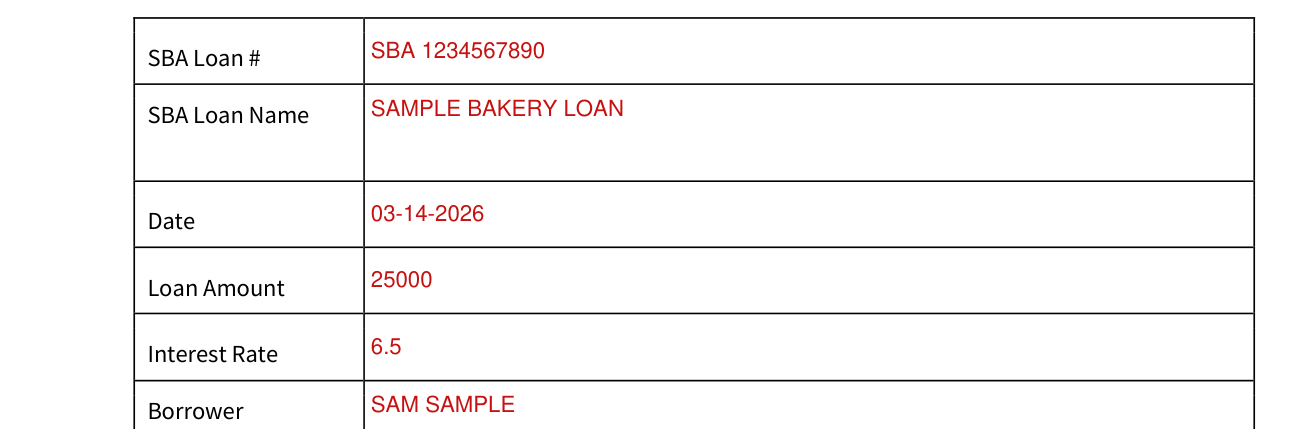
Enter the SBA Loan #, SBA Loan Name, Date, Loan Amount and Interest Rate.
Borrower, Operating Company and Lender
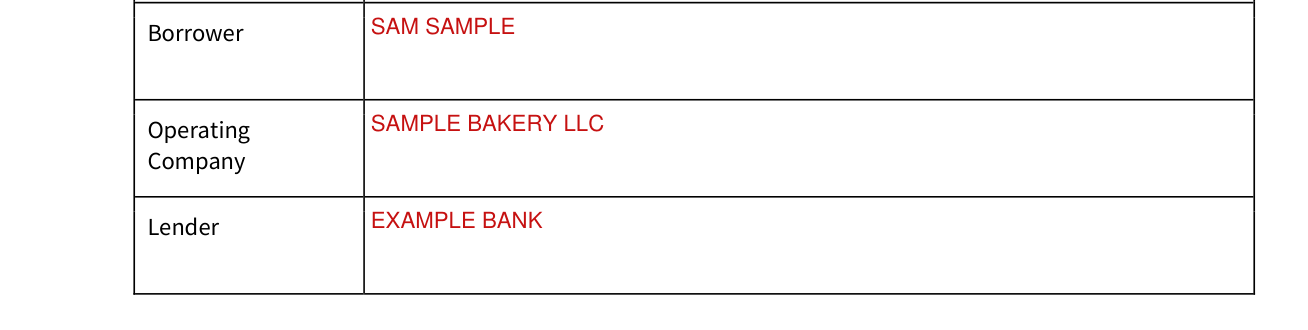
Enter the Borrower, Operating Company and Lender.
Promise to pay

Enter the amount in the blank after "Borrower promises to pay to the order of Lender the amount of".
Borrower's name and signature
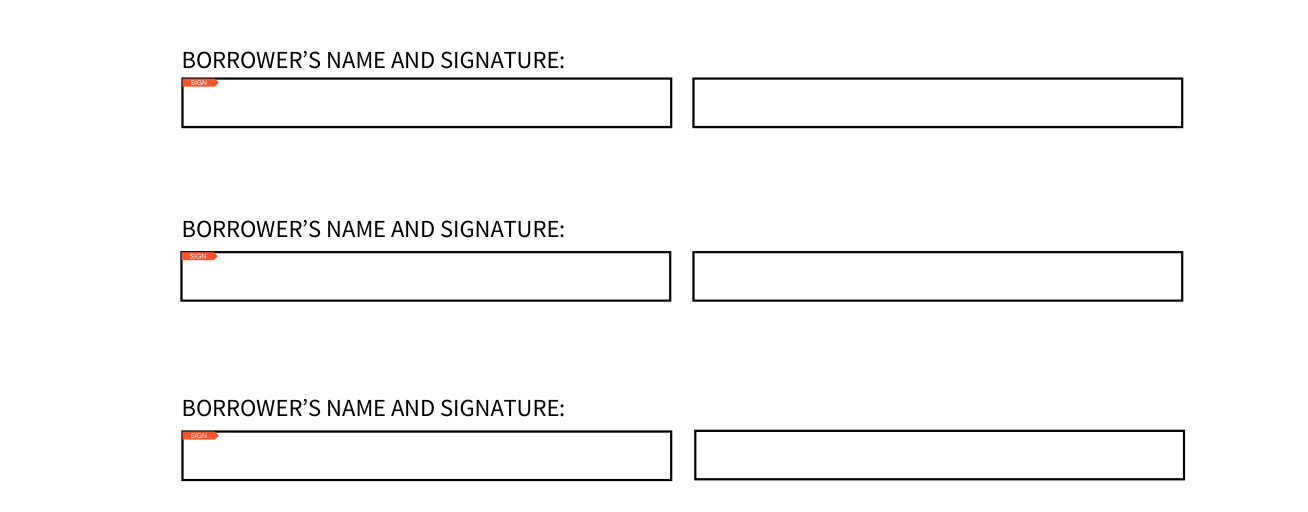
Sign on the line for BORROWER'S NAME AND SIGNATURE.
All individuals and entities signing this Note are jointly and severally liable.
More rules for SBA Form 147
Borrower must make all payments at the place Lender designates.
“Collateral” means any property taken as security for payment of this Note or any guarantee of this Note.
“Guarantor” means each person or entity that signs a guarantee of payment of this Note.
“Loan” means the loan evidenced by this Note.
Borrower is in default under this Note if Borrower does not make a payment when due under this Note, or if Borrower or Operating Company:
Fails to do anything required by this Note and other Loan Documents;
Defaults on any other loan with Lender;
Fails to pay any taxes when due;
Reorganizes, merges, consolidates, or otherwise changes ownership or business structure without Lender's prior written consent.
If there is a default, Lender may, without notice or demand and without giving up any of its rights, require immediate payment of all amounts owing under this Note.
Borrower waives all suretyship defenses.
Borrower may not use an oral statement of Lender or SBA to contradict or alter the written terms of this Note.
If any part of this Note is unenforceable, all other parts remain in effect.
WHEN FEDERAL LAW APPLIES: When SBA is the holder, this Note will be interpreted and enforced under federal law, including SBA regulations.
Sources
[1] SBA Form 147 (06/03/02), Note, U.S. Small Business Administration (the Official source link on this page).
