
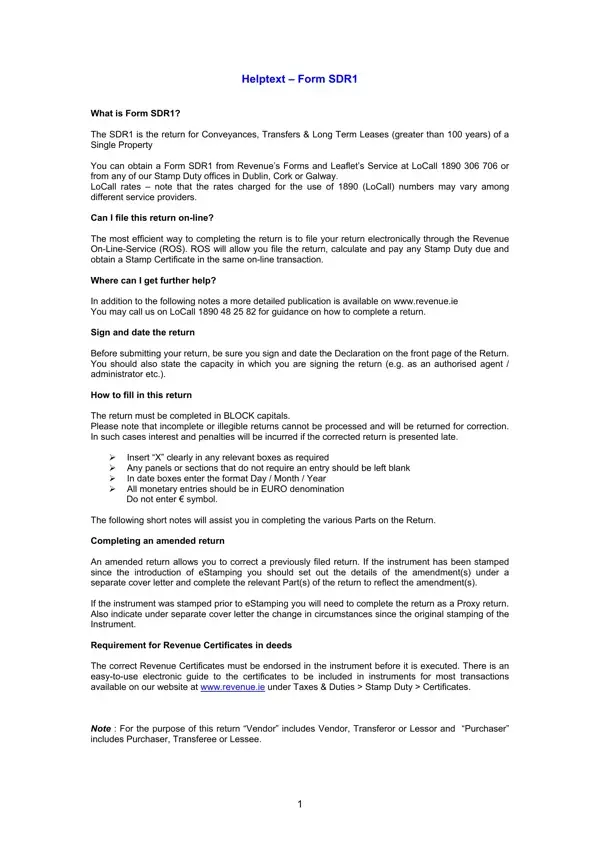
When dealing with the complexities of property transactions, especially conveyances, transfers, and long-term leases exceeding a century, understanding and completing the Form SDR1 becomes a crucial step in ensuring compliance with local tax regulations. This form, accessible through Revenue's Forms and Leaflets Service or any Stamp Duty office across Dublin, Cork, or Galway, stands as a necessary document for those navigating the realms of substantial property dealings. The ease of filing this return has been significantly enhanced by the option to submit electronically via the Revenue On-Line-Service (ROS), which not only streamlines the process but also facilitates the calculation and payment of any due Stamp Duty, along with the issuance of a Stamp Certificate in a single online transaction. For those seeking further assistance, detailed guides and direct support are readily available, emphasizing the importance of a duly signed and dated return. Proper completion in block capitals and the imperative of clarity in marking relevant boxes are emphasized to avoid the pitfalls of processing delays, which could lead to financial penalties. Moreover, the form allows for amendments to previous submissions, catering to the dynamic nature of property transactions where details may change post-initial filing. The specificity required in the form extends to providing comprehensive details regarding the property type—residential, non-residential, or mixed use—and acknowledging the intricate details of each party involved, whether they are acting in a fiduciary capacity or otherwise. This article aims to demystify the SDR1 form's various aspects, from its acquisition and filing to the nuanced details required for its completion, ensuring that individuals and legal representatives are well-equipped to navigate this essential element of property transactions.
| Question | Answer |
|---|---|
| Form Name | Sdr1 Form |
| Form Length | 12 pages |
| Fillable? | No |
| Fillable fields | 0 |
| Avg. time to fill out | 3 min |
| Other names | form sdr1 revenue commissioners, form sdr1, sdr1 revenue form, Dwellinghouse |
Sdr1 Form isn’t the one you’re looking for?