Please rate Tdlr Contractors License Tdlr Form Acr-Lic-002 Rev May 2026

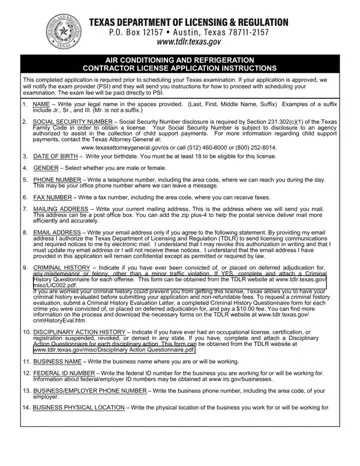
You must be at least 18 to be eligible for this license.
Exam: if your application is approved, the exam provider (PSI) sends you instructions to proceed with scheduling your examination.
Experience only: at least 48 months of practical experience in the preceding 72 months under the supervision of a licensed air conditioning and refrigeration contractor.
Requirements: you must meet all requirements within 12 months of the filing date, or the application will be terminated.
Insurance: you must submit a Certificate of Insurance, which includes the license holder name and business name, to the Department after you pass the examination.
| Question | Answer |
|---|---|
| Form Name | TDLR Form ACR-LIC-002 |
| Form Length | 8 pages |
| Fillable? | Yes |
| Fillable fields | 81 |
| Avg. time to fill out | 14 min |
| Edition | Rev May 2026 |
| Issuing agency | TDLR |
| Matches the agency's file | Yes, checked October 3, 2026 |
| Other names | ACR-LIC-002, ACR LIC 002, TDLR application, TDLR contractor license application, Air Conditioning and Refrigeration Contractor License Application |
| Official source | TDLR Form ACR-LIC-002 (Rev May 2026), Texas Department of Licensing and Regulation |
Tdlr Contractors License isn’t the one you’re looking for?
Please rate Tdlr Contractors License Tdlr Form Acr-Lic-002 Rev May 2026
