
Form RV-F1320301 at a glance
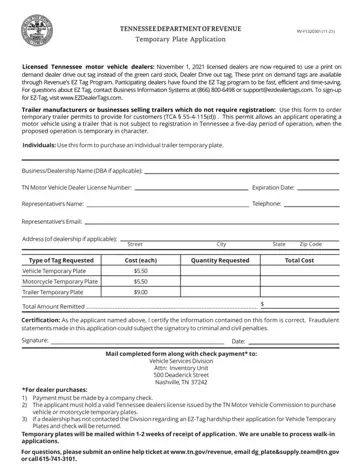
What it is: The Temporary Trailer Plate Application is a form of the Tennessee Department of Revenue.
Where and when to file: Temporary plates will be mailed within 1-2 weeks of receipt of application. The Tennessee Department of Revenue is unable to process walk-in applications.
Trailer manufacturers or businesses selling trailers which do not require registration: use this form to order temporary trailer permits to provide for customers (TCA § 55-4-115(d)). This permit allows an applicant operating a motor vehicle using a trailer that is not subject to registration in Tennessee a five-day period of operation, when the proposed operation is temporary in character.
Individuals: use this form to purchase an Individual Trailer Temporary Plate.
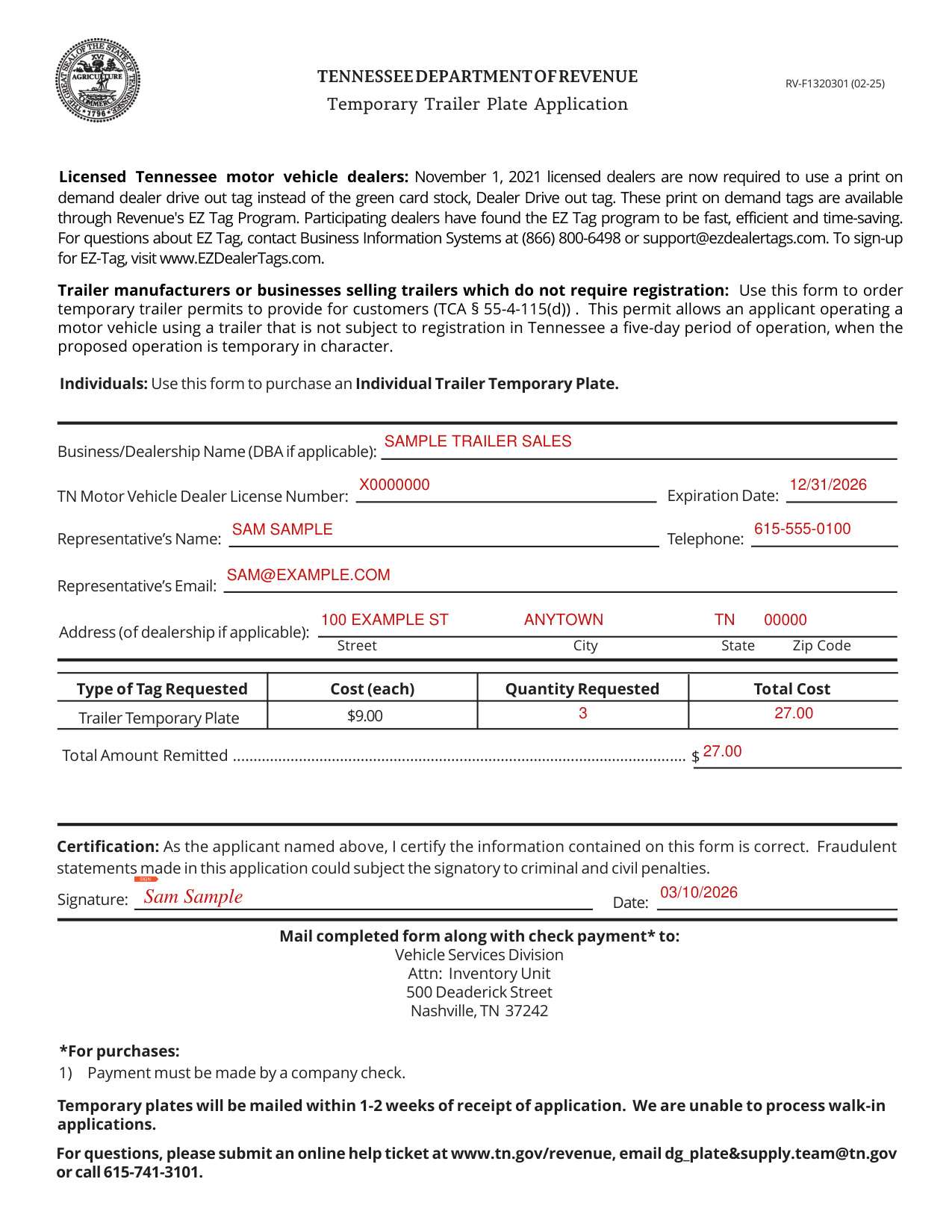
A filled-in Form RV-F1320301 example: a trailer dealer orders three temporary plates
How to fill out Form RV-F1320301, box by box
Business/Dealership Name (DBA if applicable)
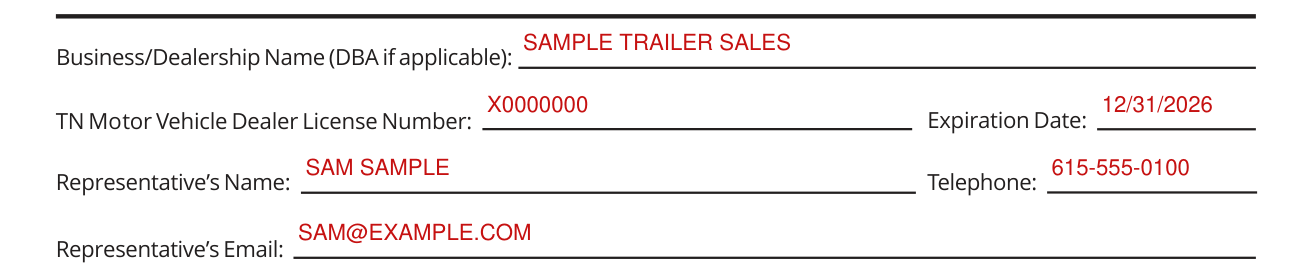
Enter the Business/Dealership Name (DBA if applicable), the TN Motor Vehicle Dealer License Number, the Expiration Date, the Representative's Name, Telephone and Email.
Address (of dealership if applicable)

Enter the Address (of dealership if applicable): Street, City, State and Zip Code.
Type of Tag Requested, Cost (each), Quantity Requested, Total Cost

Trailer Temporary Plate: enter the Quantity Requested and the Total Cost; the Cost (each) is $9.00 (checked October 22, 2026).
Total Amount Remitted

Enter the Total Amount Remitted.
Certification and signature

Certification: As the applicant named on the form, I certify the information contained on this form is correct.
Fraudulent statements made in this application could subject the signatory to criminal and civil penalties.
Sign in the Signature box and enter the Date.
If your situation is different
Mail completed form along with check payment
Mail completed form along with check payment* to: Vehicle Services Division Attn: Inventory Unit 500 Deaderick Street Nashville, TN 37242. *For purchases: 1) Payment must be made by a company check.
Sources
[1] Form RV-F1320301 (02-25), Temporary Trailer Plate Application, Tennessee Department of Revenue (the Official source link on this page).
