
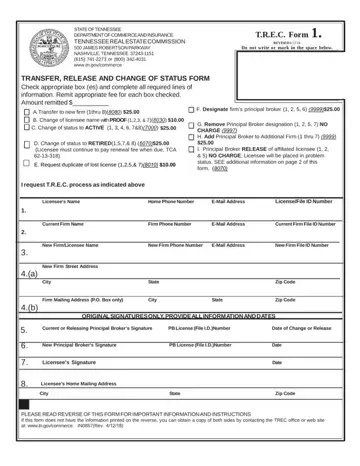
Trec Form 1 at a glance
What it is: Tennessee Real Estate Commission TRANSFER, RELEASE, AND CHANGE OF STATUS FORM. Please complete the form in its entirety. If a section is not applicable, please mark as not applicable.
Where and when to file: Davy Crocket Tower, 500 James Robertson Parkway, Nashville, TN 37243, www.core.tn.gov.
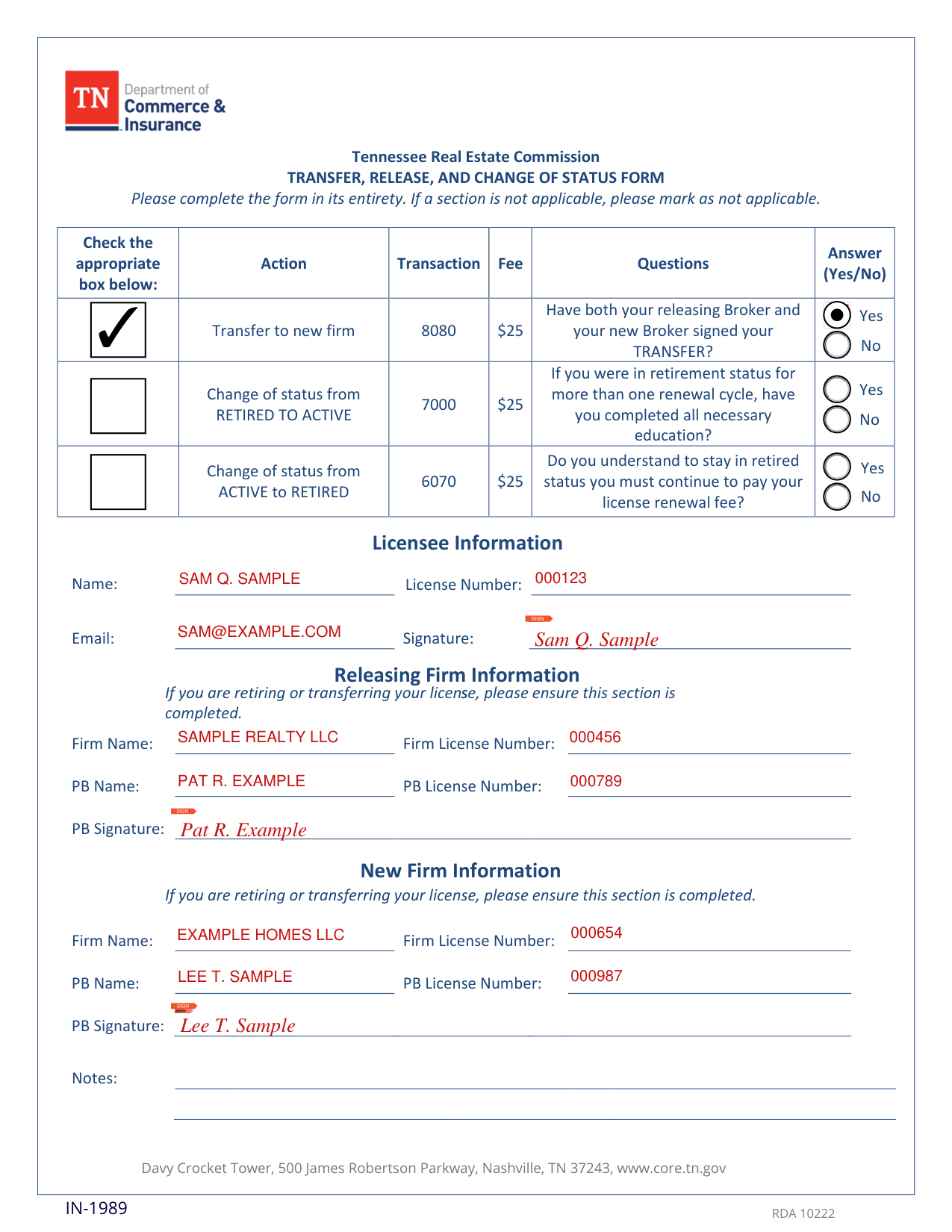
A filled-in Trec Form 1 example: a licensee transfers to a new firm
How to fill out Trec Form 1, box by box
Transfer to new firm

The Transfer to new firm row prints 8080 $25 (checked November 1, 2026).
Answer (Yes/No): Have both your releasing Broker and your new Broker signed your TRANSFER?
Change of status from RETIRED TO ACTIVE

The Change of status from RETIRED TO ACTIVE row prints 7000 $25 (checked November 1, 2026).
If you were in retirement status for more than one renewal cycle, have you completed all necessary education?
Change of status from ACTIVE to RETIRED

The Change of status from ACTIVE to RETIRED row prints 6070 $25 (checked November 1, 2026).
Do you understand to stay in retired status you must continue to pay your license renewal fee?
Licensee Information

Under Licensee Information, enter Name, License Number and Email, and SIGN at Signature.
Releasing Firm Information
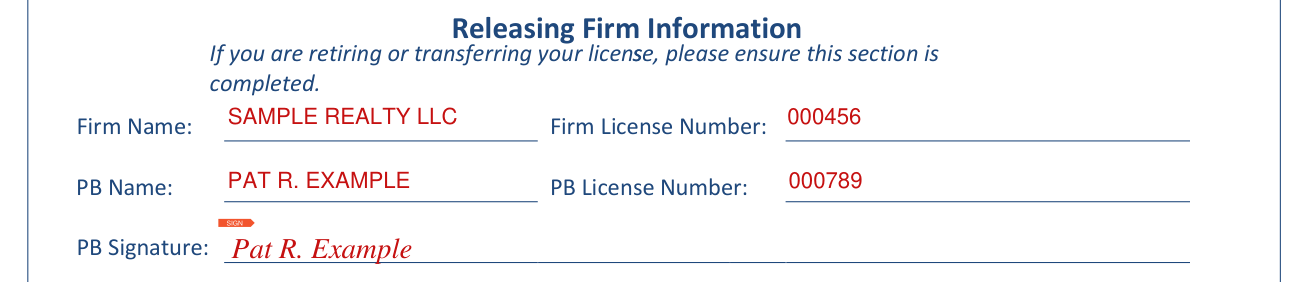
Releasing Firm Information: If you are retiring or transferring your license, please ensure this section is completed. Enter Firm Name, Firm License Number, PB Name and PB License Number, and SIGN at PB Signature.
New Firm Information

New Firm Information: If you are retiring or transferring your license, please ensure this section is completed. Enter PB Name and PB License Number, then Firm Name and Firm License Number, and SIGN at PB Signature.
Common questions about Trec Form 1
Where do I file it?
Davy Crocket Tower, 500 James Robertson Parkway, Nashville, TN 37243, www.core.tn.gov.
Sources
[1] Trec Form 1, Transfer, Release, and Change of Status Form, Tennessee Real Estate Commission (the Official source link on this page).
