
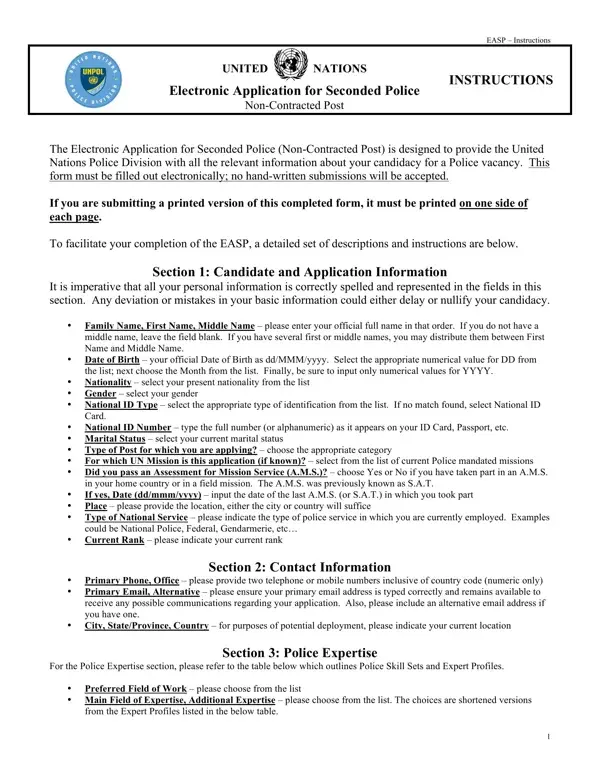
The Electronic Application for Seconded Police (Non-Contracted Post), prominently known as the EASP form, plays a crucial role in the recruitment process for the United Nations Police Division. Designed meticulously, it gathers comprehensive data regarding the applicant’s personal and professional background to ensure candidates are well-suited for policing vacancies within UN missions globally. Applicants are required to complete the form electronically, underlining the UN's emphasis on efficiency and the environmental initiative to reduce paper usage. With sections ranging from personal information, contact details, and police expertise to educational background, previous work experience, and language proficiency, the form serves as a holistic tool for assessing the suitability and readiness of potential UN Police Officers. Additional sections solicit information about technological savvy, driving proficiency, and any certifications relevant to law enforcement or other specialized fields, offering candidates the opportunity to showcase any specific skills or qualifications that might bolster their application. The form also includes crucial declarations regarding service conditions, disciplinary clearance, and the authenticity of the provided information to ensure integrity and accountability in the recruitment process. By requiring comprehensive information across a broad spectrum of areas, the EASP form facilitates a thorough and nuanced selection process, aiming to identify individuals capable of upholding the UN's values and standards in challenging and diverse environments.
| Question | Answer |
|---|---|
| Form Name | Un Easp Form |
| Form Length | 10 pages |
| Fillable? | No |
| Fillable fields | 0 |
| Avg. time to fill out | 2 min 30 sec |
| Other names | easp form, easp application print, electronic application for seconded police, easp form 2021 |