
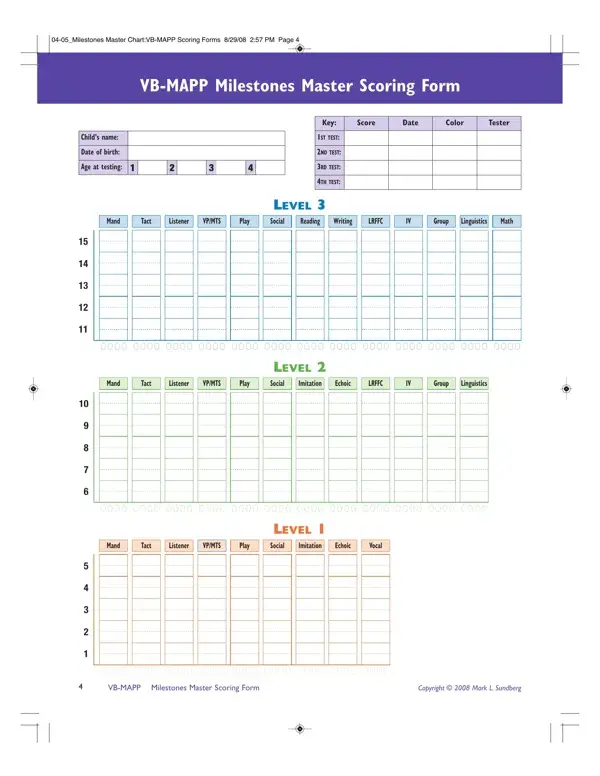
VB-MAPP Scoring Form PDF Details

The VB-MAPP Scoring Form stands as a pivotal tool in evaluating the developmental milestones and potential barriers in children's learning and behavior. Derived from decades of evidence-based research, this comprehensive form serves as a guide for teachers, clinicians, and parents to assess the verbal behavior milestones and identify barriers that a child might face in their learning journey. Spanning across various areas such as language, social interactions, and academic skills, the form meticulously charts progress across multiple levels. It captures the essence of a child's mand (request), tact (labeling), listener skills, and much more, vividly portraying a snapshot of their current abilities and areas needing attention. Whether it's the first test or the subsequent ones, each score, date, and tester's input is crucial, offering a color-coded trajectory of growth or stagnation. Additionally, examining barriers like defective echoic, faulty listener responses, or sensory defensiveness unveils critical hurdles in a child's learning path, providing invaluable insights for personalized intervention strategies. Understanding the intricacies of the VB-MAPP Scoring Form thus becomes an essential step towards unlocking a child's fullest potential.

QuestionAnswer
Form Name VB-MAPP Scoring Form
Form Length 2 pages
Fillable? No
Fillable fields 0
Avg. time to fill out 30 sec
Other names vb mapp scoring guide, vb mapp master scoring form, vb mapp online, vb mapp excel sheet

How to Fill Out VB-MAPP Scoring Forms

VB-MAPP Scoring Forms at a glance

What it is: VB-MAPP Milestones Master Scoring Form. VB-MAPP Barriers Scoring Form.

A filled-in VB-MAPP Scoring Forms example: one child's first test
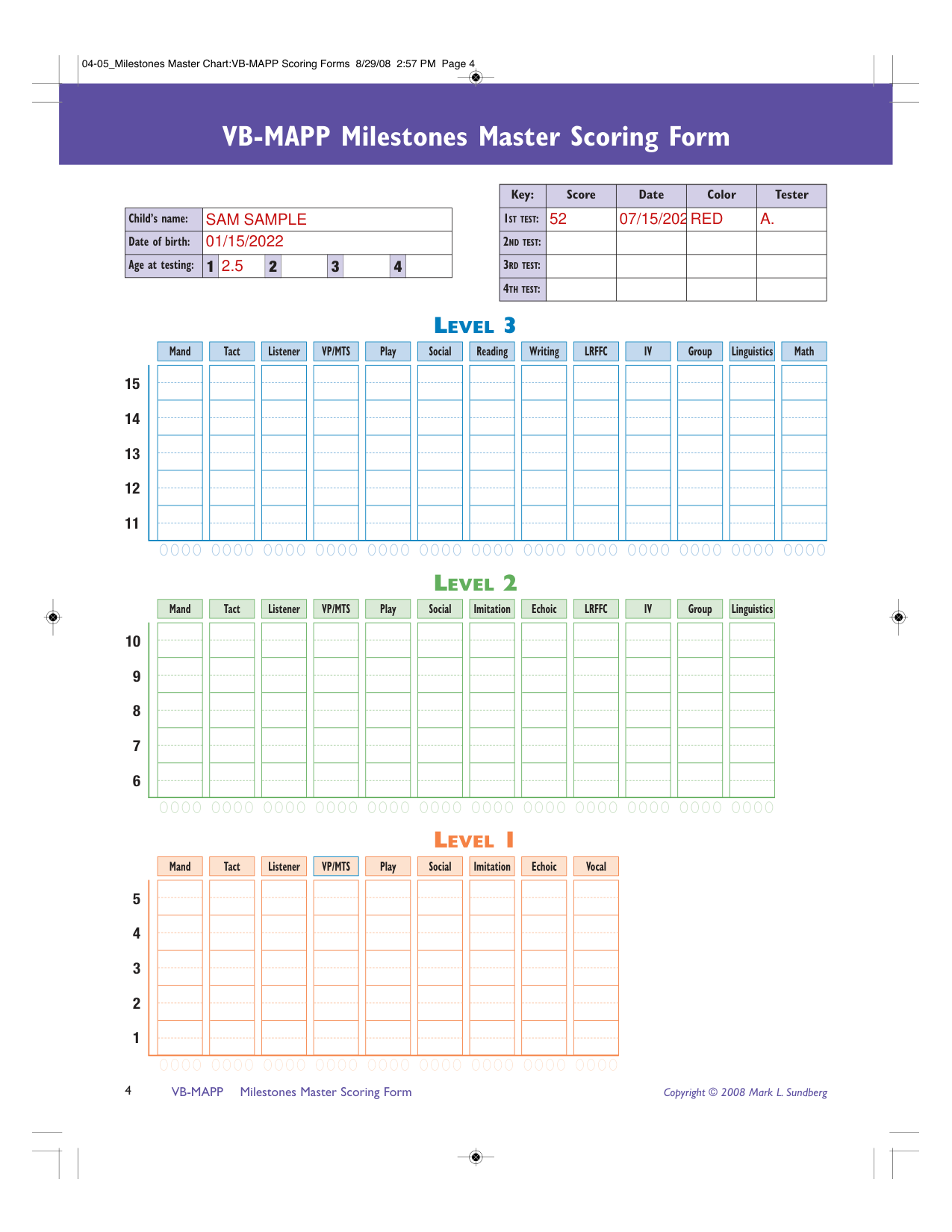
VB-MAPP Scoring Forms example filled out, example: one child's first test
A tester fills in the Milestones Master Scoring Form. The 1ST TEST gives a score of 52, so the other three test rows stay empty. The picture shows page 1 only, and its names and figures are sample values.

How to fill out VB-MAPP Scoring Forms, box by box

Child's name, date of birth and age at testing

VB-MAPP Scoring Forms example filled out, child's name, date of birth and age at testing

Enter the Child's name and the Date of birth.

Enter the Age at testing under 1, 2, 3 and 4.

Key: Score, Date, Color and Tester for each test

VB-MAPP Scoring Forms example filled out, key: Score, Date, Color and Tester for each test

For each test (1ST TEST, 2ND TEST, 3RD TEST, 4TH TEST), the Key lists Score, Date, Color and Tester.

Sources

[1] VB-MAPP Milestones Master Scoring Form and Barriers Scoring Form, Mark L. Sundberg 2008 (the Official source link on this page).