
West Virginia Estate Form PDF Details

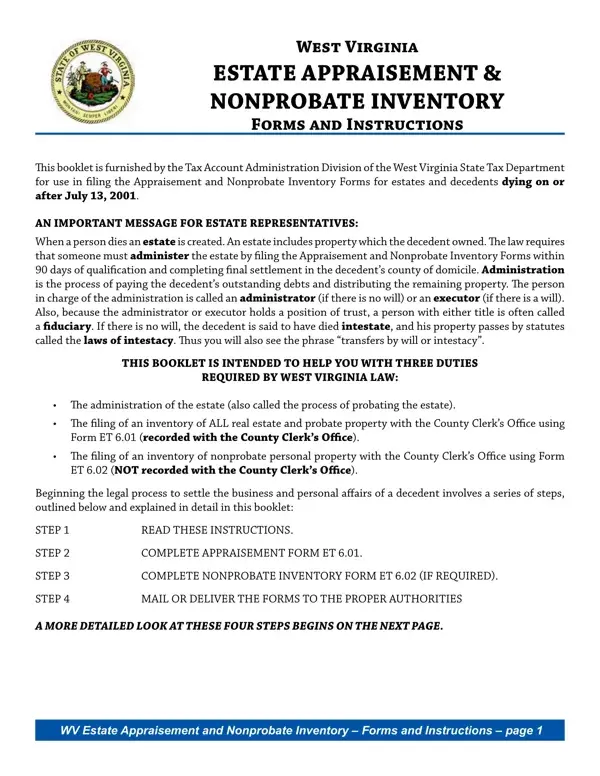
In West Virginia, managing the affairs of a deceased individual requires filing specific forms with the state's Tax Department, an essential step for estate representatives or fiduciaries. When someone passes away, the law mandates the administration of their estate, which involves settling debts and distributing the remaining assets. This process is facilitated by the West Virginia Estate Appraisement and Nonprobate Inventory forms, provided by the Tax Account Administration Division. The booklet aims to assist in filing these forms for decedents who died on or after July 13, 2001. It outlines the duties required by West Virginia law, including the filing of an inventory of all real estate and probate property, as well as nonprobate personal property. The completion and submission of these forms are crucial steps in the probate process, which must be undertaken within 90 days of qualification by the executor or administrator of the estate. The process also requires a careful appraisal of the decedent's property at its fair market value at the time of death. Additionally, there are detailed instructions for reporting both probate assets, which are subject to administration, and nonprobate assets, which pass directly to beneficiaries without needing to be probated. The forms also call for information on beneficiaires and an affirmation by the fiduciary, followed by approval from the relevant county officials, ensuring that the estate is properly documented and processed according to state law and regulations. This system is designed to clarify the legal obligations involved in estate administration and simplify the process for those tasked with these responsibilities.

QuestionAnswer
Form NameWest Virginia Estate Form
Form Length11 pages
Fillable?No
Fillable fields0
Avg. time to fill out2 min 45 sec
Other nameswv estate forms form, probate west virginia forms, west virginia form estate, wv probate form

How to Edit West Virginia Estate Form Online for Free

It is possible to prepare wv form appraisement effectively with our PDFinity® editor. Our expert team is relentlessly working to improve the tool and insure that it is much easier for users with its multiple functions. Discover an ceaselessly innovative experience today - take a look at and uncover new possibilities as you go! If you're looking to start, here's what it's going to take:

Step 1: Open the PDF doc inside our tool by hitting the "Get Form Button" above on this webpage.

Step 2: The tool provides you with the opportunity to change PDF files in various ways. Modify it by writing customized text, adjust what's originally in the file, and place in a signature - all readily available!

It is easy to fill out the form using this detailed guide! Here is what you must do:

1. When completing the wv form appraisement, make sure to incorporate all of the important fields in their corresponding part. This will help hasten the process, making it possible for your details to be handled quickly and accurately.

Tips to fill in wv estate forms form part 1

2. When the last section is completed, proceed to enter the relevant details in these - mArket VAlue, Did the decedent own an interest, Did the decedent transfer an, date of deathYES, Did the decedent own an interest, decedent retained the right of use, Did the decedent own an interest, whether special or general YES, Did the decedent own an interest, ToTal value of nonprobaTe real, pArt summAry of probAte Assets, mArket VAlue, Schedule A Real estate or any, Schedule B Tangible personal, and Schedule C Government bonds and.

Filling out part 2 of wv estate forms form

Be really attentive when filling out mArket VAlue and decedent retained the right of use, as this is the section in which many people make mistakes.

3. Within this stage, examine Schedule F All other assets not, ToTal value of probaTe asseTs add, Form ET, West Virginia State Tax Department, and Page. All these need to be completed with highest accuracy.

Filling in segment 3 of wv estate forms form

4. This fourth part comes with all of the following empty form fields to complete: scheDule A Describe any real, VAlue, VAlue, totAl enter the total appraised, scheDule b Tangible personal, ApprAiseD, and VAlue.

Guidelines on how to prepare wv estate forms form part 4

5. Lastly, this last part is precisely what you'll have to finish prior to submitting the PDF. The blank fields in question are the following: totAl enter the total appraised, scheDule c Bonds and securities of, ApprAiseD, VAlue, and totAl enter the total appraised.

wv estate forms form completion process explained (portion 5)

Step 3: Spell-check the information you've typed into the blanks and click on the "Done" button. Sign up with FormsPal now and instantly obtain wv form appraisement, set for downloading. Each and every edit made is handily saved , enabling you to change the pdf further when necessary. FormsPal guarantees your data confidentiality via a protected system that never records or shares any type of personal information provided. Feel safe knowing your documents are kept protected every time you use our tools!