Please rate 2055 Form

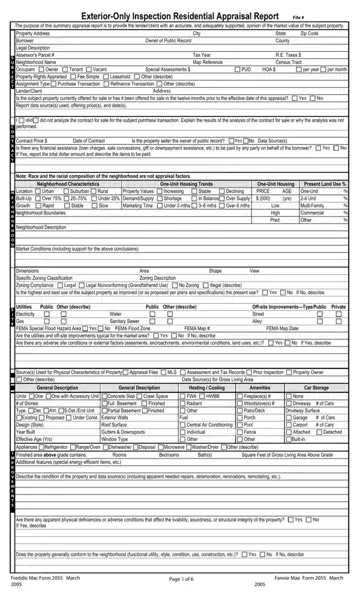
The 2055 form is built for exterior-only residential appraisals. Appraisers use it to give lenders a market value opinion without entering the property. It is faster and less intrusive than the Form 1004, the standard full-inspection appraisal report.
The form captures basic property details including address, legal description, and owner information. It also covers the neighborhood profile, property rights, and current market conditions. Appraisers record homeowner association fees, utilities, and off-site improvements.
Three comparable sales are the backbone of any 2055 appraisal. The appraiser selects properties similar in location and size to support the value estimate. You may also need the general appraisal form or a 4-point inspection form for certain transactions.
The 2055 form follows strict reporting standards that prevent bias and unsupported value adjustments. Lenders rely on this consistency for purchase, refinance, and other financing decisions.
| Question | Answer |
|---|---|
| Form Name | 2055 Form |
| Form Length | 7 pages |
| Fillable? | No |
| Fillable fields | 0 |
| Avg. time to fill out | 1 min 45 sec |
| Other names | form 2055, inspection form exterior, appraisal 2055, appraisal exterior form |
2055 Form isn’t the one you’re looking for?
Please rate 2055 Form
