
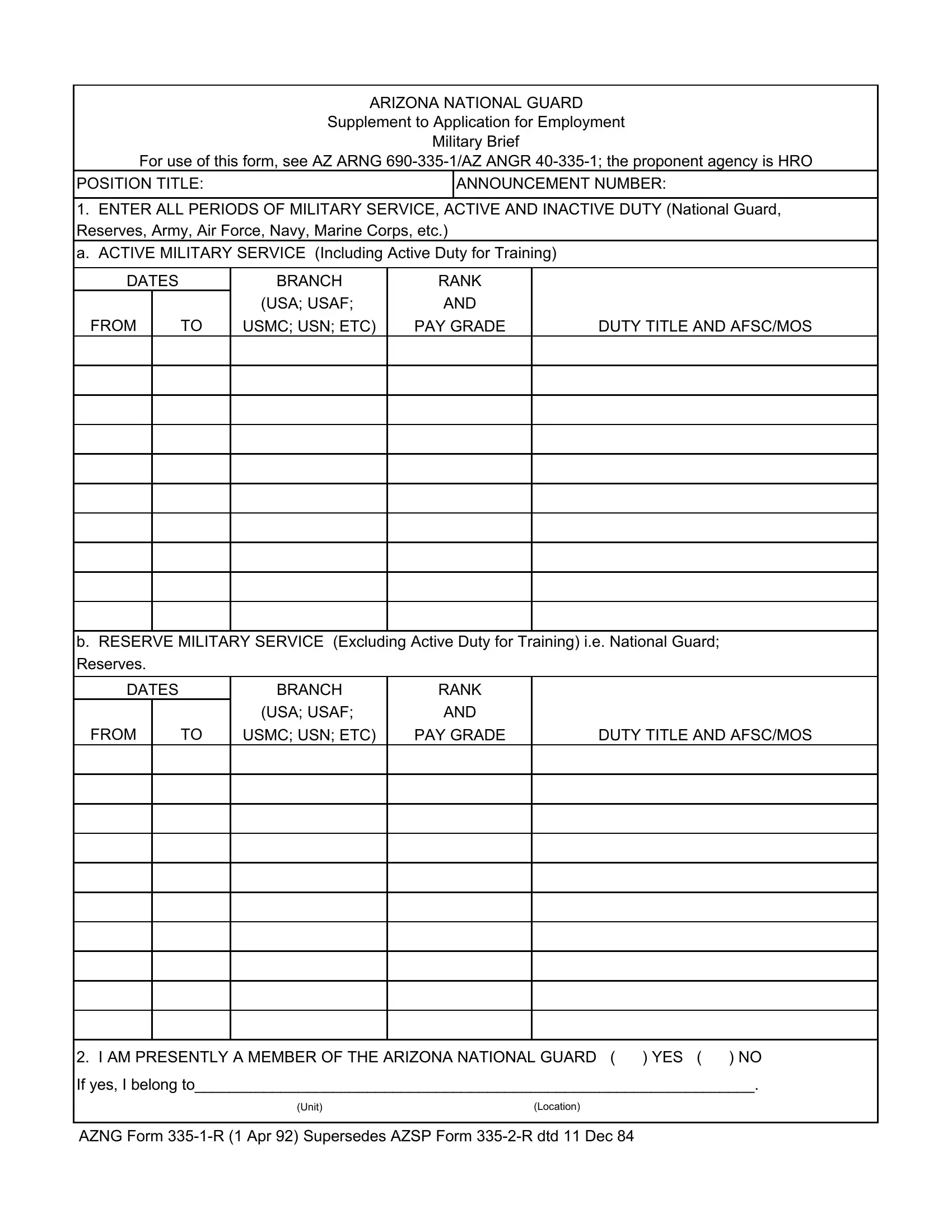



The 335-1-R form can be filled out quickly using FormsPal's PDF editor. Our editor is designed for ease of use and updates regularly based on user feedback. Follow the steps below to complete your form:
Step 1: Open the form in our editor by clicking the "Get Form" button at the top of this page.
Step 2: Use our PDF tool to fill in fields, add text, adjust content, and sign the form. You can also insert additional elements as needed for your application.
Follow our detailed tutorial to complete the form correctly:
1. When filling out the 335-1-R form, make certain to include all required fields in each section. Complete each area accurately to avoid delays in processing your ANG employment application.
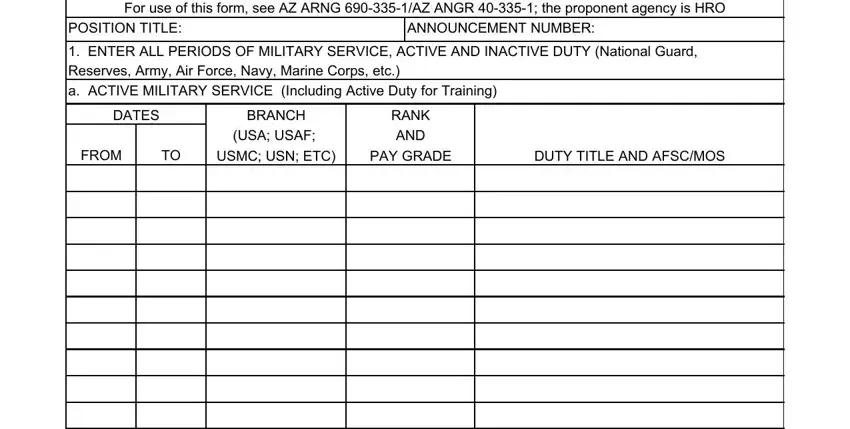
2. After completing section 1, proceed to enter details in the following fields: FROM, USMC USN ETC, PAY GRADE, DUTY TITLE AND AFSCMOS, I AM PRESENTLY A MEMBER OF THE, YES, NO, If yes I belong to, Unit, Location, and AZNG Form R Apr.
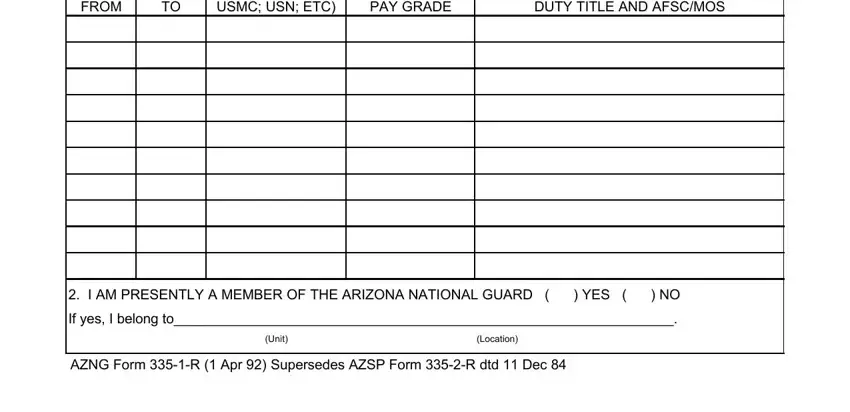
Take care when completing the YES and Unit fields, as these are common areas for errors in the application.
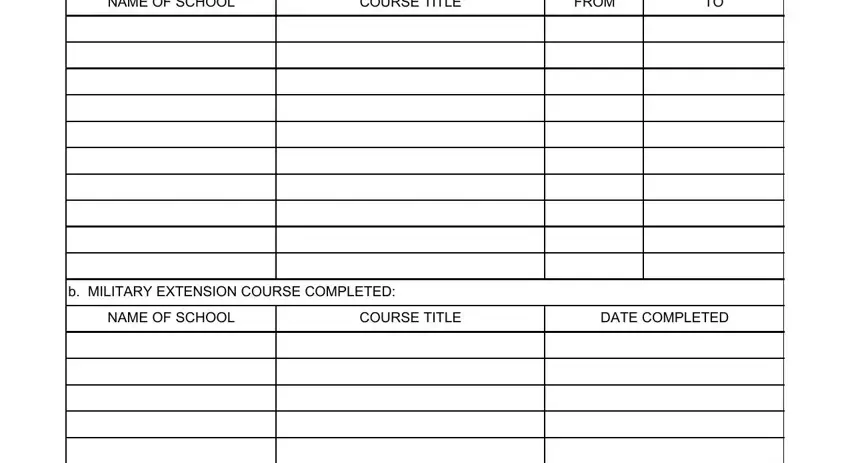
3. In section 3, fill in NAME OF SCHOOL, COURSE TITLE, FROM, MILITARY EXTENSION COURSE, NAME OF SCHOOL, COURSE TITLE, and DATE COMPLETED to record your training history.
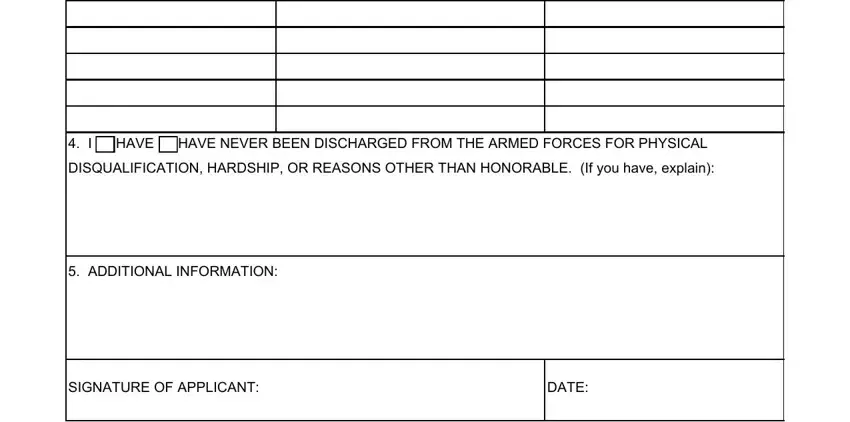
4. The final section requires you to complete I HAVE / HAVE NEVER BEEN DISCHARGED, DISQUALIFICATION HARDSHIP OR, ADDITIONAL INFORMATION, SIGNATURE OF APPLICANT, and DATE. Review each field carefully before submitting.
Step 3: Review all entries and click "Done" to finish. If you need to authorize another person to complete this form on your behalf, a military power of attorney form may be required. All information entered at FormsPal.com is kept secure and private.