
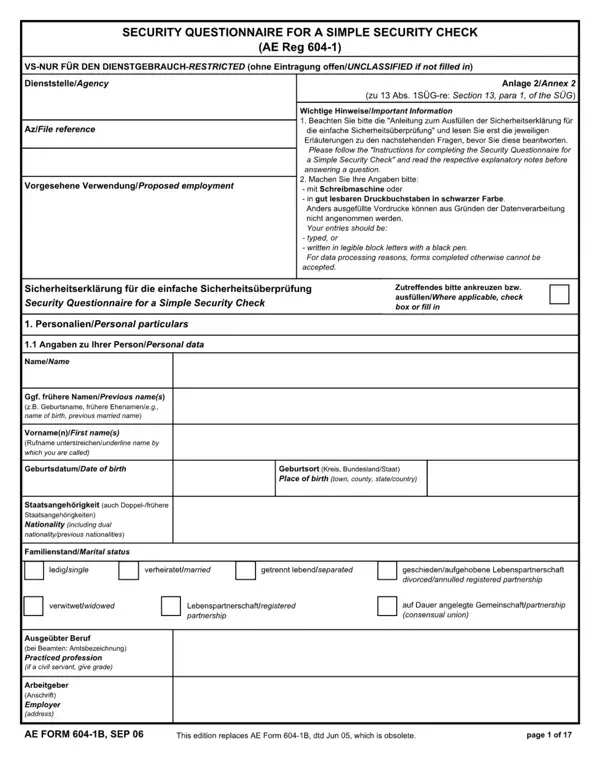
Every question must be answered; if the answer to a question is negative, please do not simply cross out the question but check "no" or "none."
Germany: places of residence or stays in Germany over the past 5 years for periods of more than 2 months (in chronological order).
Changes: any changes concerning marital status, name, residence and nationality must be immediately provided to the security officer or his staff.
Updates: updated information to be supplied at intervals of 5 years or on specific request.
False information: if you knowingly provide false information, you may be subject to measures under public service law or labour law.
| Question | Answer |
|---|---|
| Form Name | AEA Form 604-1B |
| Form Length | 16 pages |
| Fillable? | Yes |
| Fillable fields | 190 |
| Avg. time to fill out | 32 min |
| Other names | AEA Form 604-1B, AEA 604-1B, AE Form 604-1B, AE 604-1B, Form 604, Security Questionnaire for a Simple Security Check |
| Edition | APR 26 |
| Previous edition | Obsolete |
| Official source | AEA Form 604-1B (Rev APR 26), |
AE Form 604-1B isn’t the one you’re looking for?