
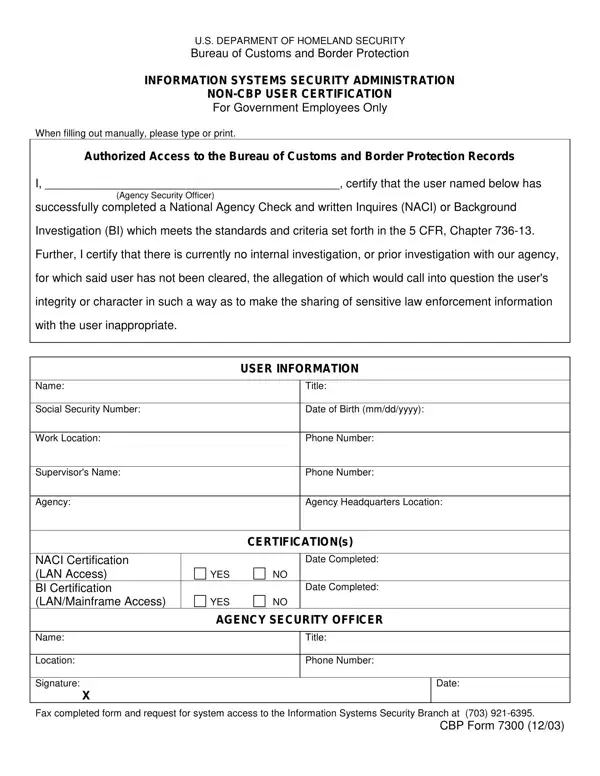
Once the form is complete, email the PDF to 7300systemaccessrequests@cbp.dhs.gov.
Mandatory: every section is mandatory, except CBP Supervisor Information, which is only required for CBP staff.
Signing: all forms must be filled out and signed digitally; wet signatures are not accepted.
Saving: do not use Print to PDF to save the form; if this is done, the fields and signatures become unreadable causing the form submission to fail.
Your section: fill out only the section you are signing.
| Question | Answer |
|---|---|
| Form Name | CBP Form 7300 |
| Form Length | 2 pages |
| Fillable? | Yes |
| Fillable fields | 59 |
| Avg. time to fill out | 10 min |
| Edition | 8/26 |
| Issuing agency | U.S. Customs and Border Protection |
| Where to send | Email the completed PDF to 7300systemaccessrequests@cbp.dhs.gov |
| Other names | CBP Form 7300, CBP 7300, Form 7300, 7300, CBP 7300 form, Non-CBP User Certification, Information Systems Security Administration Non-CBP User Certification |
| Official source | CBP Form 7300 (Rev 8/26), U.S. Customs and Border Protection |
Cbp Form 7300 isn’t the one you’re looking for?