
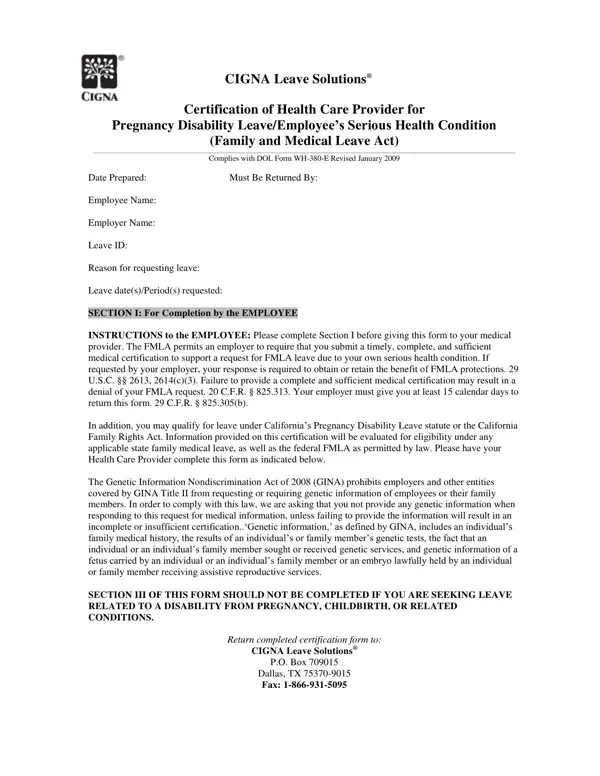
The Cigna Intermittent FMLA form helps employees request intermittent leave under the Family and Medical Leave Act (FMLA) due to a serious health condition, pregnancy, or childbirth. Employees and their healthcare providers must each complete separate sections to certify the medical need and expected leave schedule.
The employee fills in personal information, employer details, and job duties. The healthcare provider completes the medical certification section with the diagnosis, treatment plan, and expected frequency and duration of intermittent leave.
The form includes instructions for protecting sensitive genetic information under the Genetic Information Nondiscrimination Act of 2008 (GINA). Both federal FMLA requirements and applicable state-level protections may apply, including California's Pregnancy Disability Leave (PDL) statute and the California Family Rights Act (CFRA).
Employees must return the completed form within the deadline stated in their FMLA designation notice, typically 15 calendar days. Incomplete or late submissions can result in denial of your intermittent leave request.
| Question | Answer |
|---|---|
| Form Name | Cigna Intermittent FMLA Form |
| Form Length | 5 pages |
| Fillable? | No |
| Fillable fields | 0 |
| Avg. time to fill out | 1 min 15 sec |
| Other names | cigna leave solutions, cigna intermittent fmla form, cigna fmla online, cigna certification leave health |
Cigna Intermittent Fmla Form isn’t the one you’re looking for?