
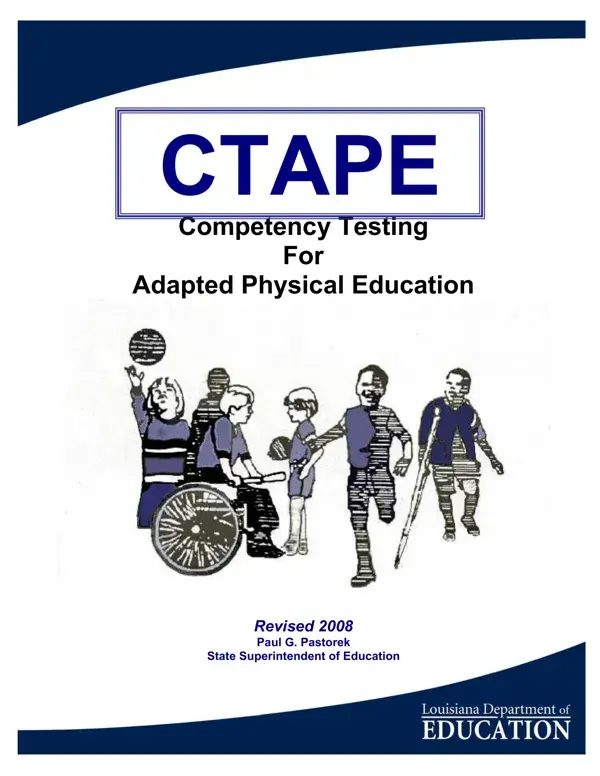
The CTAPE form (Competency Testing for Adapted Physical Education) is Louisiana's primary standardized tool for determining whether students with disabilities qualify for specially designed physical education. Guided by the Individuals with Disabilities Education Act (IDEA) and Louisiana state mandates, this assessment ensures that students who cannot safely participate in the general physical education curriculum receive appropriately tailored instruction.
Students in Louisiana's special education programs suspected of needing adapted PE services are evaluated using the CTAPE. Adapted physical education specialists, licensed PE teachers, and IEP teams administer this assessment. Students who score below the established eligibility threshold on any of the six age-based levels qualify for adapted PE instruction. Administrators and parents can use test results to document a student's specific physical education needs as part of an IEP planning process.
The CTAPE evaluates competency across six levels based on the student's age. Each level assesses motor fitness, fundamental motor skills, and sports knowledge. The 75-page assessment includes standardized scoring criteria designed to produce consistent, unbiased results across school districts. The latest edition, revised in 2008 under State Superintendent Paul G. Pastorek, refined test items and administration procedures to improve accuracy and discrimination between general and adapted PE needs.
Louisiana's use of the CTAPE reflects its commitment to non-discrimination in education, as required by Title IX and supported by the Louisiana Department of Education's inclusive education policies. The assessment was developed to provide fair evaluation of all students regardless of the type or severity of their disability, with specific adaptations available for students with severe impairments.
Professionals working with students who have physical or developmental needs may also require: Physical Ability Assessment Form, Wheelchair Skills Test Form, or the Disability Claim Form.
| Question | Answer |
|---|---|
| Form Name | CTAPE - Competency Testing for Adapted Physical Education |
| Form Length | 75 pages |
| Fillable? | No |
| Fillable fields | 0 |
| Avg. time to fill out | 18 min 45 sec |
| Governing Body | Louisiana Department of Education |
| Last Revised | 2008 (under Paul G. Pastorek) |
| Other names | ctape assessment, louisiana ctape, ctape pdf, ctape competency template, la ctape pdf, adapted PE assessment |
Ctape Form isn’t the one you’re looking for?