
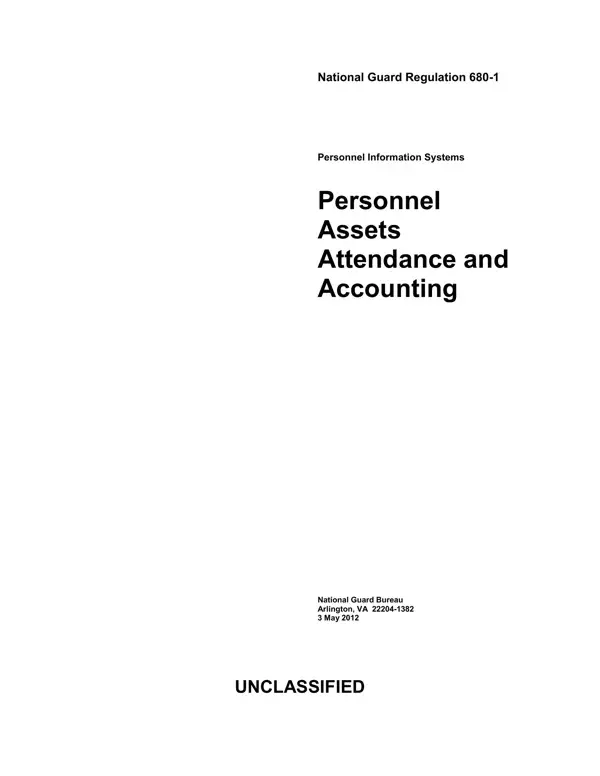
The DA 680-1 form is part of National Guard Regulation 680-1, last revised on 15 April 2019. It provides specific procedures for managing personnel assets, attendance, and accounting for the U.S. National Guard Bureau. The regulation also introduced the MyUnitPay application to standardize how units record attendance for training and duty periods.
This regulation applies to Army National Guard members and those in the Army National Guard of the United States, but not Regular Army personnel. It covers attendance reporting policies, including the preparation, distribution, and filing of related forms such as DA Form 1379. Internal control procedures are included to ensure compliance and accountability across all reporting units.
The regulation also details privacy requirements and exception-approval procedures for personnel management. Units must follow these guidelines when completing and submitting DA Form 680-1 attendance reports to their chain of command.
| Question | Answer |
|---|---|
| Form Name | Da Form 680 1 |
| Form Length | 47 pages |
| Fillable? | No |
| Fillable fields | 0 |
| Avg. time to fill out | 11 min 30 sec |
| Other names | dd form 680 fillable, da 680 form, military da 680, 680 1 |
Da Form 680 1 isn’t the one you’re looking for?