

Form DD 1694 at a glance
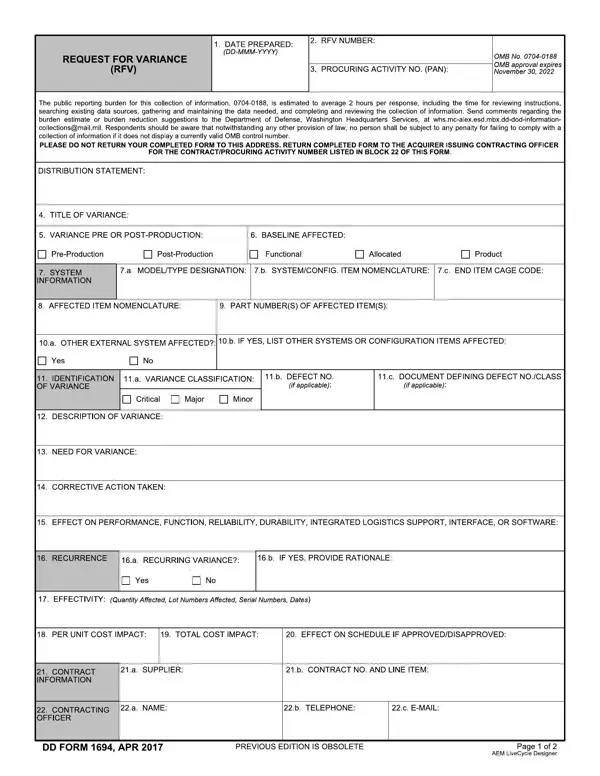
What it is: DD Form 1694 is the REQUEST FOR VARIANCE (RFV).
Who signs: In Box 24, enter the submitting authority in 24.a, the name and title in 24.b and the signature in 24.c.
A filled-in Form DD 1694 example: a minor variance on a product
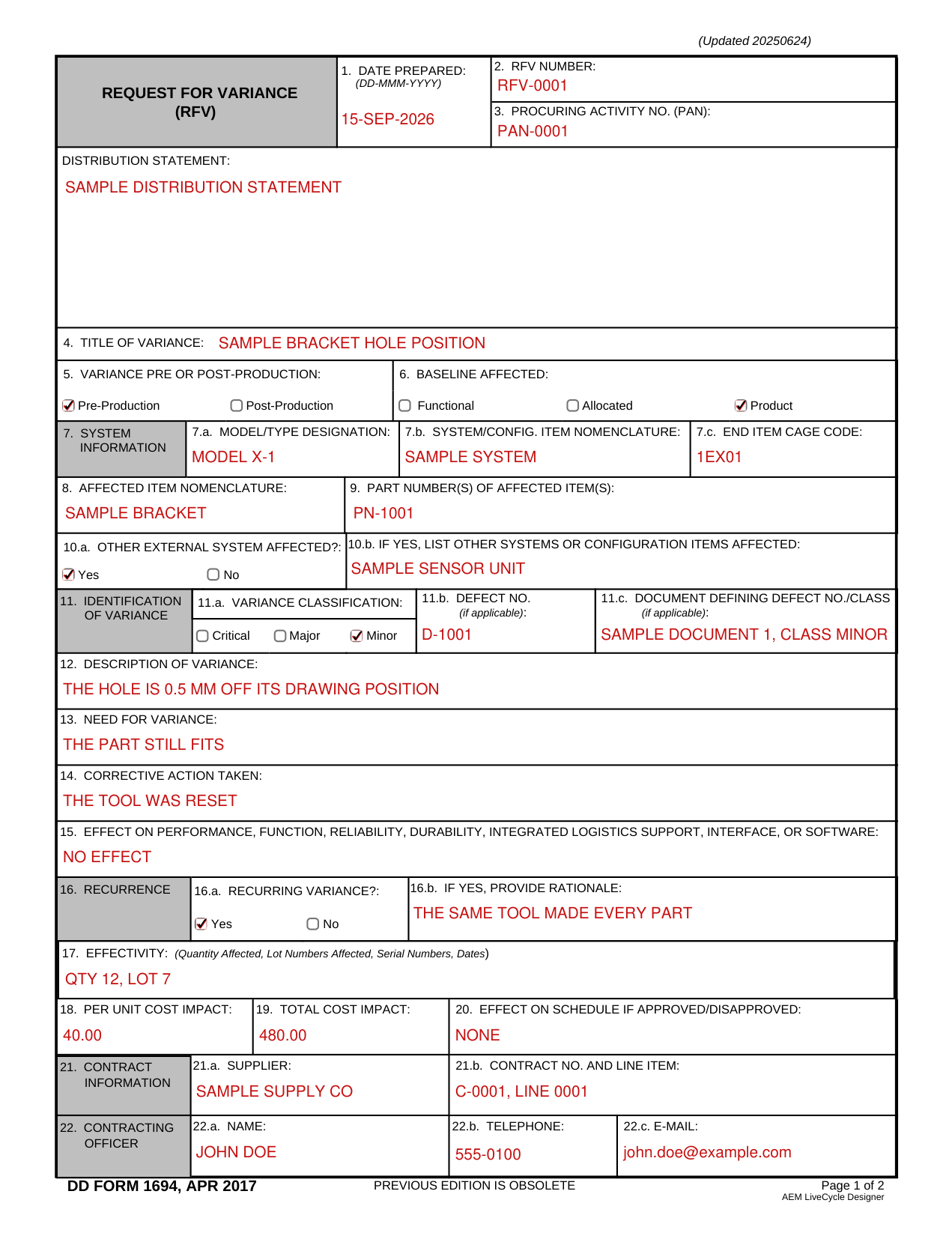
How to fill out Form DD 1694, box by box
Boxes 1 to 3 and the distribution statement
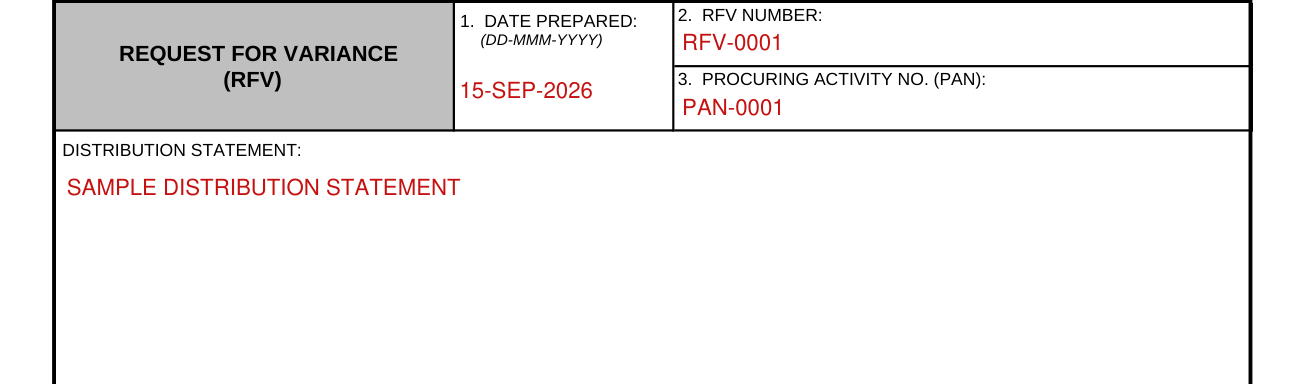
Enter the date prepared in Box 1 as DD-MMM-YYYY.
Enter the RFV number in Box 2.
Enter the procuring activity no. (PAN) in Box 3.
Enter the distribution statement.
Boxes 4 to 6, the variance

Enter the title of the variance in Box 4.
In Box 5, mark Pre-Production or Post-Production for the variance. In Box 6, mark the baseline affected: Functional, Allocated or Product.
Boxes 7 to 9, the system and the affected item

In Box 7, the system information, enter the model/type designation in 7.a, the system/config. item nomenclature in 7.b and the end item CAGE code in 7.c.
Enter the affected item nomenclature in Box 8 and the part number(s) of the affected item(s) in Box 9.
Box 10, other external systems

In Box 10.a, mark Yes or No for other external system affected.
In Box 10.b, if yes, list other systems or configuration items affected.
Box 11, the identification of variance

In Box 11, the identification of variance, mark the variance classification in 11.a: Critical, Major or Minor.
In Box 11.b, enter the defect no. (if applicable).
In Box 11.c, enter the document defining defect no./class (if applicable).
Boxes 12 to 15, the description of the variance
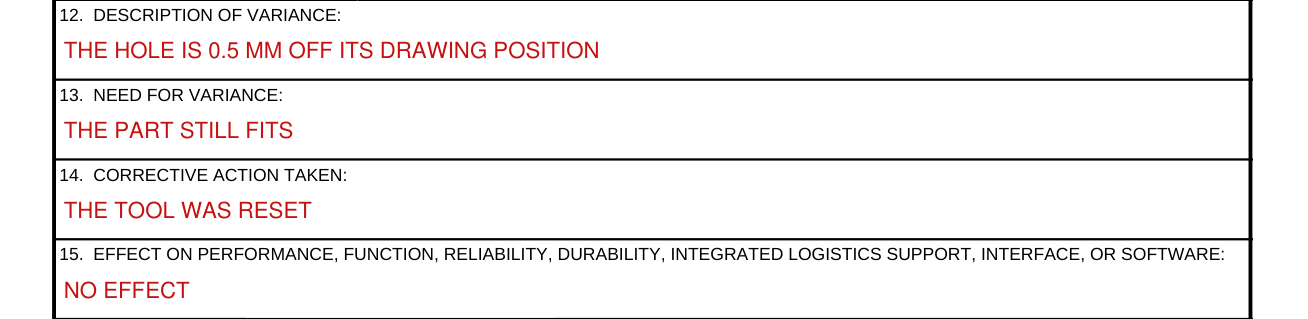
Enter the description of variance in Box 12.
Enter the need for variance in Box 13.
Enter the corrective action taken in Box 14.
Enter the effect on performance, function, reliability, durability, integrated logistics support, interface, or software in Box 15.
Boxes 16 and 17, recurrence and effectivity

In Box 16, recurrence, mark Yes or No for recurring variance in 16.a.
In Box 16.b, if yes, provide rationale.
In Box 17, effectivity, enter the quantity affected, lot numbers affected, serial numbers, dates.
Boxes 18 to 20, the cost and schedule impact

Enter the per unit cost impact in Box 18, the total cost impact in Box 19 and the effect on schedule if approved/disapproved in Box 20.
Boxes 21 and 22, the contract and the contracting officer

In Box 21, contract information, enter the supplier in 21.a and the contract no. and line item in 21.b.
In Box 22, contracting officer, enter the name in 22.a, the telephone in 22.b and the e-mail in 22.c.
Box 23, the originating activity
In Box 23, originating activity, enter the name in 23.a, the address (street, city, state, zip code) in 23.b, the telephone in 23.c, the CAGE code in 23.d and the e-mail in 23.e.
Boxes 25 and 26, the approving activity
The part of the form to be completed by the approving activity.
In Box 25.a, mark the recommendation: Approval, Approval with Modification or Disapproval.
In Box 25.b, enter the modification description.
In Box 25, enter the name and title in 25.c, the signature in 25.d and the date in 25.e (DD-MMM-YYYY).
In Box 26.a, mark the disposition (Configuration Approval Authority): Approved, Approved with Modification or Disapproved.
In Box 26.b, enter the modification description.
In Box 26, enter the name and title in 26.c, the signature in 26.d and the date in 26.e (DD-MMM-YYYY).
Box 27, the list of attachments
Enter the list of attachments in Box 27.
Sources
[1] DD Form 1694 (APR 2017), Request for Variance, Washington Headquarters Services (the Official source link on this page).