
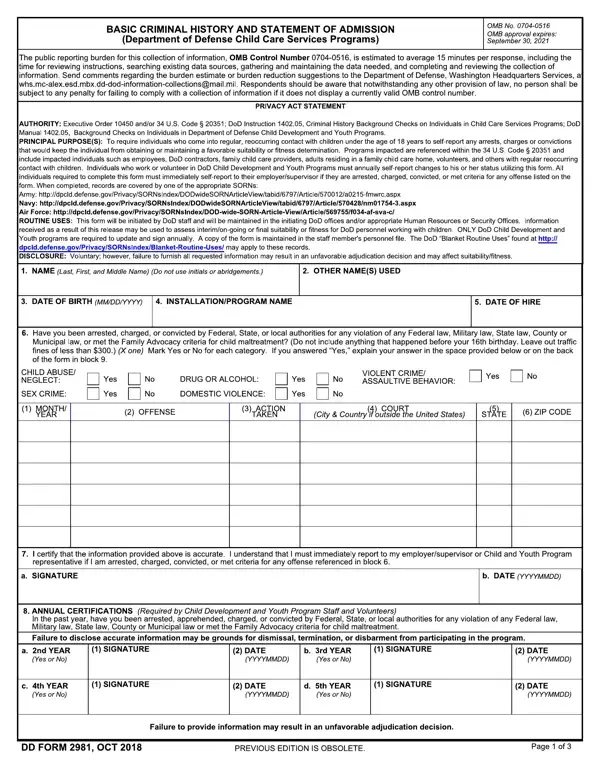
To be completed by prospective or current employees, volunteers, DoD contractors or employees of DoD contractors, Family Child Care (FCC) providers, and adults residing in the FCC home.
Annual update: individuals who work and volunteer in DoD Child Development and Youth Programs must update this form on an annual basis.
Disclose: be sure to disclose any covered charges or incidents, even if they were expunged.
Minors: if the applicant is a minor, a Parent or Legal Guardian must grant permission below for the background checks.
Authorization: it is valid for one year from the date this form was signed or until termination of affiliation with the Federal Government, whichever is sooner.
| Question | Answer |
|---|---|
| Form Name | DD Form 2981 |
| Full Title | Basic Criminal History and Statement of Admission |
| Agency | Department of Defense (DoD) |
| Form Length | 3 pages |
| Fillable? | Yes |
| Avg. time to fill out | 15 min |
| Edition | DEC 2021 |
| Issuing agency | Department of Defense |
| Previous edition | Obsolete |
| Other names | DD Form 2981, DD 2981, DD2981, Form 2981, 2981, Basic Criminal History and Statement of Admission |
| Official source | DD Form 2981 (Rev DEC 2021), Department of Defense |
Dd Form 2981 isn’t the one you’re looking for?