
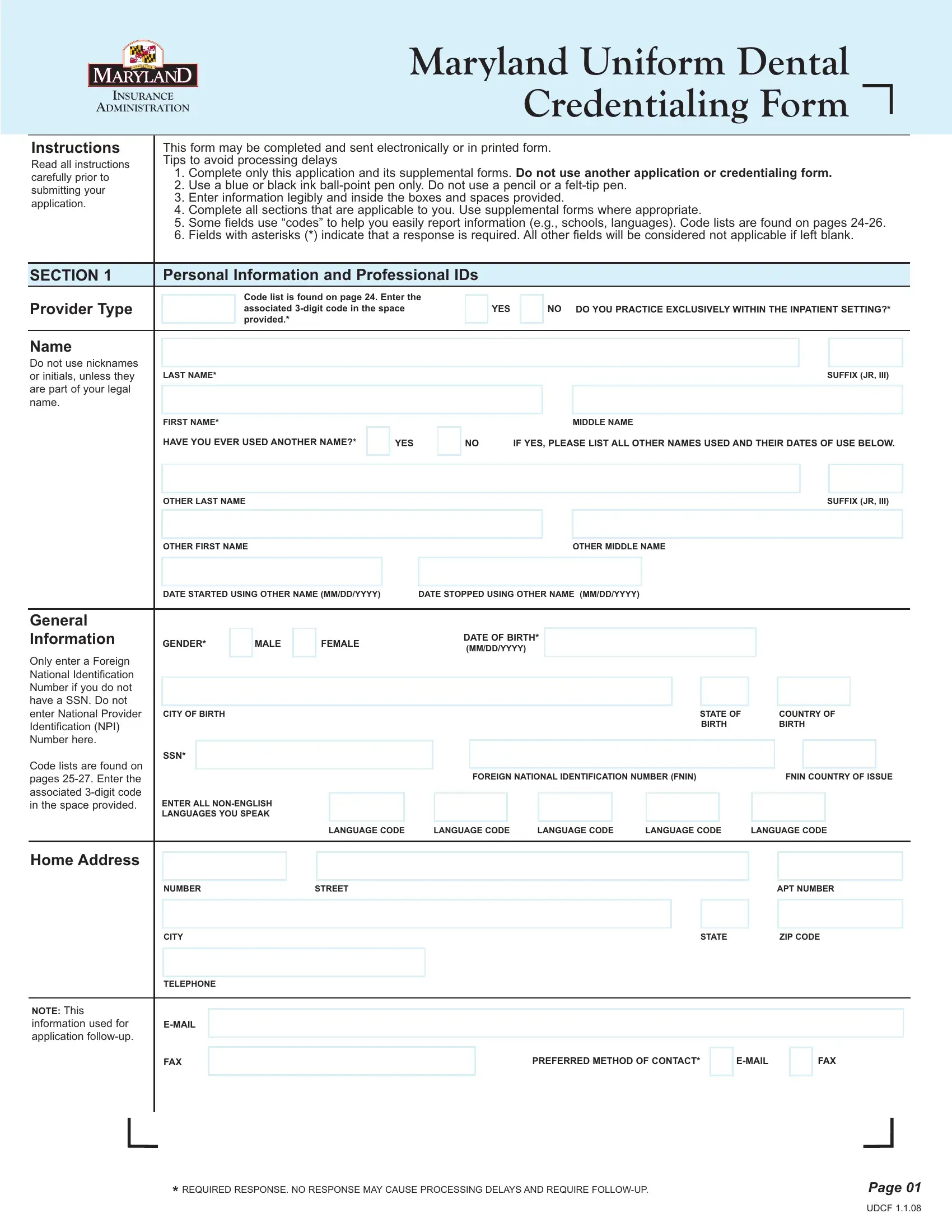


Using the online editor for PDFs by FormsPal, you may complete or alter maryland dental uniform here and now. To keep our tool on the leading edge of efficiency, we aim to put into practice user-driven capabilities and enhancements on a regular basis. We're routinely looking for suggestions - play a vital part in revolutionizing PDF editing. To get the process started, consider these basic steps:
Step 1: Click on the "Get Form" button at the top of this page to open our editor.
Step 2: After you access the file editor, you will get the document all set to be filled out. Other than filling out various fields, it's also possible to perform other things with the file, particularly writing custom words, changing the initial text, adding illustrations or photos, placing your signature to the PDF, and much more.
When it comes to blank fields of this precise document, this is what you should consider:
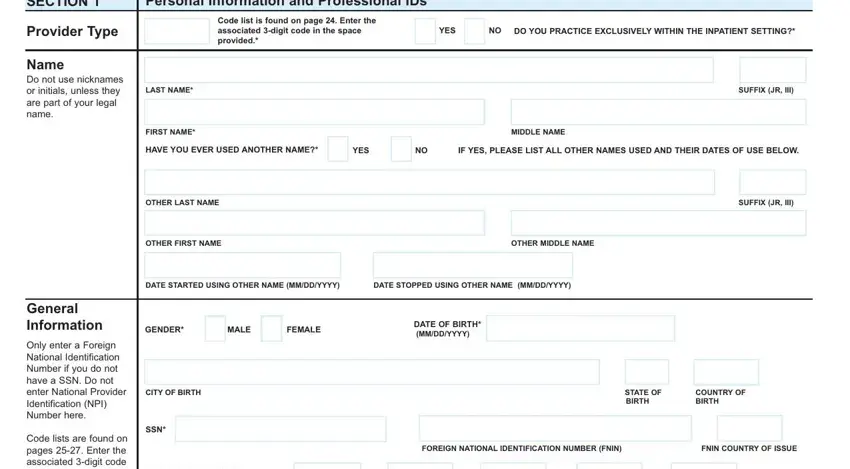
1. It's very important to fill out the maryland dental uniform correctly, thus be careful while filling in the areas that contain all these blank fields:
2. Your next part would be to fill in these particular fields: LANGUAGE CODE, LANGUAGE CODE, LANGUAGE CODE, LANGUAGE CODE, LANGUAGE CODE, NUMBER, STREET, APT NUMBER, Home Address, CITY, TELEPHONE, EMAIL, FAX, NOTE This information used for, and STATE.
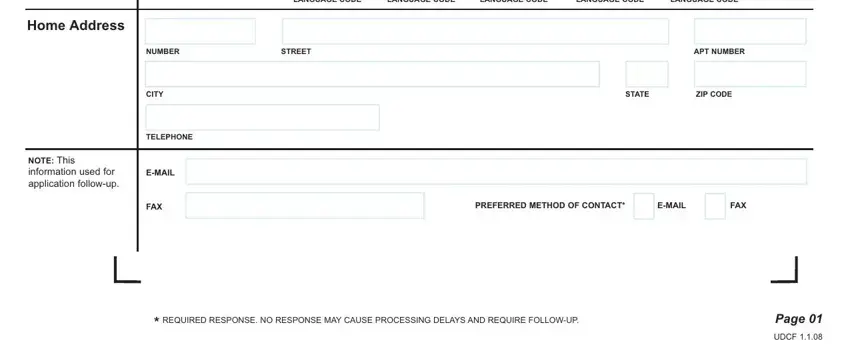
A lot of people frequently get some things incorrect when completing STREET in this part. Remember to review whatever you enter here.
3. This subsequent section is quite straightforward, Section, Personal Information and, Professional IDs, Include all state licenses DEA, Provide all current and previous, Nonlicensed professionals should, FEDERAL DEA NUMBER, DEA ISSUE DATE MMDDYYYY, DEA STATE OF REGISTRATION, DEA EXPIRATION DATE MMDDYYYY, CDS CERTIFICATE NUMBER, CDS ISSUE DATE MMDDYYYY, CDS STATE OF REGISTRATION, CDS EXPIRATION DATE MMDDYYYY, and STATE LICENSE NUMBER - all of these empty fields has to be completed here.
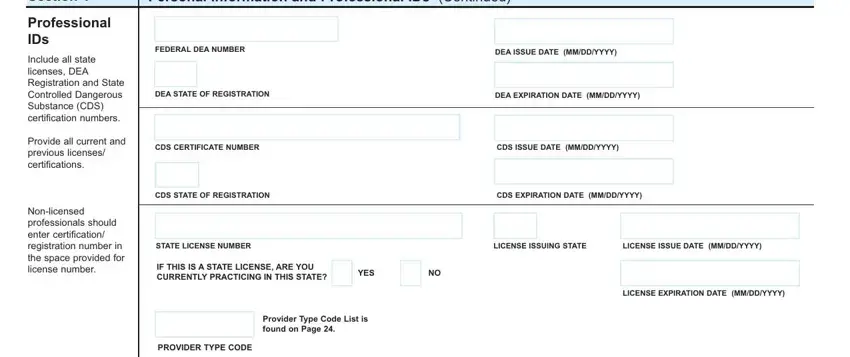
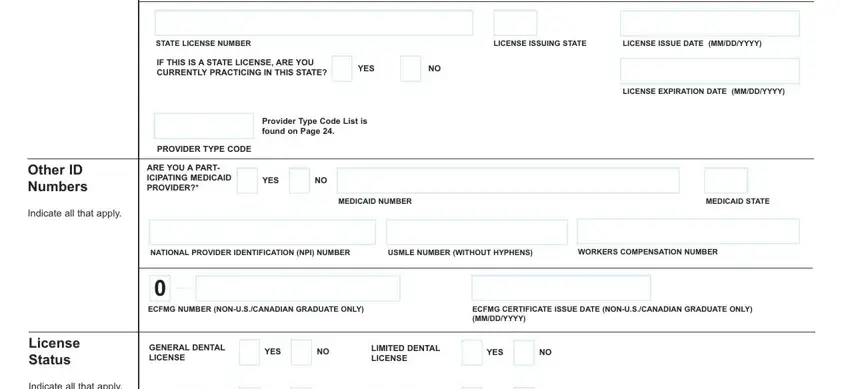
4. This next section requires some additional information. Ensure you complete all the necessary fields - Other ID Numbers, Indicate all that apply, License Status, Indicate all that apply, STATE LICENSE NUMBER, LICENSE ISSUING STATE, LICENSE ISSUE DATE MMDDYYYY, IF THIS IS A STATE LICENSE ARE YOU, YES, LICENSE EXPIRATION DATE MMDDYYYY, Provider Type Code List is found, PROVIDER TYPE CODE, ARE YOU A PART ICIPATING MEDICAID, YES NO, and MEDICAID NUMBER - to proceed further in your process!
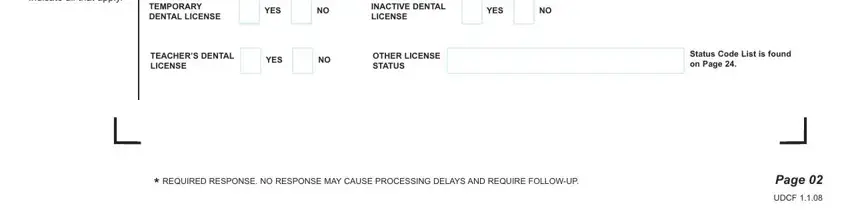
5. This document should be finalized by filling out this segment. Below you will see a detailed listing of form fields that have to be filled in with appropriate information for your form usage to be complete: Indicate all that apply, TEMPORARY DENTAL LICENSE, YES NO, INACTIVE DENTAL LICENSE, YES NO, TEACHERS DENTAL LICENSE, YES NO, OTHER LICENSE STATUS, Status Code List is found on Page, REQUIRED RESPONSE NO RESPONSE MAY, Page, and UDCF.
Step 3: Make certain your details are correct and then click "Done" to conclude the task. Join us now and instantly get maryland dental uniform, ready for downloading. Every single edit you make is handily kept , allowing you to customize the pdf later as required. When you work with FormsPal, you're able to complete forms without worrying about database leaks or data entries getting shared. Our secure platform makes sure that your private details are stored safe.