

Form 5527 (DW-4) at a glance
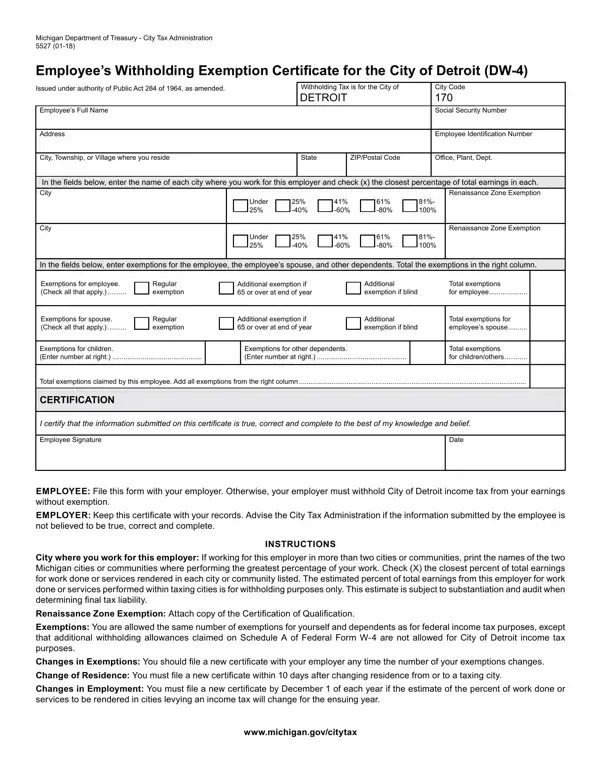
What it is: Form 5527, the Employee's Withholding Exemption for the City of Detroit (DW-4), is from the Michigan Department of Treasury City Tax Administration.
Where and when to file: Employee: File this form with your employer. Otherwise, your employer must withhold City of Detroit income tax from your earnings without exemption.
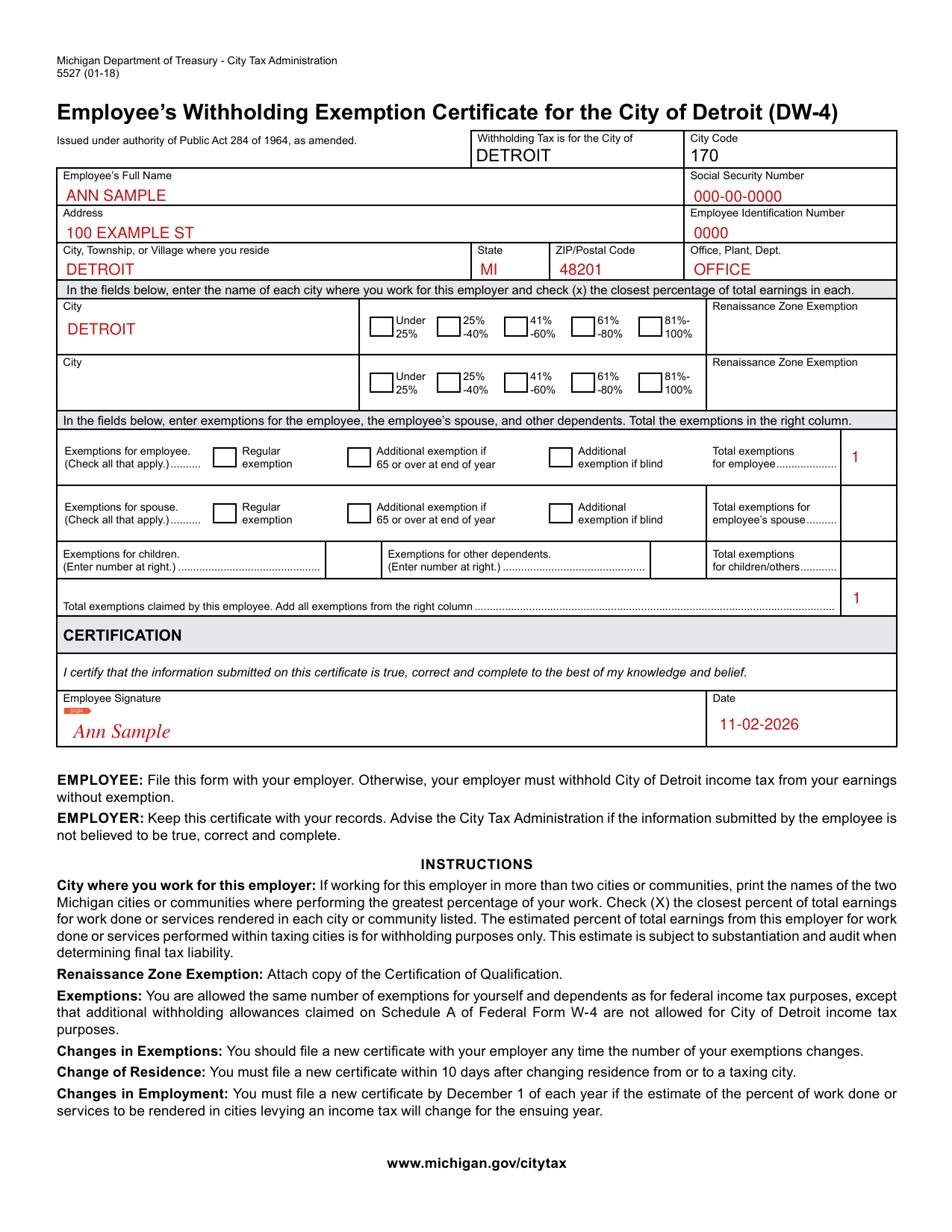
A filled-in Form 5527 (DW-4) example: one employee working in Detroit
How to fill out Form 5527 (DW-4), box by box
Employee's Full Name, address and residence

Enter the Employee's Full Name, Social Security Number, Address, Employee Identification Number, City, Township, or Village where you reside, State, and ZIP/Postal Code.
City where you work for this employer

Enter the name of each city where you work for this employer and check (x) the closest percentage of total earnings in each.
Exemptions for the employee, spouse and dependents
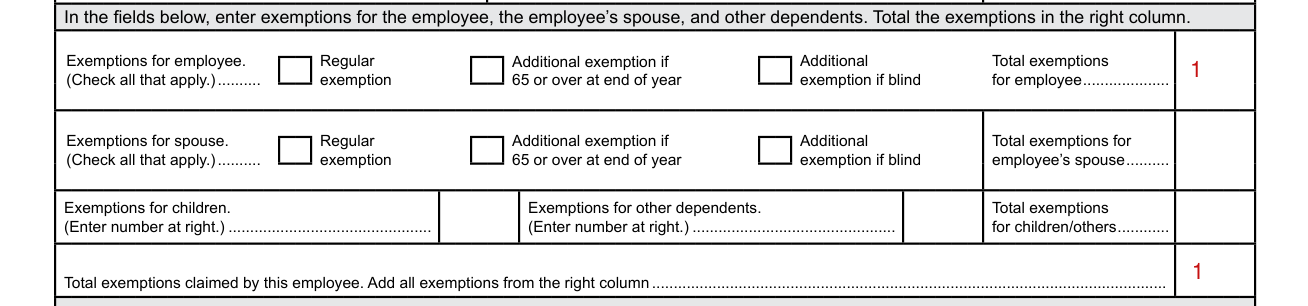
Enter exemptions for the employee, the employee's spouse, and other dependents. Total the exemptions in the right column.
Exemptions for employee. Check all that apply: Regular exemption, Additional exemption if 65 or over at end of year, Additional exemption if blind. Enter the Total exemptions for employee.
Exemptions for spouse. Enter the Total exemptions for employee's spouse.
Enter the number of Exemptions for children and the number of Exemptions for other dependents, then enter the Total exemptions for children/others.
Exemptions: You are allowed the same number of exemptions for yourself and dependents as for federal income tax purposes, except that additional withholding allowances claimed on Schedule A of Federal Form W-4 are not allowed for City of Detroit income tax purposes.
Enter the Total exemptions claimed by this employee: add all exemptions from the right column.
Certification, signature and date

By signing you certify that the information submitted is true, correct and complete to the best of your knowledge and belief. Add the Employee Signature and the Date.
More rules for Form 5527 (DW-4)
Changes in Employment: You must have a new form by December 1 of each year if the estimate of the percent of work done or services to be rendered in cities levying an income tax will change for the ensuing year.
Common questions about Form 5527 (DW-4)
Is there a deadline?
Change of Residence: You must have a new form within 10 days after changing residence from or to a taxing city.
Sources
[1] Form 5527 (01-18), Employee's Withholding Exemption Certificate for the City of Detroit (DW-4), Michigan Department of Treasury (the Official source link on this page).