

FAA Form 8310-3 at a glance
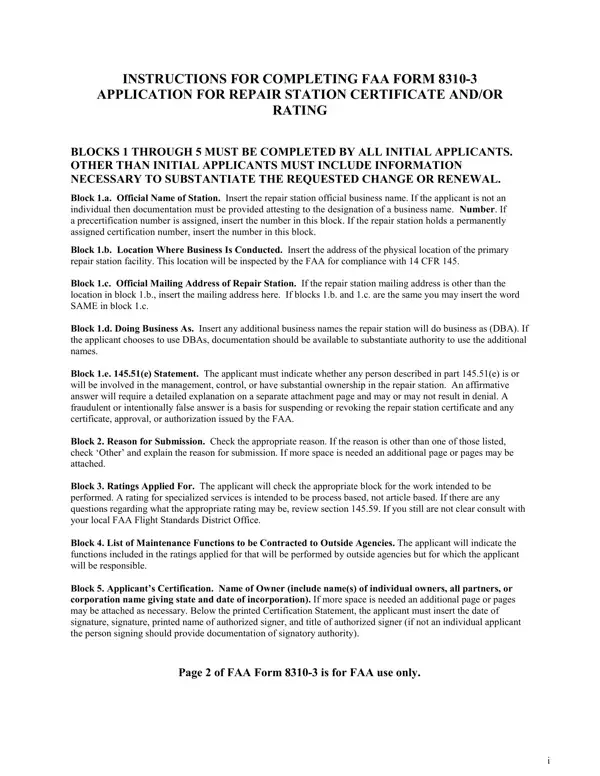
What it is: FAA Form 8310-3 is the Application for Repair Station Certificate and/or Rating.
Who signs: Block 5. Applicant's Certification. Name of Owner (include name(s) of individual owners, all partners, or corporation name giving state and date of incorporation). If more space is needed an additional page or pages may be attached as necessary. In Block 5, under the printed Certification Statement, the applicant must insert the date of signature, signature, printed name of authorized signer, and title of authorized signer (if not an individual applicant the person signing should provide documentation of signatory authority).
Blocks 1 through 5 must be completed by all initial applicants. Other than initial applicants must include information necessary to substantiate the requested change or renewal.
A filled-in FAA Form 8310-3 example: a new repair station applies for an Airframe Class 2 rating
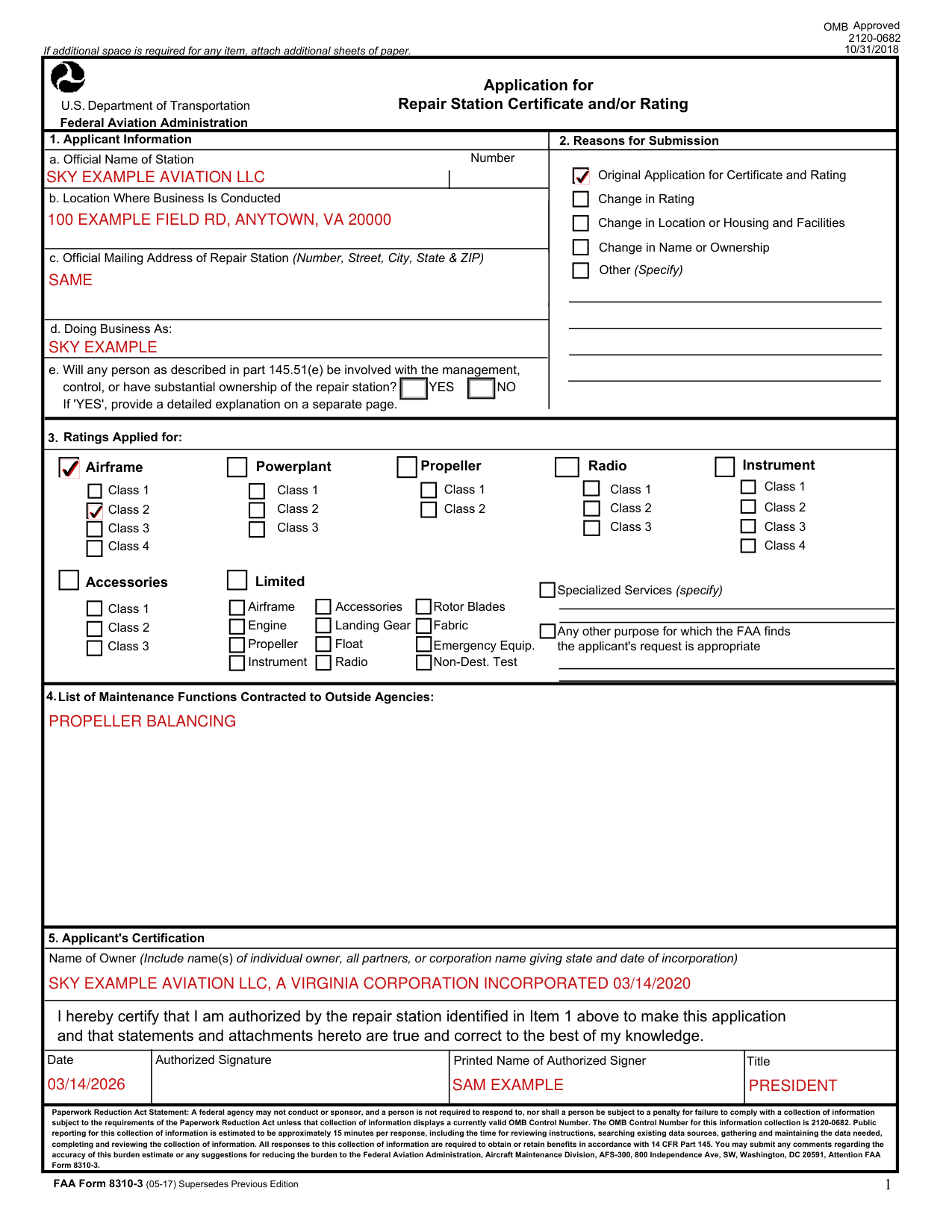
How to fill out FAA Form 8310-3, box by box
Official Name of Station, Location Where Business Is Conducted, Official Mailing Address and Doing Business As
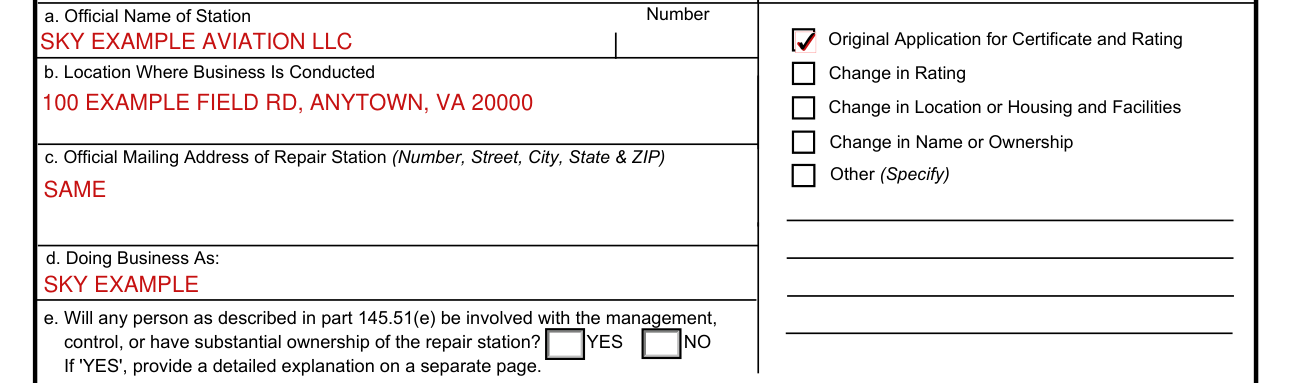
Block 1.a. Official Name of Station: insert the repair station official business name. If the applicant is not an individual then documentation must be provided attesting to the designation of a business name. Number: if a precertification number is assigned, insert the number in this block. If the repair station holds a permanently assigned certification number, insert the number in this block.
Block 1.b. Location Where Business Is Conducted: insert the address of the physical location of the primary repair station facility. This location will be inspected by the FAA for compliance with 14 CFR 145.
Block 1.c. Official Mailing Address of Repair Station: if the repair station mailing address is other than the location in block 1.b., insert the mailing address here. If blocks 1.b. and 1.c. are the same you may insert the word SAME in block 1.c.
Block 1.d. Doing Business As: insert any additional business names the repair station will do business as (DBA). If the applicant chooses to use DBAs, documentation should be available to substantiate authority to use the additional names.
Block 1.e. 145.51(e) Statement: the applicant must indicate whether any person described in part 145.51(e) is or will be involved in the management, control, or have substantial ownership in the repair station. An affirmative answer will require a detailed explanation on a separate attachment page and may or may not result in denial. A fraudulent or intentionally false answer is a basis for suspending or revoking the repair station certificate and any certificate, approval, or authorization issued by the FAA.
Reasons for Submission
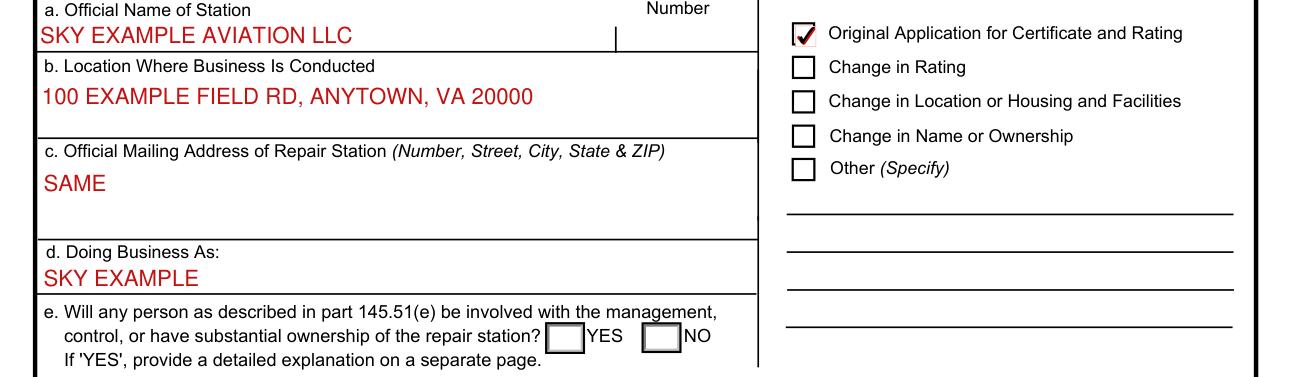
Block 2. Reason for Submission: check the appropriate reason. If the reason is other than one of those listed, check 'Other' and explain the reason for submission. If more space is needed an additional page or pages may be attached.
Ratings Applied for
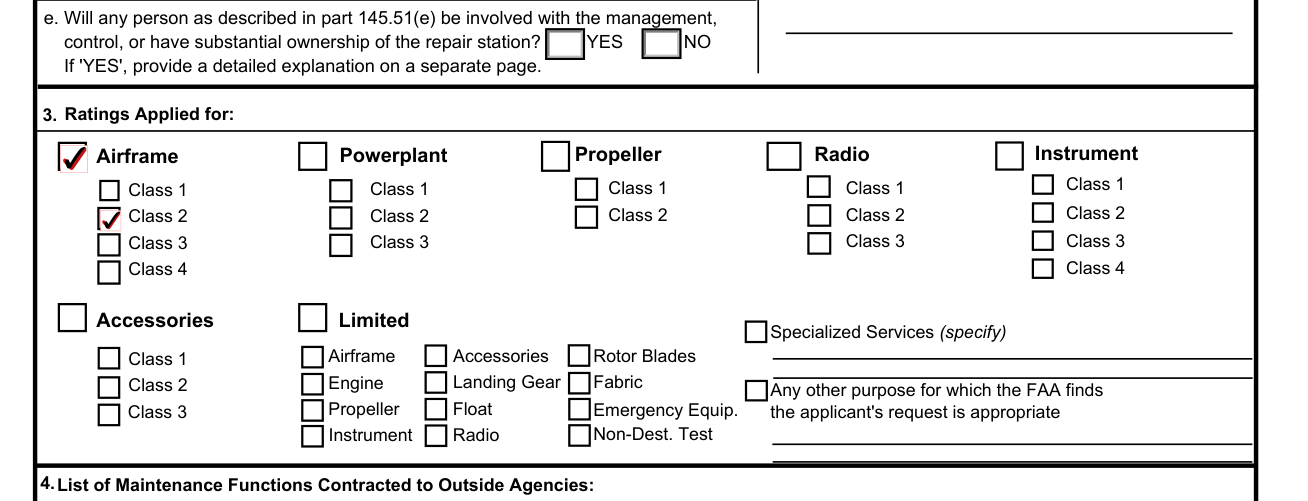
Block 3. Ratings Applied For: the applicant will check the appropriate block for the work intended to be performed. A rating for specialized services is intended to be process based, not article based. If there are any questions regarding what the appropriate rating may be, review section 145.59. If you still are not clear consult with your local FAA Flight Standards District Office.
List of Maintenance Functions Contracted to Outside Agencies
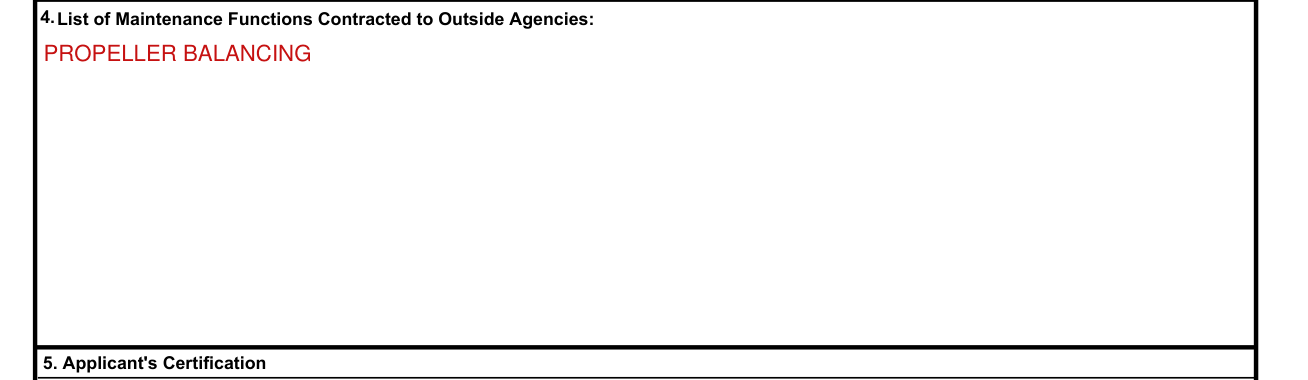
Block 4. List of Maintenance Functions to be Contracted to Outside Agencies: the applicant will indicate the functions included in the ratings applied for that will be performed by outside agencies but for which the applicant will be responsible.
Applicant's Certification
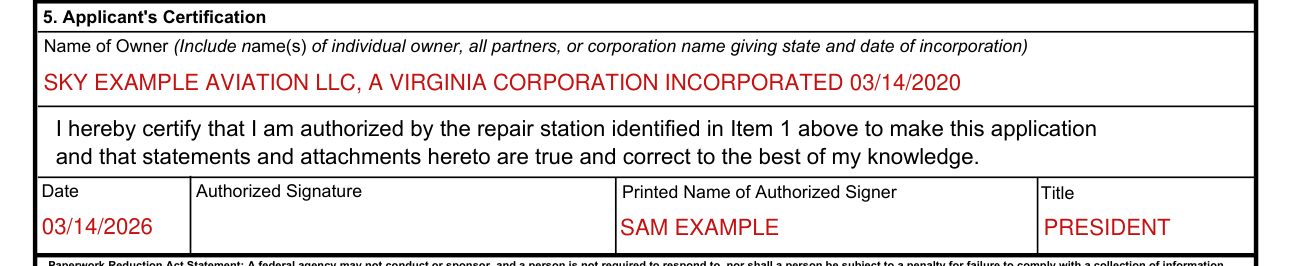
"I hereby certify that I am authorized by the repair station identified in Item 1 above to make this application and that statements and attachments hereto are true and correct to the best of my knowledge."
More rules for FAA Form 8310-3
Page 2 of FAA Form 8310-3 is for FAA use only.
OMB Approved 2120-0682. If additional space is required for any item, attach additional sheets of paper.
Sources
[1] FAA Form 8310-3 (05-17), Application for Repair Station Certificate and/or Rating, U.S. Department of Transportation, Federal Aviation Administration (the Official source link on this page).