
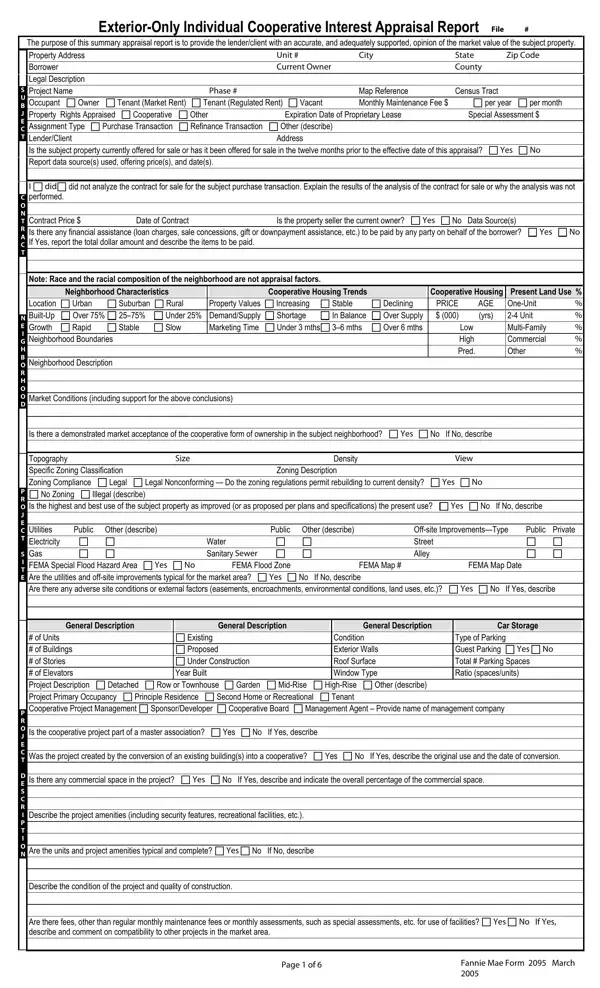
The Fannie Mae Form 2095, also known as the Exterior-Only Individual Cooperative Interest Appraisal Report, serves a crucial role in the realm of property valuation and mortgage finance transactions. This comprehensive form is instrumental for appraisers to convey an expert opinion on the market value of a cooperative interest, encompassing cooperative shares or evidence of ownership interest in the cooperative corporation, along with the accompanying occupancy rights. It is meticulously designed to address various aspects, including the subject property's address, legal description, current ownership, property rights appraised, and assignment type, whether for a purchase or refinance transaction. Furthermore, it delves into details such as property and neighborhood characteristics, utilities, off-site improvements, and the condition and description of the project. Special attention is paid to any factors that could affect marketability, including the property's compliance with zoning laws, the presence of any adverse site conditions, and the financial health of the cooperative project itself. Detailed comparisons with similar properties are documented to support the appraiser’s valuation, ensuring a robust and adequately supported opinion of the market value. This form caters to the specific needs of lender clients, facilitating informed decision-making in mortgage finance scenarios. By adhering to a well-defined scope of work and relying on observable data along with rigorous analysis, the Fannie Mae Form 2095 stands as a critical document in the appraisal of individual cooperative interests.
| Question | Answer |
|---|---|
| Form Name | Fannie Mae Form 2095 |
| Form Length | 7 pages |
| Fillable? | No |
| Fillable fields | 0 |
| Avg. time to fill out | 1 min 45 sec |
| Other names | Bdrms, livability, Woodstove, mths |