

Form 2587 at a glance
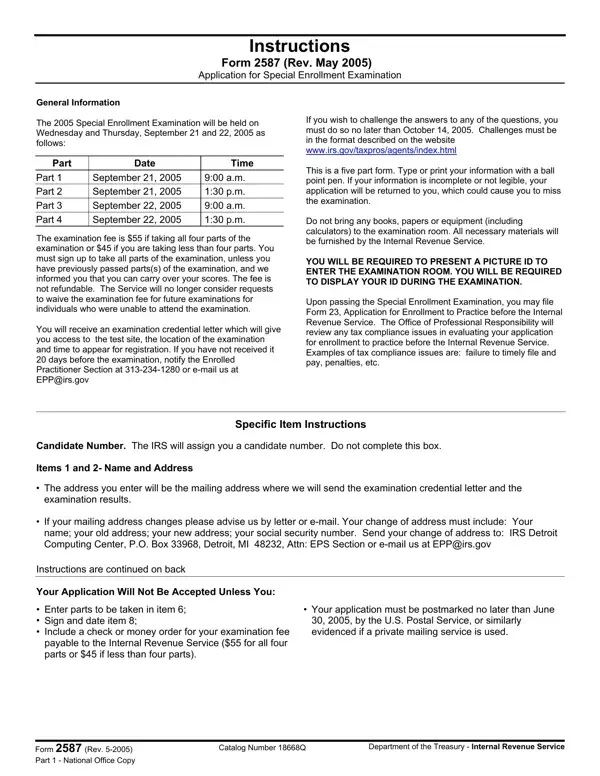
What it is: Form 2587 (March 2024): Application for Special Enrollment Examination, Department of the Treasury, Internal Revenue Service.
Where and when to file: To express register, visit www.prometric.com/see and complete this form online. You can then immediately schedule and make payment online. This is the only way to complete the process in the same day.
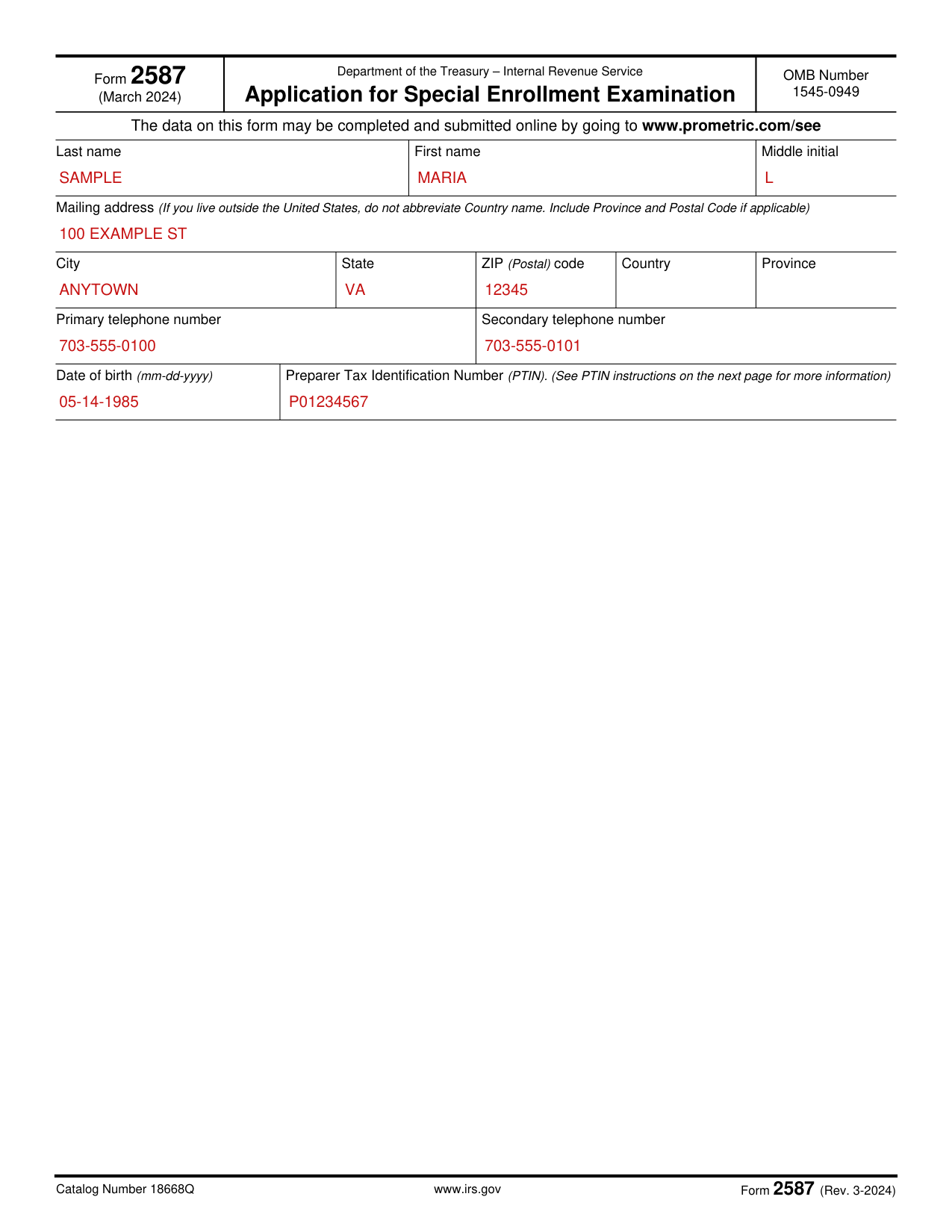
A filled-in Form 2587 example: an applicant living in the United States
How to fill out Form 2587, box by box
Your name

Enter your Last name, First name and Middle initial.
Mailing address, Country and Province

In Mailing address, if you live outside the United States, do not abbreviate Country name; include Province and Postal Code if applicable.
Enter City, State, ZIP (Postal) code, Country and Province.
Telephone numbers

Enter your Primary telephone number and Secondary telephone number.
Date of birth and PTIN

Enter your Date of birth as mm-dd-yyyy, and your Preparer Tax Identification Number (PTIN).
All applicants need a Preparer Tax Identification Number (PTIN) in order to register for any examination.
Obtain a PTIN online at www.irs.gov/ptin.
It only takes about 15 minutes to apply for or renew your PTIN online.
Paper Forms W-12, IRS Paid Preparer Tax Identification Number (PTIN) Application, take 4-6 weeks to process.
Preparers without SSNs must follow the special instructions and complete the additional documentation as outlined in the Form W-12 instructions.
More rules for Form 2587
Instructions for Form 2587 (Rev. 3-2024, Catalog Number 18668Q), Application for Special Enrollment Examination: the examination is offered in three parts and is administered by Prometric.
The data on this form may be completed and submitted online by going to www.prometric.com/see.
Before scheduling and paying, you must complete Form 2587.
Once Form 2587 is completed, you may schedule and pay for your examination with Prometric.
Candidates should complete Form 2587 only one time under the registration process.
If you register, but do not pass all parts of the examination, you will not have to complete Form 2587 in order to register for the examination again.
There are three ways to register, schedule and pay for the Special Enrollment Examination.
The examination fee is not refundable.
Furnishing the information on this form is voluntary but failure to do so may result in failure to grant you enrollment.
Registering online, by fax or by mail
You register online
To express register, visit www.prometric.com/see and complete this form online.
You can then immediately schedule and make payment online.
This is the only way to complete the process in the same day.
You fax this form
You may fax this form to 1-800-347-9242.
Wait one full calendar day and then either: log on to www.prometric.com/see or call 1-800-306-3926, to schedule and pay.
You mail this form
You may mail this completed form to: Prometric, Attn: IRS Special Enrollment Examination, 7941 Corporate Drive, Nottingham, MD 21236.
Wait six to 10 calendar days, and then either log on to www.prometric.com/see or call 1-800-306-3926, to schedule and pay.
Common questions about Form 2587
Are there fees?
The fee is $259.00 for each of the three parts of the examination. (checked October 22, 2026)
Sources
[1] Form 2587 (Rev. 3-2024), Application for Special Enrollment Examination, Department of the Treasury, Internal Revenue Service (the Official source link on this page).