Please rate Form 8109 B

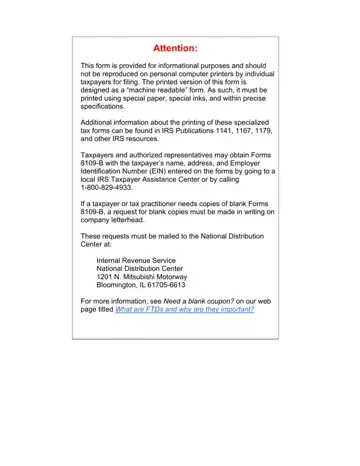
In an environment where precise tax compliance is crucial for individuals and businesses alike, understanding the protocols for submitting tax payments is essential. The Federal Tax Deposit Coupon, identified as Form 8109-B, plays a significant role in this process, especially for taxpayers who find themselves in specific situations necessitating its use. This form comes into play primarily under two circumstances: firstly, for taxpayers who haven't received their resupply of preprinted deposit coupons (Form 8109) and secondly, for new entities that have been assigned an Employer Identification Number (EIN) but are yet to receive their initial set of preprinted coupons. Highlighting the form's utility and completion instructions underscores its significance in maintaining tax compliance. With the option to obtain these forms through local IRS Taxpayer Assistance Centers or by calling a designated number, taxpayers have a tangible method to ensure their tax deposits are timely and accurately submitted. The form instructs on the importance of correctly entering amounts, choosing the applicable type of tax, and selecting the correct tax period to avoid processing delays. It also emphasizes the critical nature of opting for the Electronic Federal Tax Payment System (EFTPS) when feasible, to streamline tax payments further. The guidelines detailed for the form's use, including the precise nature of its physical submission requirements, underline the IRS's commitment to efficient tax collection and taxpayer convenience. This ensures not only the appropriate allocation of payments but also aids in avoiding penalties associated with incorrect or late tax deposits, thereby reinforcing the form's role in the broader tax compliance ecosystem.
| Question | Answer |
|---|---|
| Form Name | Form 8109 B |
| Form Length | 3 pages |
| Fillable? | No |
| Fillable fields | 0 |
| Avg. time to fill out | 45 sec |
| Other names | federal coupon forms, irs quarterly payment voucher, federal tax deposit coupon, form 8109 federal tax deposit coupon |
Form 8109 B isn’t the one you’re looking for?
Please rate Form 8109 B
