
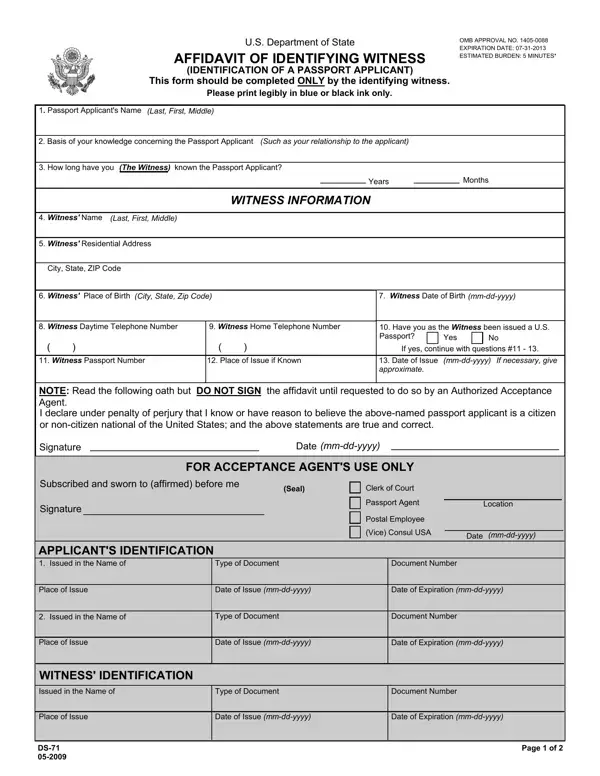

Form DS-71 at a glance
What it is: Form DS-71 is the U.S. Department of State Affidavit of Identifying Witness, Identification of a Passport Applicant.
Who signs: This form should be completed only by the identifying witness and used only in conjunction with form DS-11, Application for a U.S. Passport.
The Affidavit of Identifying Witness may be submitted with a passport application when the passport applicant is unable to establish their identity to the satisfaction of the authorized Passport Agent, Passport Acceptance Agent, or Consular Officer. The passport applicant must still present some identification of their own.
What to bring and attach to Form DS-71
You, the witness, must complete items 1 through 10 (and, if applicable, 11 through 12) of this form, sign when requested to do so by the same authorized Passport Agent, Passport Acceptance Agent, or Consular Officer who accepted the passport application, and present some form of current government-issued photo identification of your own.
You must include a photocopy of the front and back of your government-issued photo identification.
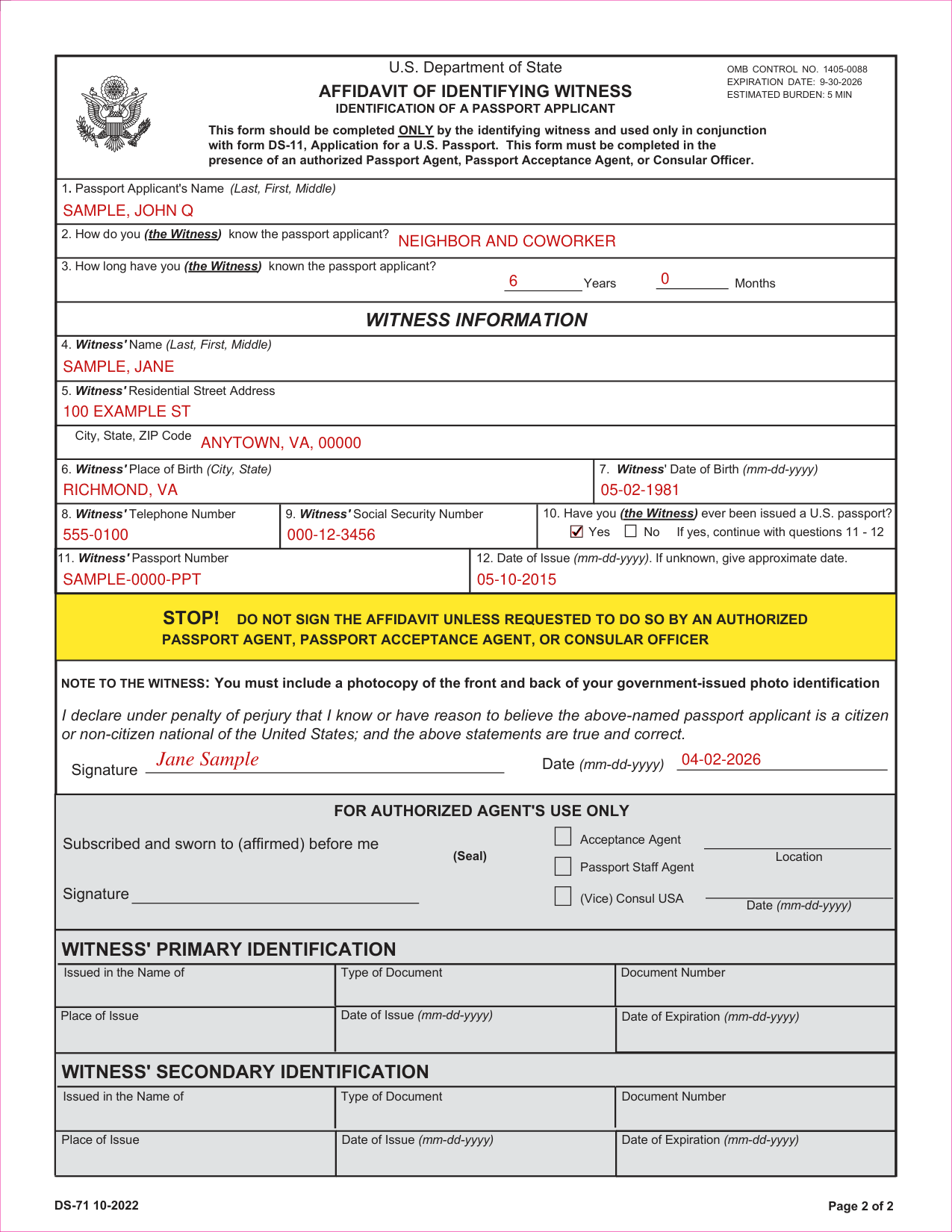
A filled-in Form DS-71 example: an identifying witness who has never held a passport
How to fill out Form DS-71, box by box
Passport Applicant's Name and how you know the applicant

1. Passport Applicant's Name (Last, First, Middle): enter the name.
2. How do you (the Witness) know the passport applicant? Enter it.
3. How long have you (the Witness) known the passport applicant? Enter Years and Months.
Witness Information
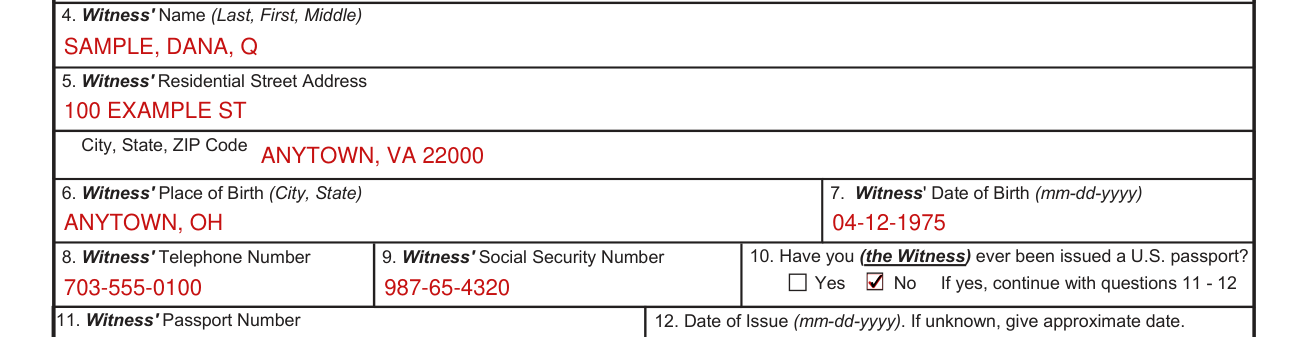
Under WITNESS INFORMATION, 4. Witness' Name (Last, First, Middle): enter the name.
5. Witness' Residential Street Address: enter the street address, then the City, State, ZIP Code.
7. Witness' Date of Birth (mm-dd-yyyy) and 6. Witness' Place of Birth (City, State): enter both.
8. Witness' Telephone Number: enter the number.
9. Witness' Social Security Number: enter the number.
The collection of the Social Security number will be used to verify the identity of you, the witness, and for no other purpose unless authorized by law.
Have you (the Witness) ever been issued a U.S. passport?

10. Have you (the Witness) ever been issued a U.S. passport? Mark No or Yes. If yes, continue with questions 11 - 12.
11. Witness' Passport Number: enter the number.
12. Date of Issue (mm-dd-yyyy): enter the date. If unknown, give approximate date.
Signature and Date

This form must be completed in the presence of an authorized Passport Agent, Passport Acceptance Agent, or Consular Officer.
By signing you declare under penalty of perjury that you know or have reason to believe the passport applicant named on this form is a citizen or non-citizen national of the United States, and that the statements on this form are true and correct.
Sign on the Signature line and enter the Date (mm-dd-yyyy).
False statements made knowingly and willfully on this form, in U.S. passport applications, or in affidavits or other supporting documents submitted therewith are punishable by fine and/or imprisonment under U.S. law, including the provisions of 18 U.S.C. 1001 and/or 18 U.S.C. 1542.
More rules for Form DS-71
All statements and documents submitted are subject to verification.
Providing information on this form is voluntary. There may be a delay in processing the passport application if you do not provide the information requested on this form.
Common questions about Form DS-71
What is form DS-71 for an identifying witness?
Form DS-71 is the U.S. Department of State Affidavit of Identifying Witness, Identification of a Passport Applicant. The information solicited on this form will be used to determine the applicant's entitlement to a U.S. passport.
Sources
[1] Form DS-71 (10-2022), Affidavit of Identifying Witness, Identification of a Passport Applicant, U.S. Department of State (the Official source link on this page).