
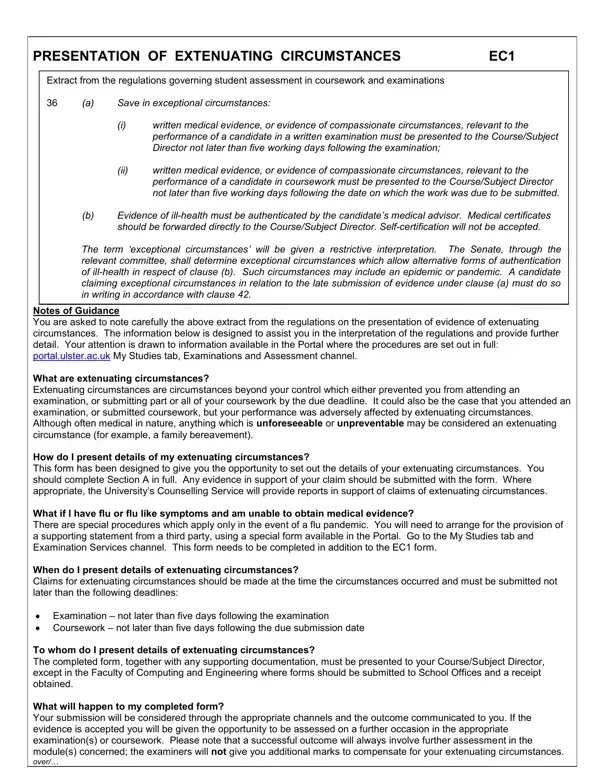
When life throws unforeseen challenges at students, the Ec1 form becomes a critical resource in managing the impact of these challenges on their academic performance. This form is a part of the broader regulations governing student assessments, specifically designed to acknowledge and address extenuating circumstances that might affect a student's ability to perform in examinations or submit coursework. Extenuating circumstances include, but are not limited to, serious illness or unforeseeable, uncontrollable events like a family bereavement. Importantly, the form requires that claims be submitted within strict deadlines—no later than five working days after an examination or coursework due date—accompanied by appropriate evidence such as medical certificates, which must be verified by a medical advisor. In exceptional scenarios, such as a pandemic, alternative forms of evidence may be considered. The process outlined on the Ec1 form not only involves detailing the nature of the circumstances faced but also specifying the type of assessment affected, thereby allowing the college or university to more accurately assess the claim. As a student, understanding how to present these details effectively and what outcomes to expect can be crucial. This introduction not only aims to navigate through the specifications of the Ec1 form but also reflects on its importance in maintaining fairness and equity in academic assessment.
| Question | Answer |
|---|---|
| Form Name | Form Ec1 |
| Form Length | 4 pages |
| Fillable? | No |
| Fillable fields | 0 |
| Avg. time to fill out | 1 min |
| Other names | ulster form, extenuating supporting type pdf, form ec1 pdf, form ec1 online |
Form Ec1 isn’t the one you’re looking for?