

Form I-590 at a glance
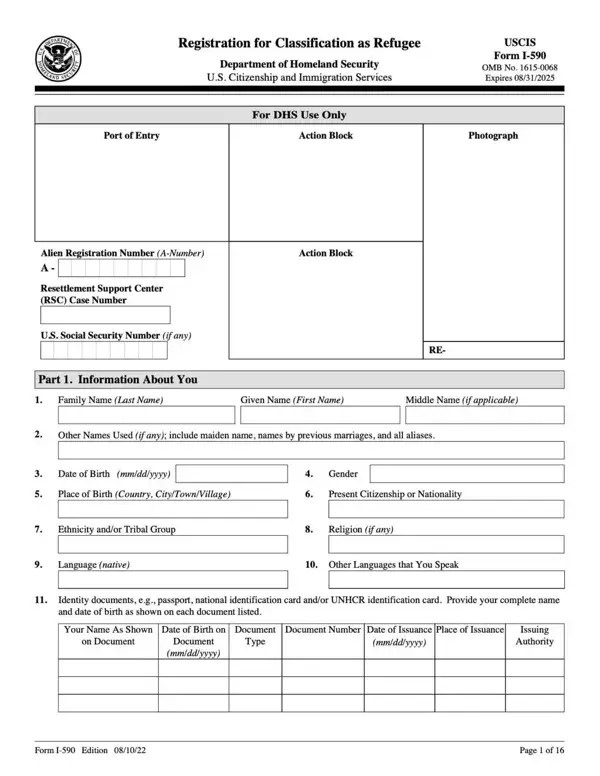
What it is: USCIS Form I-590 is the Registration for Classification as Refugee.
Who signs: Registrant's (Applicant's) Signature Each form must be properly signed. For all signatures on this form, USCIS will not accept a stamped or typewritten name in place of a signature.
A separate Form I-590 is required for each registrant.
Form I-590 on behalf of a child under 14 years of age may be submitted by the parent or guardian.
What to bring and attach to Form I-590
If you submit a document with information in a foreign language, you must also submit a full English translation. The translator must sign a certification that the English language translation is complete and accurate, and that he or she is competent to translate from the foreign language into English. The certification must also include the translator's signature, printed name, the signature date, and the translator's contact information.
You may submit legible photocopies of documents requested, unless the Instructions specifically state that you must submit an original document. USCIS may request an original document at the time of filing or at any time during processing of your form.
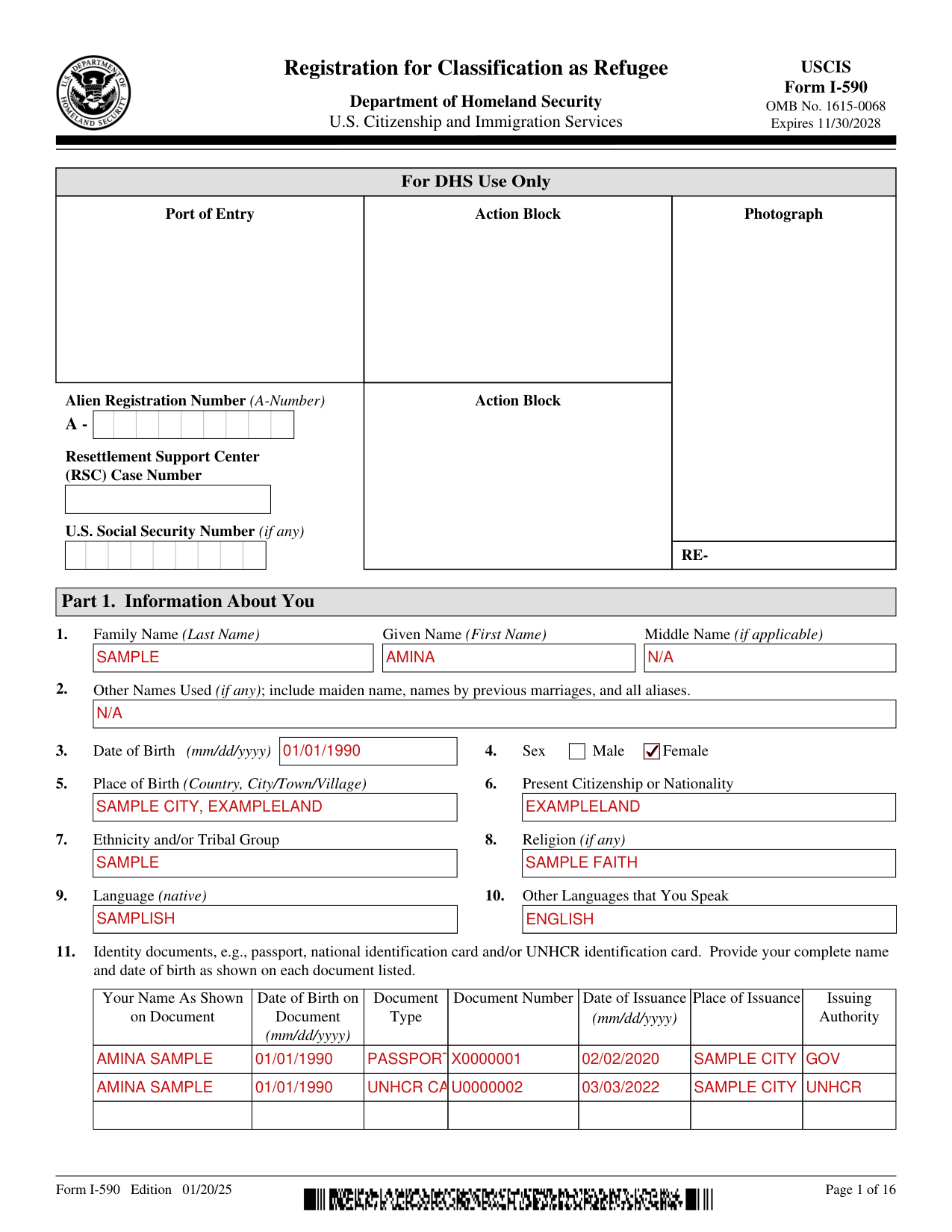
A filled-in Form I-590 example: a registrant fills Part 1 with two identity documents
How to fill out Form I-590, box by box
Part 1. Information About You
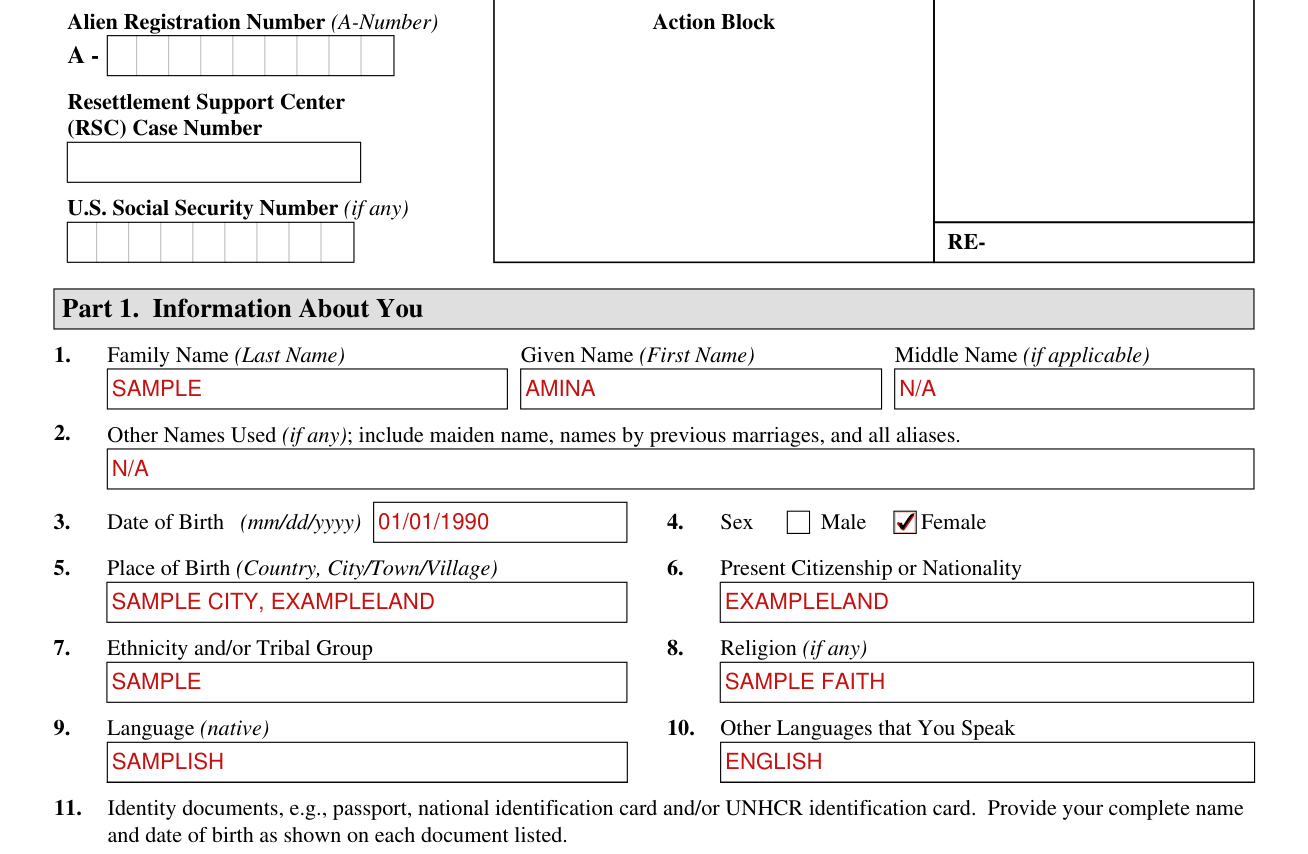
Enter the Family Name (Last Name), Given Name (First Name) and Middle Name (if applicable). Under Other Names Used (if any), include maiden name, names by previous marriages, and all aliases.
Enter the Date of Birth (mm/dd/yyyy), mark Male or Female under Sex, and enter the Place of Birth (Country, City/Town/Village), Present Citizenship or Nationality, Ethnicity and/or Tribal Group, Religion (if any), Language (native) and Other Languages that You Speak.
Identity documents
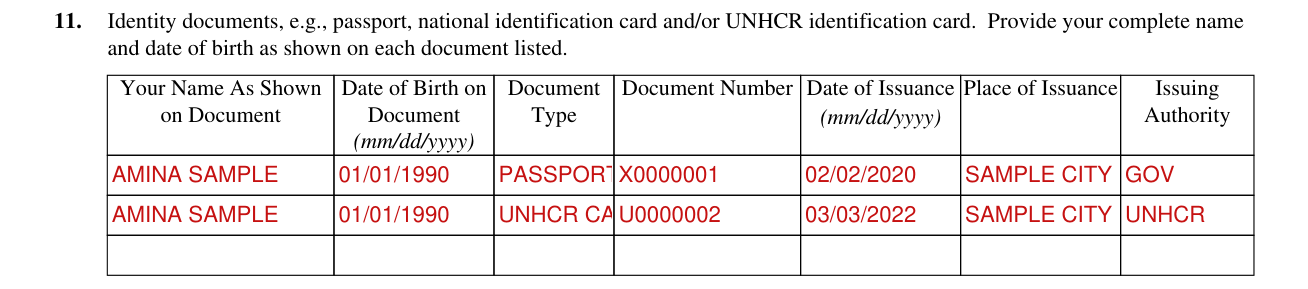
Identity documents, e.g., passport, national identification card and/or UNHCR identification card. Provide your complete name and date of birth as shown on each document listed.
For each document, enter Your Name As Shown on Document, Date of Birth on Document (mm/dd/yyyy), Document Type, Document Number, Date of Issuance (mm/dd/yyyy), Place of Issuance and Issuing Authority.
Part 4. Military Service
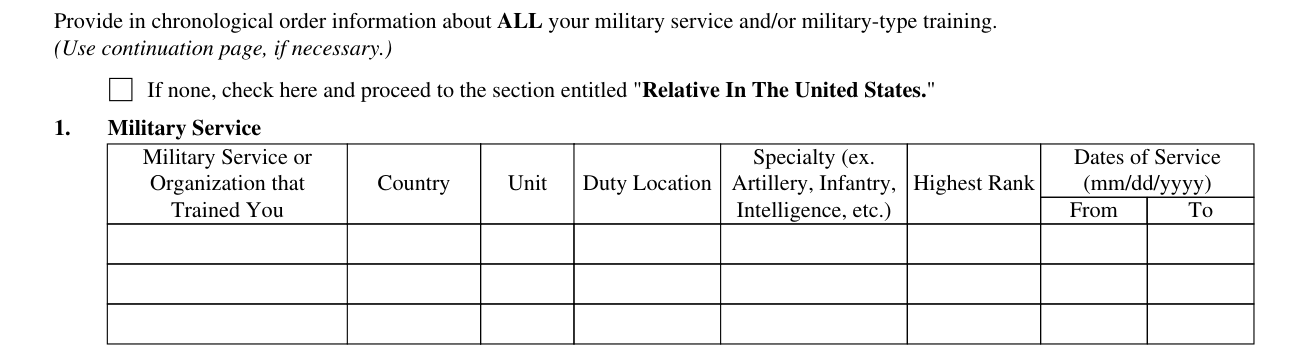
Provide in chronological order information about ALL your military service and/or military-type training. (Use continuation page, if necessary.)
If none, check here and proceed to the section entitled "Relative In The United States."
Part 6. Information About Your Marital Status

Your Current Marital Status (check ALL that apply): Never married and not engaged (Go to Part 7); Married (Go to section entitled "Current Spouse"); Divorced (Go to section entitled "Former Spouse"); Widowed (Go to section entitled “Former Spouse”); Unmarried but engaged to be married (Go to section entitled "Fiancé"); Missing Spouse (Go to section entitled "Current Spouse").
Part 7. Information About Your Children

Check all of the boxes that apply to you: I have (number) children (include living, deceased, or missing); I have no children (Go to Part 8); I am currently pregnant.
List ALL children, from the oldest child to the youngest child. Include all biological, legally adopted, and step-children, regardless of age or marital status. Also include children who are now missing or deceased.
Part 7. Child 1
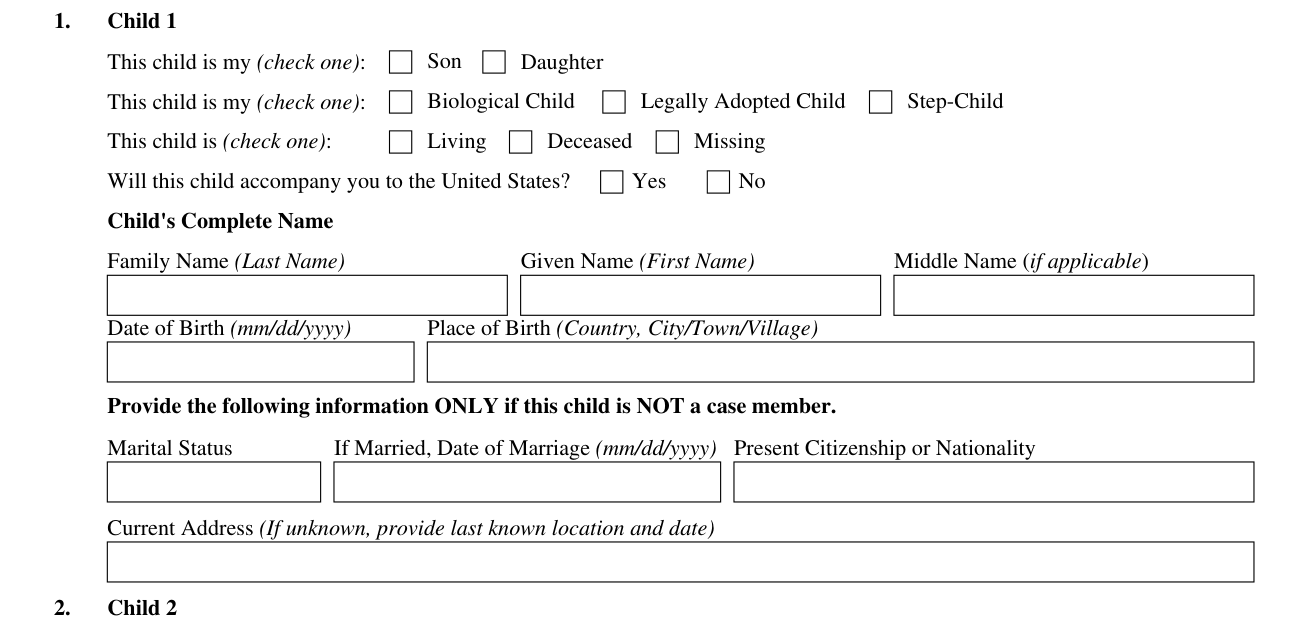
This child is my (check one): Son or Daughter. Check one: Biological Child, Legally Adopted Child or Step-Child. This child is (check one): Living, Deceased or Missing. Will this child accompany you to the United States? No or Yes.
Enter the Child's Complete Name: Family Name (Last Name), Given Name (First Name) and Middle Name (if applicable), then the Date of Birth (mm/dd/yyyy) and Place of Birth (Country, City/Town/Village).
Provide the following information ONLY if this child is NOT a case member: Marital Status, If Married, Date of Marriage (mm/dd/yyyy), Present Citizenship or Nationality and Current Address (If unknown, provide last known location and date).
Registrant's Statement Regarding Disclosure of Information to Social Security Administration

By checking this box, and upon USCIS determining I meet the definition of a refugee with work authorization, I authorize disclosure of my information to the Social Security Administration for the purpose of assigning me a Social Security number and issuing me a Social Security card.
Part 12. Additional Information
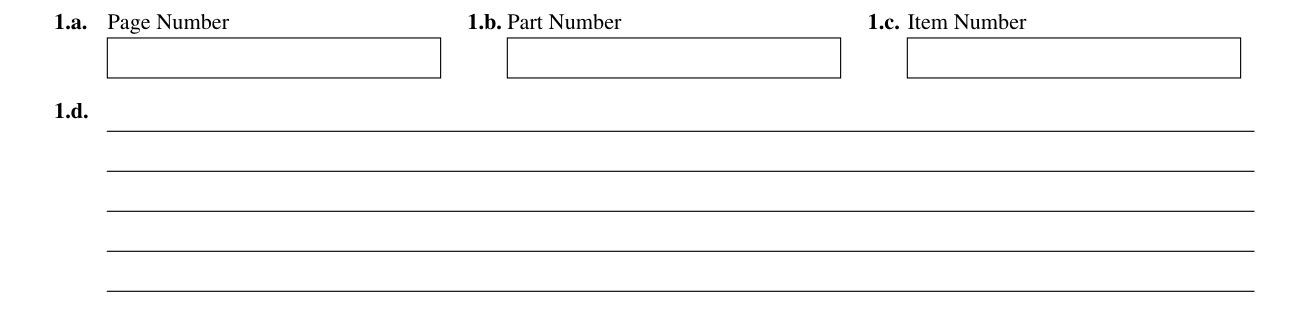
If you need more space than what is provided, you may make copies to complete and file with this form or attach a separate sheet of paper. Include your name, your Alien Registration Number (A-Number) (if any) and RSC Case Number (if any) at the top of each sheet; indicate the Page Number, Part Number, and Item Number to which your answer refers; and sign and date each sheet.
More rules for Form I-590
The RSC with jurisdiction in the registrant's region shall assist the registrant in the completion and submission of Form I-590, Registration for Classification as Refugee.
Type or print legibly in black ink.
Answer all questions fully and accurately. If a question does not apply to you (for example, if you have never been married and the question asks, "Provide the name of your current spouse"), type or print "N/A," unless otherwise directed. If your answer to a question which requires a numeric response is zero or none (for example, "How many children do you have" or “How many times have you departed the United States"), type or print "None," unless otherwise directed.
If you do not completely fill out this form or fail to submit required documents listed in the Instructions and your biometrics, if required, processing of your request will be delayed, and USCIS may reject, close, or deny your form.
Common questions about Form I-590
What is form I 590 used for?
The primary purpose for providing the requested information on this application is to determine eligibility for refugee classification and resettlement in the United States.
Who signs it?
If you are under 14 years of age, your parent or legal guardian may sign the form on your behalf. A legal guardian may also sign for a mentally incompetent person.
What am I certifying when I sign?
By signing you certify, under penalty of perjury, that the information in your form and any document submitted with your form were provided by you and are complete, true, and correct. Enter the Registrant's (Applicant's) Signature, Date of Signature (mm/dd/yyyy), E-mail Address (if any) and Telephone Number (if any).
Sources
[1] Form I-590 (Edition 01/20/25), Registration for Classification as Refugee, U.S. Citizenship and Immigration Services (the Official source link on this page).