Please rate Gnc Printable Application 07-2026

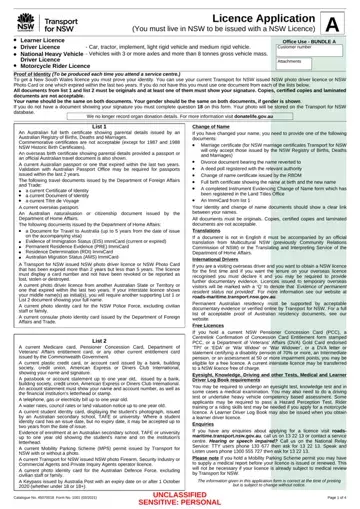
Filling out the GNC Application Form is the first step for residents of New South Wales (NSW) aiming to obtain or renew a driving license within the state. This comprehensive application caters to a variety of license types such as Learner License, Driver License for cars, tractors, and different classes of heavy vehicles, in addition to Motorcycle Rider Licenses. Applicants are required to provide a significant amount of personal information including proof of identity, which necessitates original documents that display the applicant's name, signature, and gender. For those who have undergone a name change, specific documents are obligatory to establish the link between their former and current names. The form also outlines criteria for International Drivers aiming to switch to a NSW license, stipulating the recognition of overseas tenure and necessary supporting evidence. Moreover, there are provisions for free licenses under certain conditions, such as for pensioners. The application meticulously details the prerequisites for various licenses including medical tests, eyesight checks, and knowledge or driving tests where applicable. Additionally, it offers options for acquiring a NSW Photo Card alongside the driver's license, touches upon medical conditions that may affect driving ability, and outlines the need for medical reports in some cases. Applicants are also reminded of the legal implications of providing false information. Lastly, the form serves as a reminder about updating personal details and maintaining the accuracy of provided information to ensure compliance and secure legal driving status within NSW.
| Question | Answer |
|---|---|
| Form Name | Gnc Printable Application |
| Form Length | 2 pages |
| Fillable? | Yes |
| Fillable fields | 90 |
| Avg. time to fill out | 1 min |
| Other names | DPI, gnc printable application, NSW, gnc application print out |
Gnc Printable Application isn’t the one you’re looking for?
Please rate Gnc Printable Application 07-2026
