Please rate Handgun Application

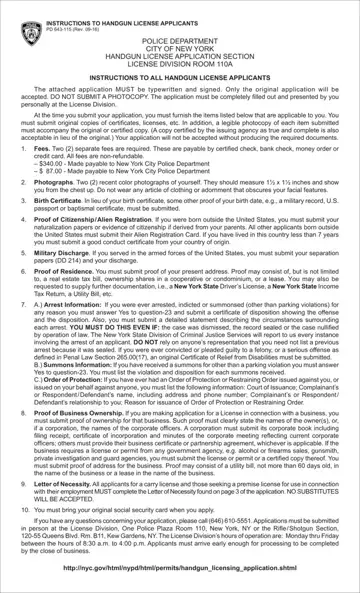
Fulfilling the prerequisites for obtaining a handgun license in the City of New York necessitates a comprehensive understanding of the application process as outlined by the New York City Police Department. The application form, desiring to be both typewritten and signed in its original format without exceptions for photocopies, mandates personal submission at the License Division. Applicants are required to provide a variety of documents at the time of submission, which include but are not limited to two recent color photographs, a birth certificate or equivalent proof of birth, proof of citizenship or alien registration, and discharge papers for those who served in the armed forces. There is also a need to demonstrate proof of residence, and business owners need to present evidence of business ownership. The importance of accurately and thoroughly completing the form cannot be overstated, as it includes sensitive sections such as arrest and summons information, orders of protection, and mental health disclosures, all of which will be verified by the Division of Criminal Justice Services. Furthermore, the applicant is obliged to pay non-refundable fees totaling $427 and present a letter of necessity in specific cases. A failure to comply with the required documentation or providing false statements can lead to the denial of the handgun license application, underscoring the need for diligence and honesty throughout the process.
| Question | Answer |
|---|---|
| Form Name | Handgun Application |
| Form Length | 17 pages |
| Fillable? | Yes |
| Fillable fields | 212 |
| Avg. time to fill out | 23 min 21 sec |
| Other names | nypd license renewal, licensing nypdonline org, nypd pistol license renewal, handgun license |
Handgun Application isn’t the one you’re looking for?
Please rate Handgun Application
