Please rate Hcd 415 Form Rev. 08-20

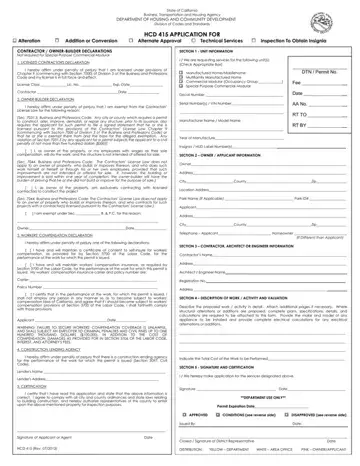
The State of California Business, Transportation and Housing Agency, through its Department of Housing and Community Development (HCD), offers a range of services under the Division of Codes and Standards, encompassed by the HCD 415 form. This crucial document is designed for individuals or entities seeking permissions related to alterations, additions or conversions, alternate approvals, technical services, and inspections to obtain insignia for various dwelling units. The form requires detailed information, including contractor or owner-builder declarations, workers' compensation declaration, and construction lending agency details, emphasizing the state's rigorous compliance requirements. Furthermore, it mandates a comprehensive portrayal of the unit in question, including its type, serial numbers, manufacturer's details, and more. The owner or applicant's information alongside contractor, architect, or engineer details further enriches the application, providing a thorough overview of the proposed work or activity’s scope and valuation. Finally, with sections dedicated to authorizations and certifications, the HCD 415 form acts as a critical step in assuring that buildings meet the state's safety, construction, and environmental standards, reflecting the commitment to maintaining high standards within California's housing and community developments.
| Question | Answer |
|---|---|
| Form Name | Hcd 415 Form |
| Form Length | 2 pages |
| Fillable? | Yes |
| Fillable fields | 71 |
| Avg. time to fill out | 30 sec |
| Other names | hcd 415 permit, a permit from hcd, hcd 415 application, state of california form 415 |
Hcd 415 Form isn’t the one you’re looking for?
Please rate Hcd 415 Form Rev. 08-20
