
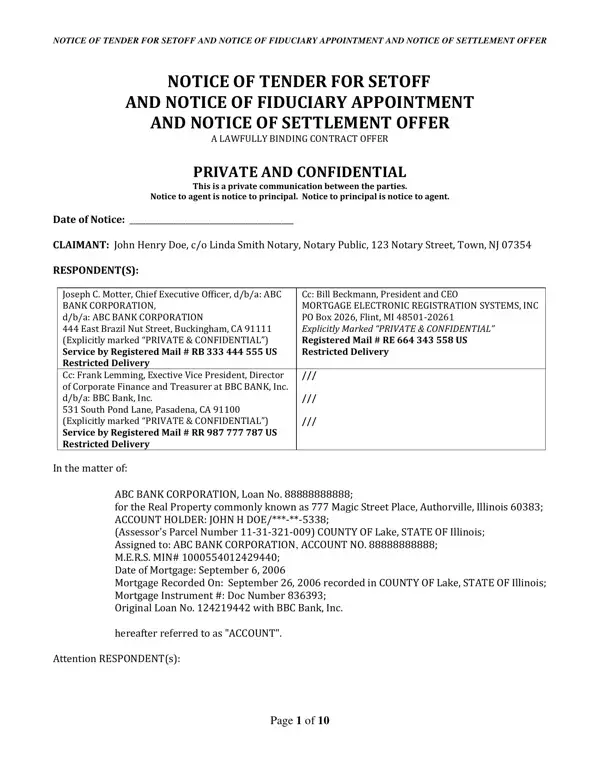
In the intricate landscape of legal documents and contracts, the Notice of Tender for Setoff and Notice of Fiduciary Appointment and Notice of Settlement Offer represents a multifaceted instrument aimed at addressing and resolving financial obligations between parties. At the core of this document, it serves as a formal declaration by an individual, nominating another party or entity to act on their behalf in settling debts, potentially leveraging setoff mechanisms to adjust account balances to zero. This notice makes explicit the binding nature of the agreement between the claimant and the respondent(s), setting forth a series of stipulated requirements, authoritative delegations, and an intricate process aimed at discharging the said debts in alignment with both parties’ understanding. The documentation presents itself as a lawfully binding contract offer, underscored by confidentiality and tailored with a precise set of instructions for the nominated fiduciary, including the execution of setoff, negotiations, and the potential impacts of failing to meet the outlined obligations. Specifically, it outlines the consequences of non-compliance, indemnification provisions for the fiduciary, and a structured timeline for acceptance or refusal. Additionally, it touches on the ramifications regarding liabilities, rights, and remedies available under the Uniform Commercial Code, governance by Private International Law, and detailed procedures for the adjustment and satisfaction of account-related obligations, thus ensuring a comprehensive framework for addressing the underlying contractual and financial intricacies.
| Question | Answer |
|---|---|
| Form Name | Notice Setoff Form |
| Form Length | 10 pages |
| Fillable? | No |
| Fillable fields | 0 |
| Avg. time to fill out | 2 min 30 sec |
| Other names | tender fiduciary, notice setoff, notice respondent tender, setoff form |
Notice Setoff Form isn’t the one you’re looking for?