
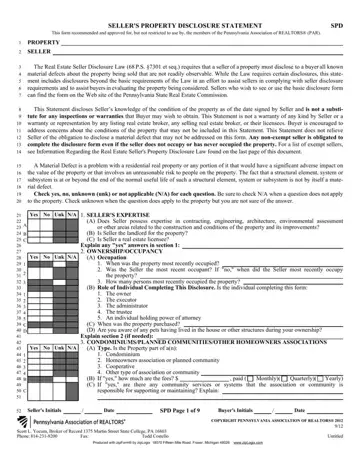
When considering the purchase of a property, one of the most comprehensive resources available to buyers in Pennsylvania is the Seller's Property Disclosure Statement, recommended by the Pennsylvania Association of REALTORS®. This form, known as the SPD, plays a vital role in the real estate transaction process, offering a detailed account of a property's condition as known by the seller. By law, sellers in Pennsylvania are required to disclose all known material defects that are not evident upon a basic observation of the property. This requirement is rooted in the intention to provide buyers with as much information as possible to make an informed purchase decision. The SPD goes beyond the minimum legal necessities, offering an exhaustive list of property aspects for disclosure, including but not limited to issues related to the roof, basement, termites, and the presence of any hazardous materials. This disclosure serves not as a warranty but as a statement of the seller's knowledge at the time of signing, encouraging buyers to conduct their inspections for a comprehensive understanding of the property condition. It's important to recognize that completion of this form is mandatory for sellers, with few exceptions, ensuring that buyers are well-informed about potential investments.
| Question | Answer |
|---|---|
| Form Name | Pa Form Disclosure |
| Form Length | 11 pages |
| Fillable? | Yes |
| Fillable fields | 1309 |
| Avg. time to fill out | 37 min 48 sec |
| Other names | pa reality buyer disclosure form, sellers property disclosure statement, pennsylvania seller's disclosure form 2020, sellers disclosure form pennsylvania |
