
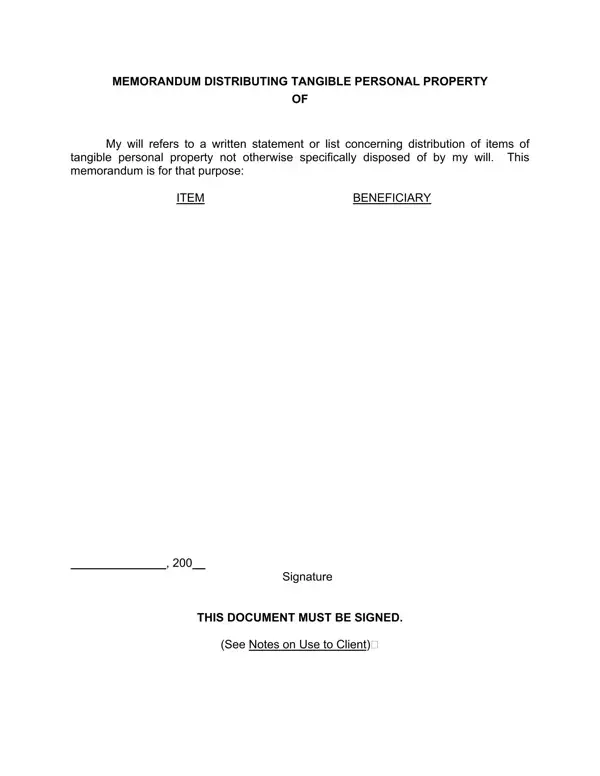
When planning for the future, many people think about how to leave their belongings to loved ones or charities in a way that's clear and avoids conflict. A Personal Property Memorandum form can play a crucial role in this process, especially for those who wish to distribute tangible personal property not specifically covered in their will. This form allows individuals to list items such as jewelry, art, vehicles, and even items used in a business, specifying who should receive each one upon their passing. It's vital, however, that the will expressly mentions the use of such a memorandum for it to be valid. Moreover, this document cannot be used for the distribution of money, real estate, or securities, ensuring that only tangible personal property is covered. Beneficiaries must be clearly named and identified, possibly with their addresses included to prevent any confusion. The form, which does not necessarily need to be witnessed, must be signed to be effective, and lacks the requirement for a specific date, though dating can help avoid confusion if multiple memoranda exist. Recognized explicitly by laws, such as section 15-11-513 of the Colorado Probate Code, it offers a flexible way to make changes to the distribution of certain assets without needing to revise one's will, provided it adheres to the outlined regulations and limitations.
| Question | Answer |
|---|---|
| Form Name | Personal Property Memorandum Form |
| Form Length | 1 pages |
| Fillable? | Yes |
| Fillable fields | 37 |
| Avg. time to fill out | 7 min 39 sec |
| Other names | personal property memorandum pdf, separate writing form, personal property memorandum form, personal property template |
Personal Property Memorandum Form isn’t the one you’re looking for?