Please rate Public Partnerships Form

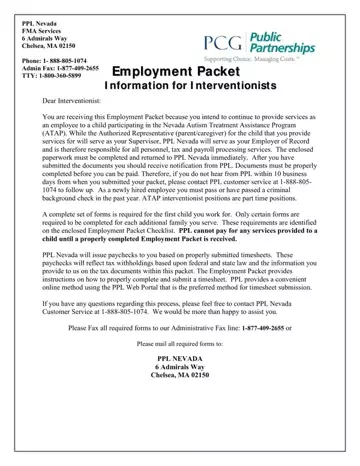
In the realm of providing autism treatment services within the Nevada Autism Treatment Assistance Program (ATAP), Public Partnerships LLC (PPL) Nevada establishes a structured framework for interventionists. This framework requires potential interventionists to navigate through an employment packet meticulously crafted to ensure compliance with legal, ethical, and professional standards. The packet outlines the roles and responsibilities of PPL Nevada as the Employer of Record, emphasizing its charge over personnel, tax, and payroll processing services. Interventionists, under this setup, must adhere to guidelines that include the completion and submission of specific forms for initial and ongoing employment, mandatory criminal background checks, and adherence to tax withholding requirements as dictated by both federal and state laws. The packet further details procedural instructions for timesheet submission—highlighting an online portal for convenience—alongside the provision of direct deposit for payroll, thereby streamlining the payment process. Additionally, the documentation elucidates the importance of maintaining confidentiality, ethical conduct, and professional integrity within the scope of the services provided to children participating in ATAP. Such comprehensive preparation and requirement delineation ensure that interventionists are not only well-versed in the expectations set forth by PPL Nevada but are also primed to deliver services in a manner that is both effective and compliant with the overarching goals of the autism treatment assistance program.
| Question | Answer |
|---|---|
| Form Name | Public Partnerships Form |
| Form Length | 51 pages |
| Fillable? | Yes |
| Fillable fields | 263 |
| Avg. time to fill out | 32 min 42 sec |
| Other names | ppl forms, public partnership enrollment, public partnerships forms, ppl online application |
Public Partnerships Form isn’t the one you’re looking for?
Please rate Public Partnerships Form
