
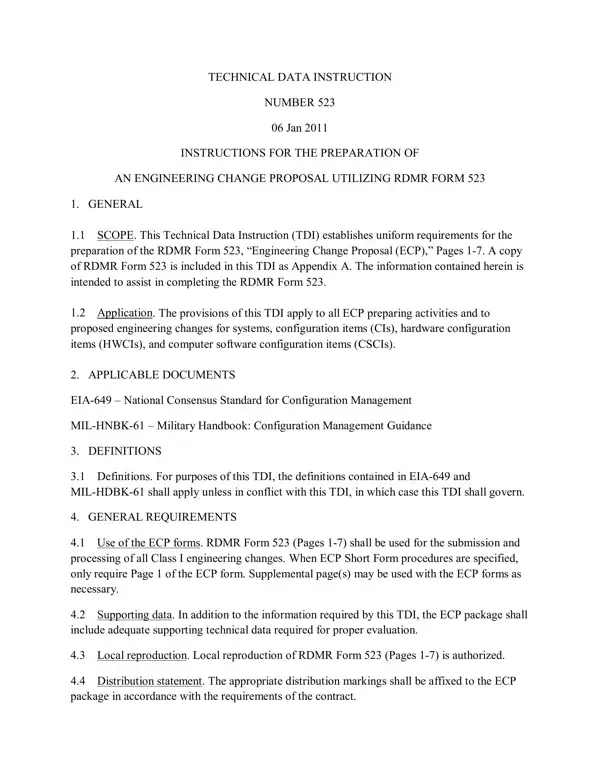
At the heart of engineering and technical innovation, especially within the realms where precision and accuracy are non-negotiable, the Rdmr 523 form emerges as a critical document. Dated January 6, 2011, this form is designed to streamline the proposal of engineering changes across a variety of systems and configurations. It exists within the framework of the Technical Data Instruction (TDI) number 523, aimed at establishing a standardized approach for the preparation of an Engineering Change Proposal (ECP). The form is panoramic in its application, touching on everything from systems and configuration items to hardware and computer software elements. Its significance is further underscored by the accompanying guidelines which dictate the use of this form for all Class I engineering changes, emphasizing the necessity for supporting data to ensure thorough evaluation. Not only does it facilitate local reproduction but it also mandates the adherence to specific distribution statements, ensuring that the ECP package is correctly marked in line with contractual requirements. Detailed instructions span from initial proposal identification, through justification and prioritization, to the intricate details of specifying affected specifications and drawings, capturing the essence of the proposed change. This procedural groundwork is not only pivotal for those directly involved in the submission and processing of engineering changes but also serves as a backbone for maintaining the integrity and efficacy of engineering modifications across a broad spectrum of governmental and contractual landscapes.
| Question | Answer |
|---|---|
| Form Name | Rdmr Form 523 |
| Form Length | 24 pages |
| Fillable? | No |
| Fillable fields | 0 |
| Avg. time to fill out | 6 min |
| Other names | rdmr, CSCI, rdmr form 523 instructions, ECPs |
Rdmr Form 523 isn’t the one you’re looking for?