
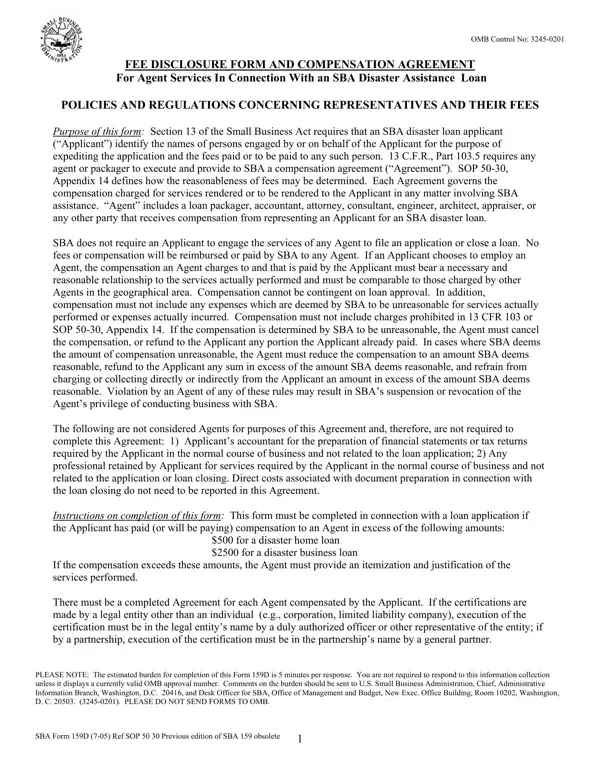
In navigating the complexities of securing a Small Business Administration (SBA) disaster assistance loan, applicants might engage the services of various professionals, referred to as agents. The necessity for transparency and regulation in the payment of these services has led to the creation of the SBA 159D form, a critical document designed to ensure clear disclosure of fees and compensation agreements. This form plays a pivotal role in maintaining the integrity of the loan application process by requiring agents and applicants to meticulously document the nature and cost of services rendered. It outlines the allowed types and limits of compensation, underscoring that fees must reflect the actual services provided and conform to standards of reasonableness and comparability within the geographical area. Moreover, prohibitions against contingent fees and unreasonable expenses are established, safeguarding applicants from potential financial exploitation. The SBA 159D form also acts as a legal agreement, with strict penalties for false certifications, aiming to fortify the loan process against malpractices. Completing this form is not only a requirement when agent compensation exceeds specified thresholds but also a proactive measure for applicants to assure full compliance with SBA policies and regulations.
| Question | Answer |
|---|---|
| Form Name | Sba Form 159D |
| Form Length | 2 pages |
| Fillable? | No |
| Fillable fields | 0 |
| Avg. time to fill out | 30 sec |
| Other names | False, OMB, omb control number 3245 0201, 159D |