

Form SSA-721 at a glance
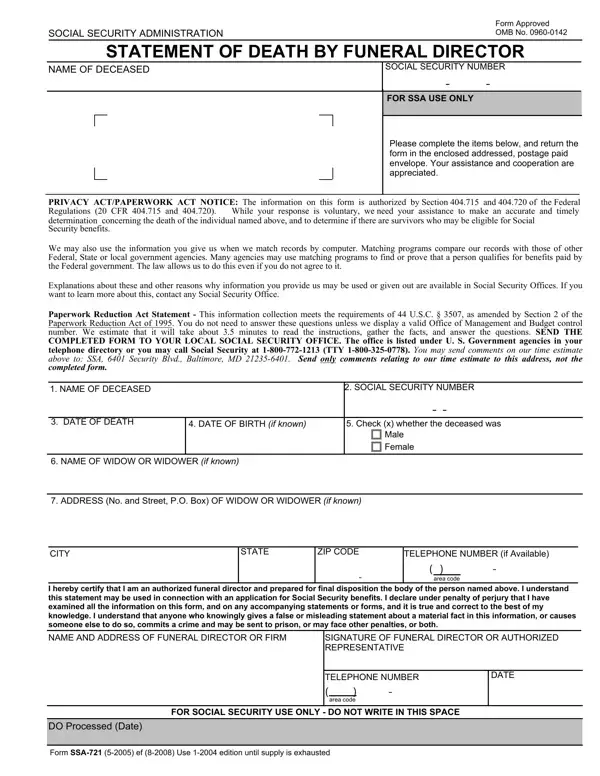
What it is: Form SSA-721 is the Statement of Death By Funeral Director of the Social Security Administration.
Where and when to file: Complete the required fields (*). Send the completed form to your local SSA office. Give pages 2 and 3 of the form to any survivors of the deceased. If reporting the death through Electronic Death Registration (EDR), you do not need to send the form to SSA.
You certify that you are an authorized funeral director and prepared for final disposition the body of the person named on the form.
A filled-in Form SSA-721 example: a funeral director reports a death
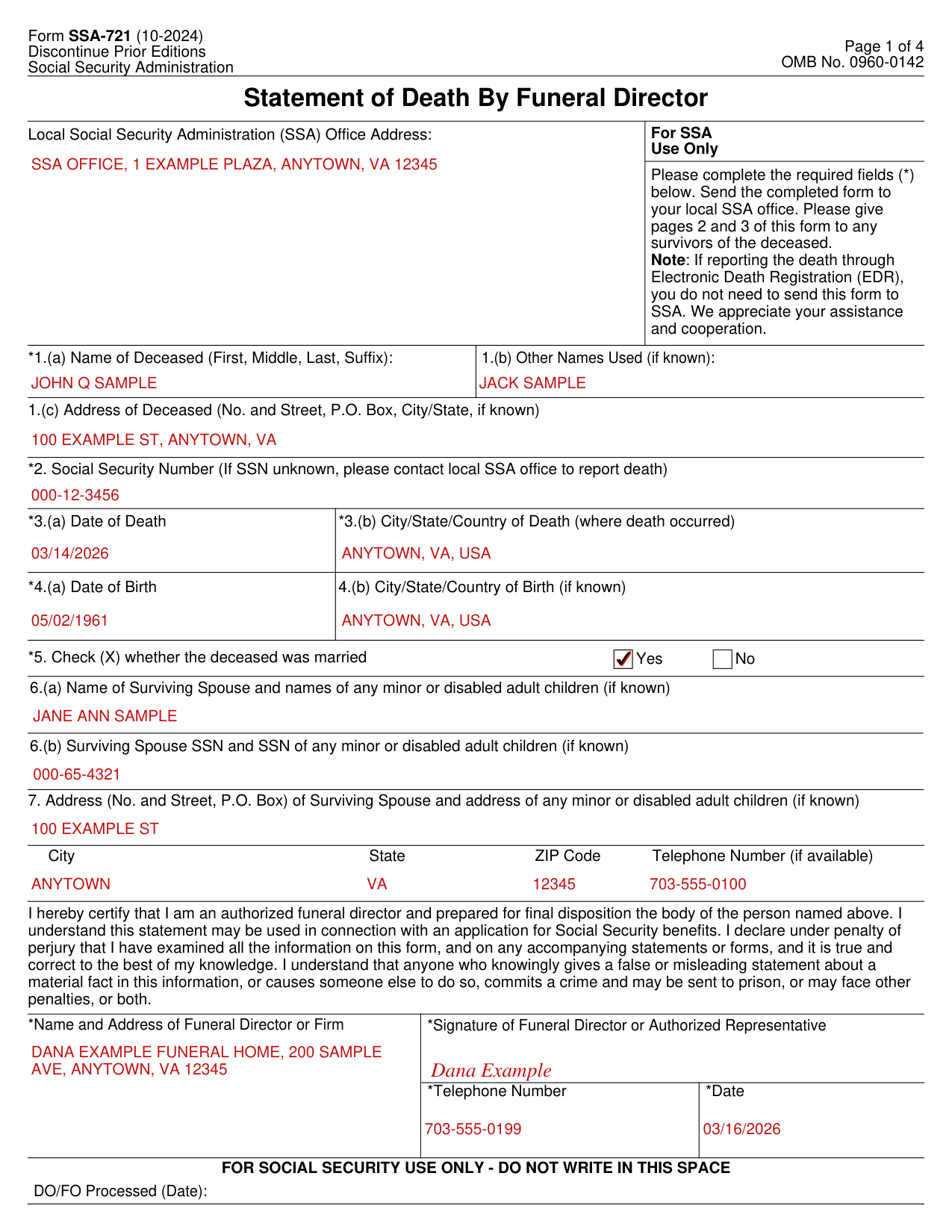
How to fill out Form SSA-721, box by box
Local Social Security Administration (SSA) Office Address
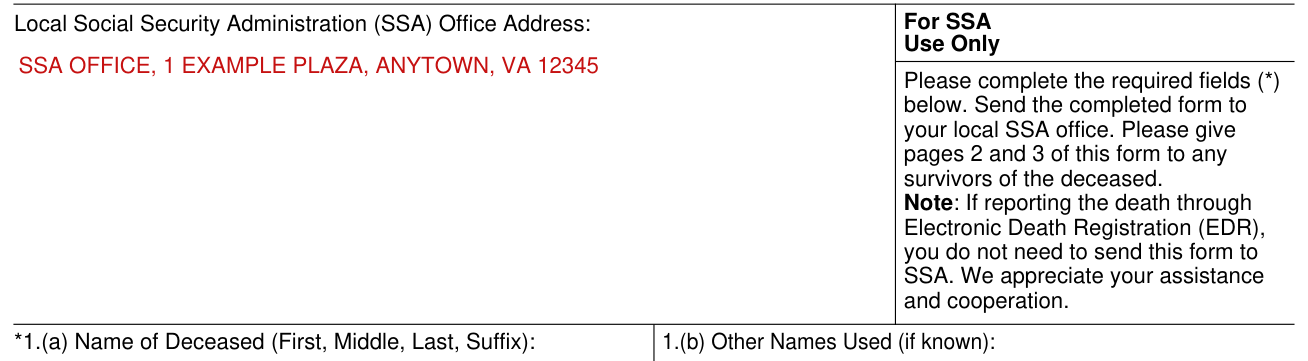
Enter the Local Social Security Administration (SSA) Office Address. For SSA Use Only is not for you to fill in.
Name of Deceased, Address of Deceased, Social Security Number, Date of Death and Date of Birth
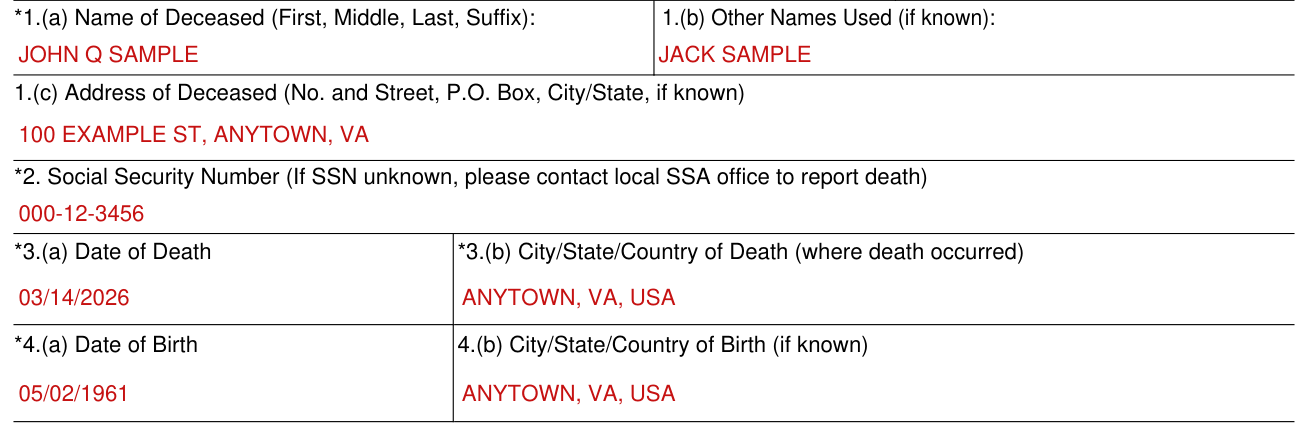
Please complete the required fields (*): 1.(a) Name of Deceased. Enter the Name of Deceased (First, Middle, Last, Suffix) in 1.(a). Enter Other Names Used (if known) in 1.(b).
Enter the Address of Deceased (No. and Street, P.O. Box, City/State, if known) in 1.(c).
Please complete the required field (*) 2. Enter the Social Security Number in 2. If SSN unknown, please contact local SSA office to report death.
Please complete the required fields (*) 3.(a) and 3.(b). Enter the Date of Death in 3.(a) and the City/State/Country of Death (where death occurred) in 3.(b).
Please complete the required field (*) 4.(a). Enter the Date of Birth in 4.(a). Enter the City/State/Country of Birth (if known) in 4.(b).
Check (X) whether the deceased was married

Please complete the required field (*) 5. In 5, check (X) whether the deceased was married: Yes or No.
Name, SSN and Address of Surviving Spouse and any minor or disabled adult children
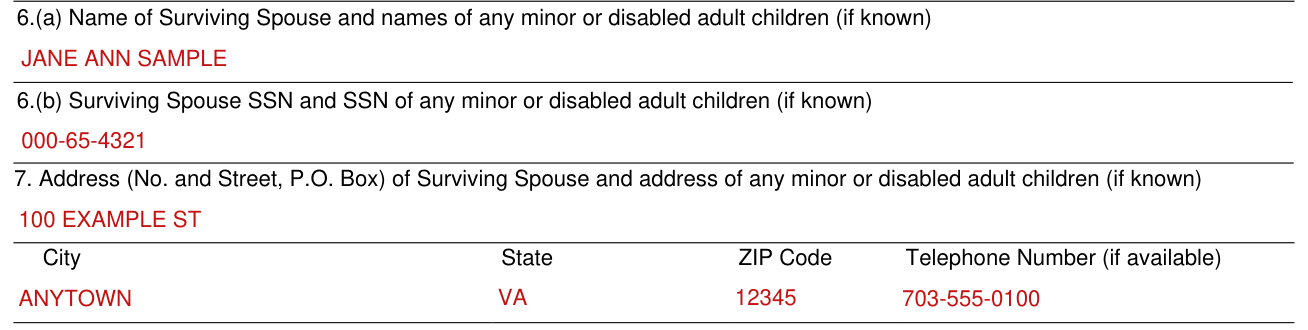
Enter the Name of Surviving Spouse and names of any minor or disabled adult children (if known) in 6.(a).
Enter the Surviving Spouse SSN and SSN of any minor or disabled adult children (if known) in 6.(b).
In 7, enter the Address (No. and Street, P.O. Box) of Surviving Spouse and address of any minor or disabled adult children (if known), with City, State, ZIP Code and Telephone Number (if available).
Name, Signature and Date of Funeral Director or Authorized Representative
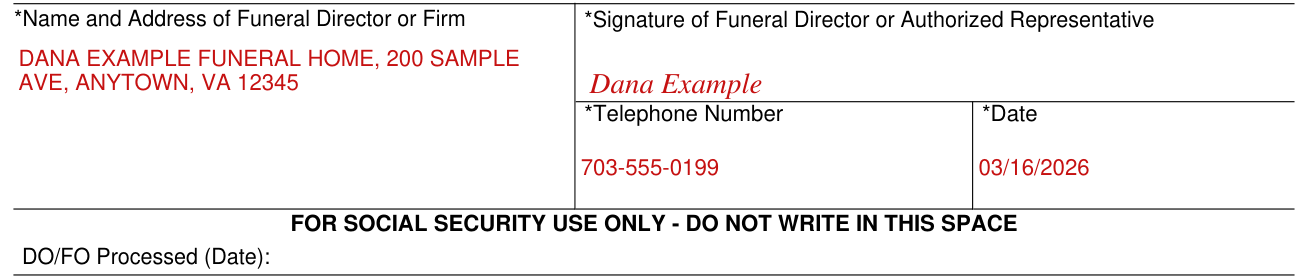
Please complete the required fields (*) Name and Address of Funeral Director or Firm and Signature of Funeral Director or Authorized Representative. Enter the Name and Address of Funeral Director or Firm, and the Signature of Funeral Director or Authorized Representative.
Please complete the required fields (*) Telephone Number and Date. Enter the Telephone Number and the Date.
You declare under penalty of perjury that you have examined all the information on the form, and on any accompanying statements or forms, and it is true and correct to the best of your knowledge.
Anyone who knowingly gives a false or misleading statement about a material fact in the information, or causes someone else to do so, commits a crime and may be sent to prison, or may face other penalties, or both.
Common mistake: Do not write in the space marked FOR SOCIAL SECURITY USE ONLY - DO NOT WRITE IN THIS SPACE.
If your situation is different
If you think you may be eligible for survivors benefits
If you think you may be eligible for survivors benefits, contact Social Security to apply.
Surviving spouses age 60 or older are typically eligible for benefits.
If you aren't receiving Social Security benefits, you can apply for benefits by telephone, by accessing the Social Security website www.socialsecurity.gov, or by going to any local Social Security office.
A death certificate is needed. Generally, the funeral director provides a statement that can be used for this purpose.
Before you go
Complete the required fields (*). Send the completed form to your local SSA office. Give pages 2 and 3 of the form to any survivors of the deceased. If reporting the death through Electronic Death Registration (EDR), you do not need to send the form to SSA.
Common questions about Form SSA-721
What is an SSA 721 form?
Form SSA-721 is the Statement of Death By Funeral Director of the Social Security Administration. Section 202 of the Social Security Act, as amended, allows Social Security to collect the information, which it will use to establish proof of death for the insured worker and determine benefits eligibility.
Sources
[1] Form SSA-721 (10-2024), Statement of Death By Funeral Director, Social Security Administration (the Official source link on this page).